The Elder Scrolls IV: Oblivion Remastered - Accessibility Spotlight
We grabbed our helm, spent way too long in character creation, and ventured back into the realm of Tamriel to see how this new shadow-dropped remaster stacks up from an accessibility perspective.

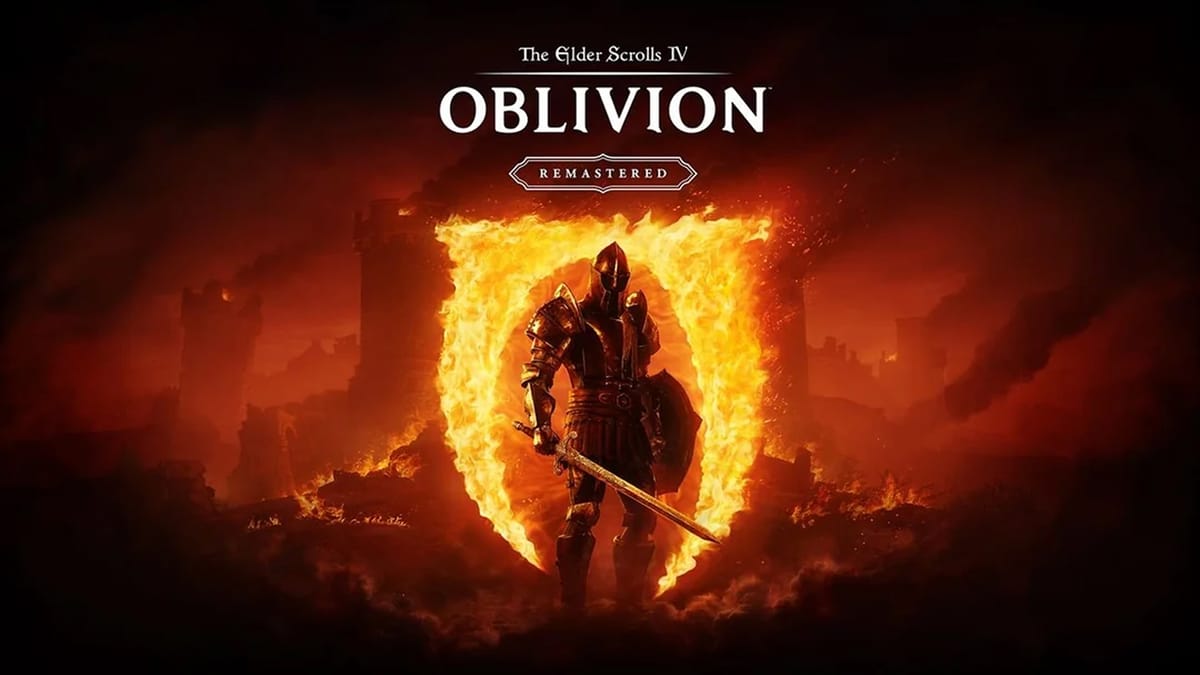
The Elder Scrolls IV: Oblivion Remastered doesn't just deliver a stunning visual overhaul of the beloved 2006 classic RPG — it also brings significant accessibility improvements that make adventuring through Cyrodiil more welcoming than ever before. We grabbed our helm, spent way too long in character creation, and ventured back into the realm of Tamriel to see how this new shadow-dropped remaster stacks up from an accessibility perspective.
Setting the Stage with Accessible Onboarding
From the instant the game started, we were pleased to see an accessible onboarding process that greets players right from the start. Before even reaching the main menu, Oblivion Remastered asks a series of questions about contrast preferences, subtitle size, HUD elements, and other key accessibility settings. This thoughtful approach ensures players can customize their experience immediately, rather than having to dig through settings menus after starting the game.
We honestly love when games offer accessibility options right from the start. Aside from it being super convenient, it's also an important step in normalizing exposure to assistive settings. Someone might not consider something as ubiquitous as subtitles as an "accessibility setting", but this small contextual introduction can help normalize the fact that assistive features are ultimately for everyone's benefit.
A Total Visual Overhaul
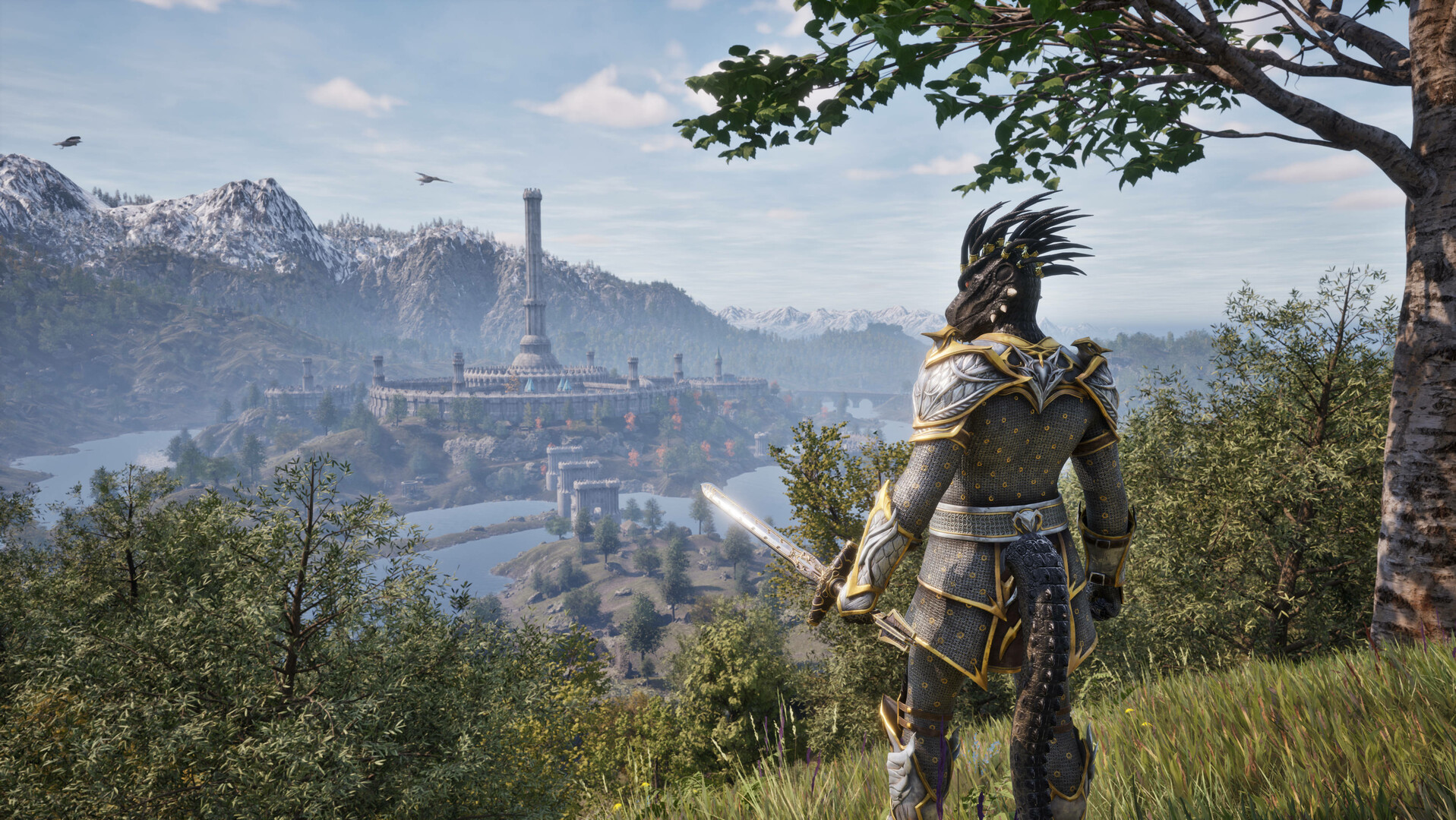
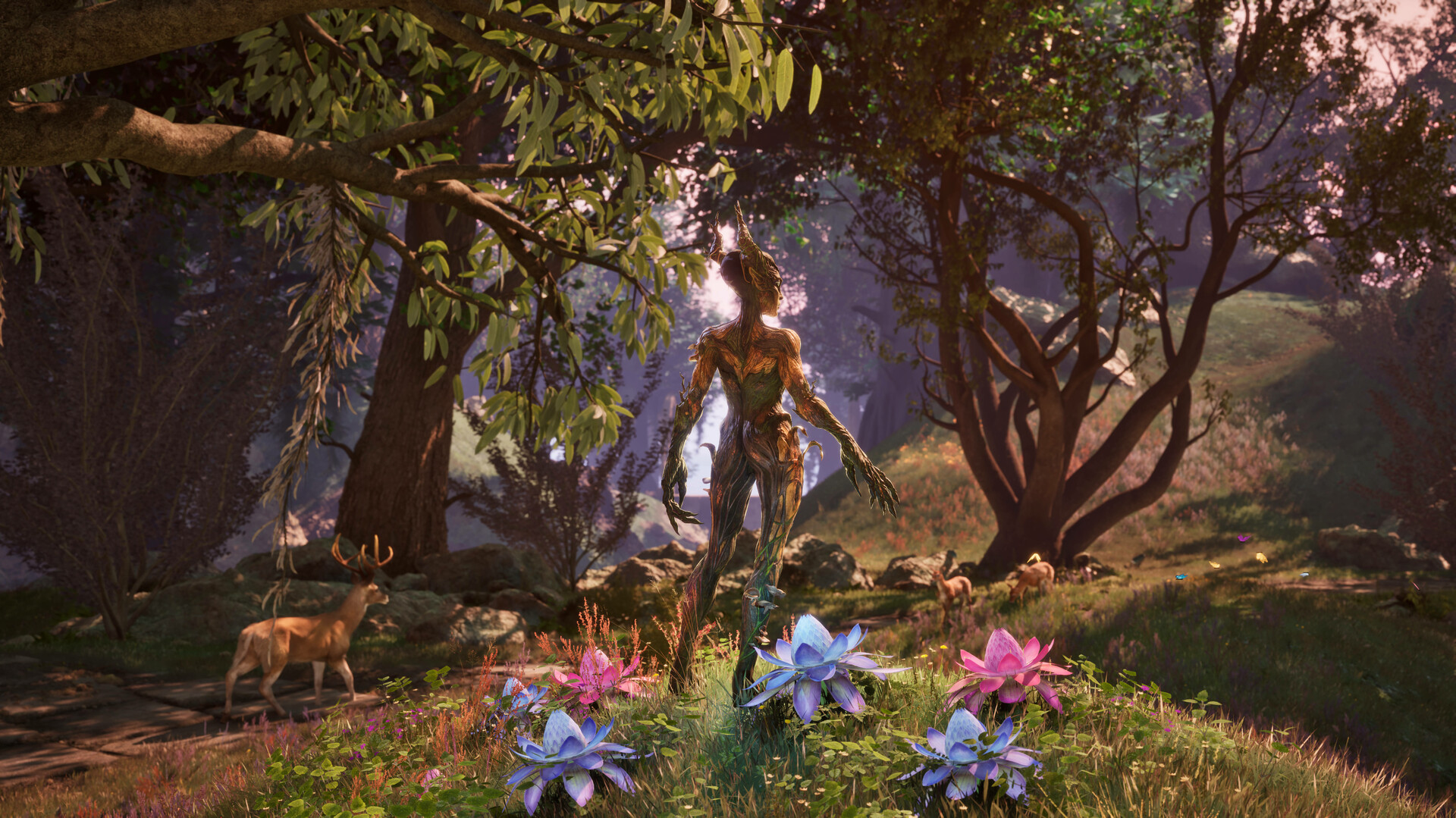
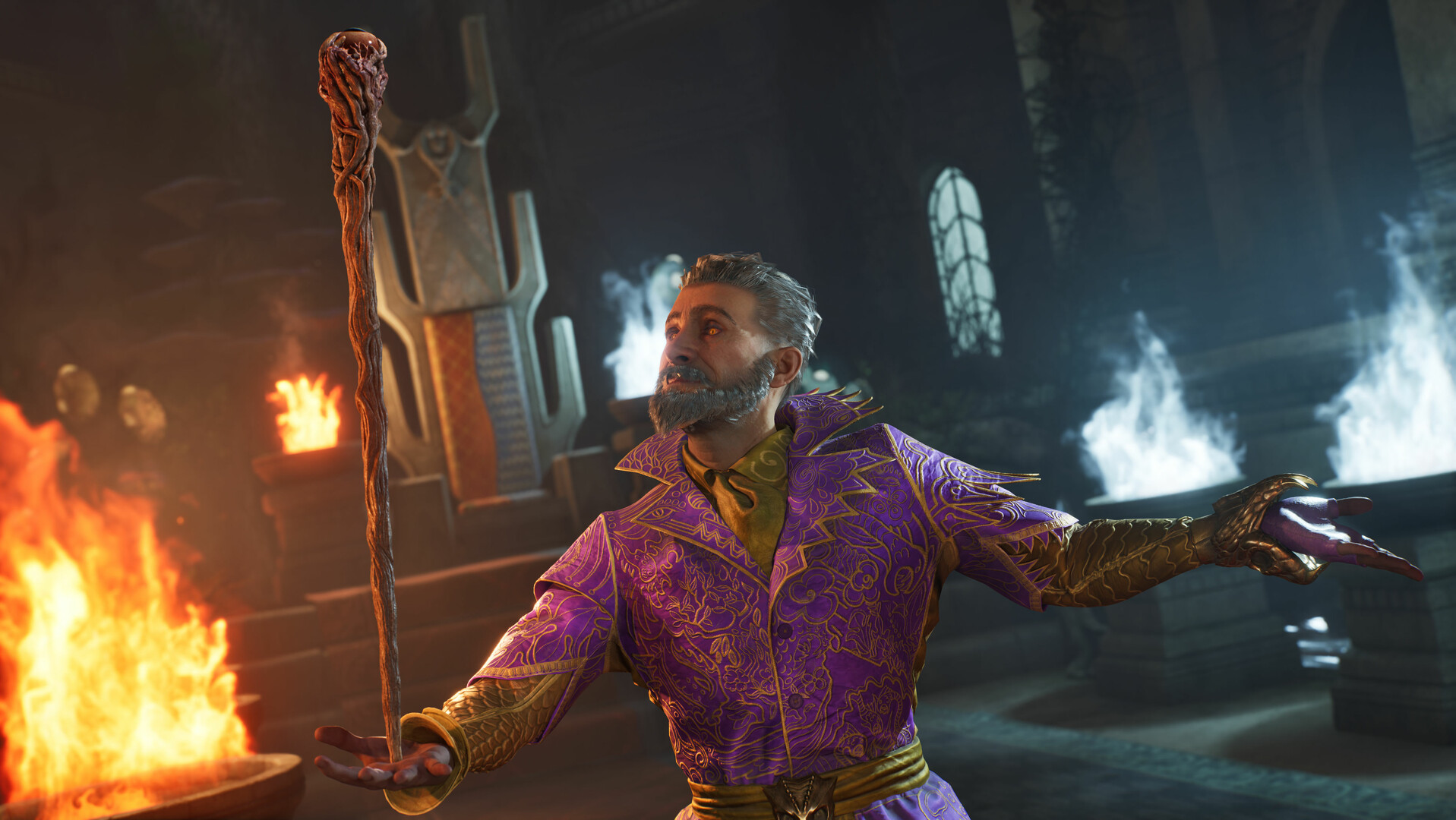
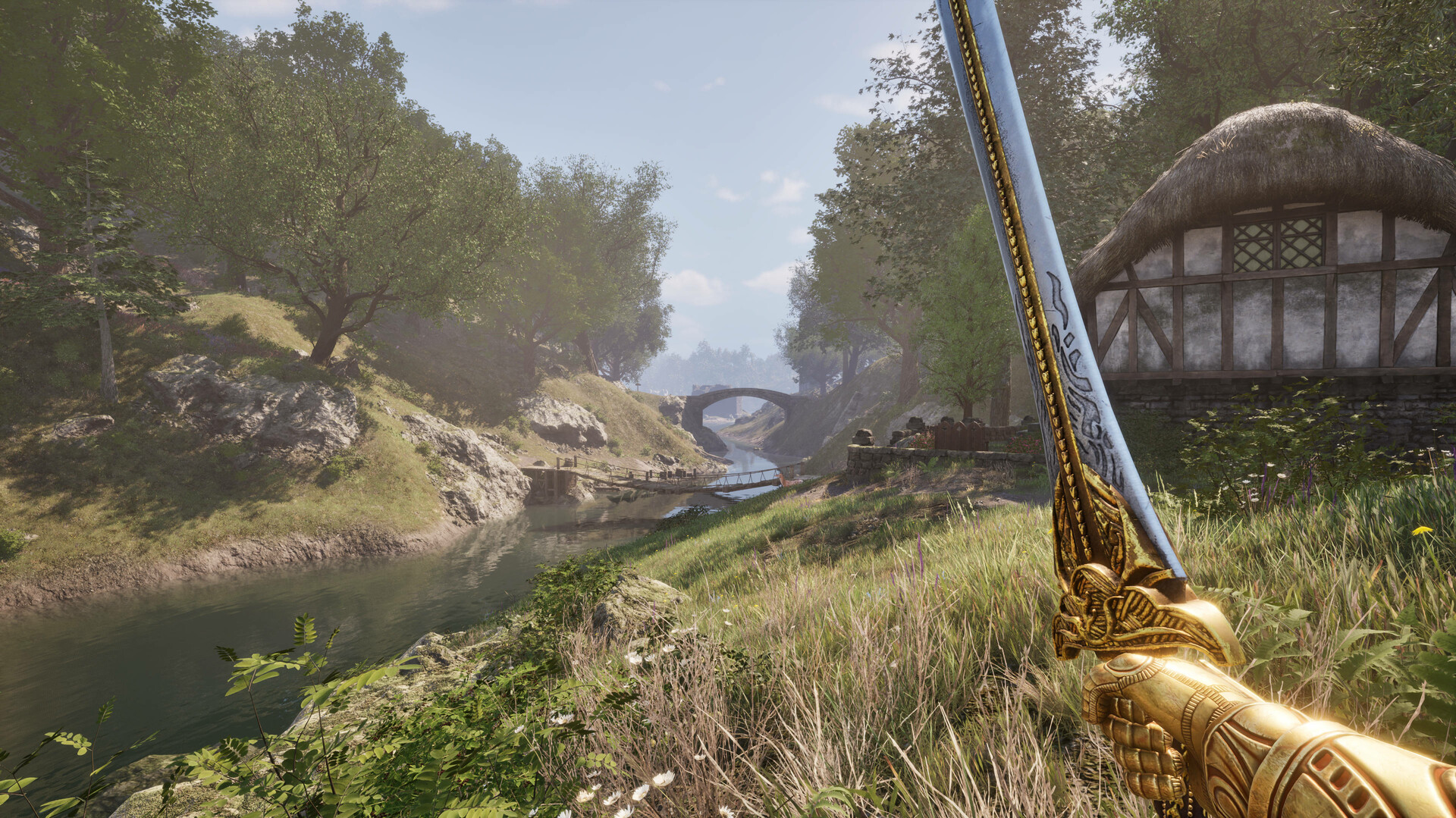
The game's visuals have been absolutely teleported into the modern era, with Unreal Engine 5 powering a total overhaul that surpasses even The Elder Scrolls V: Skyrim.
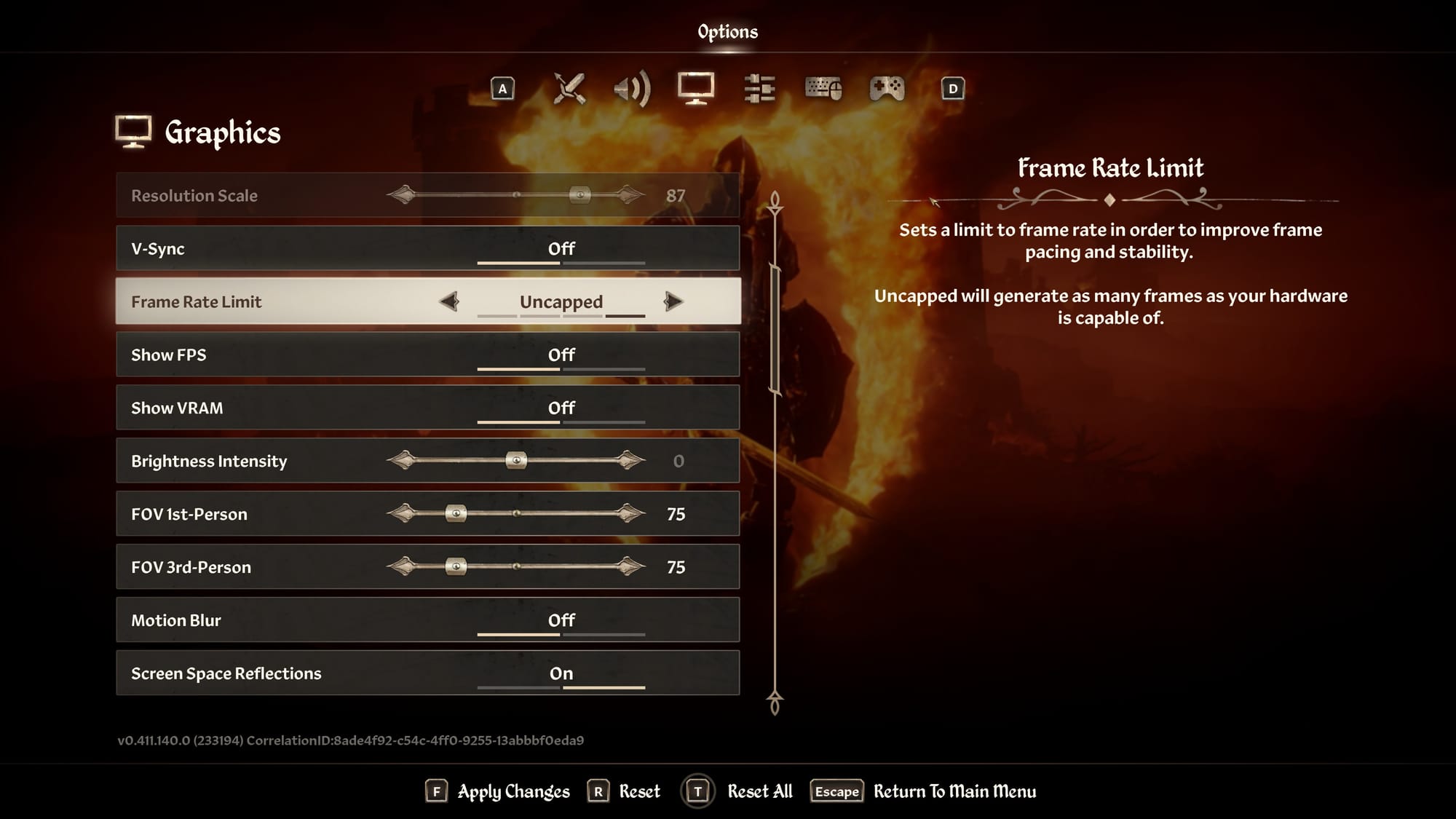
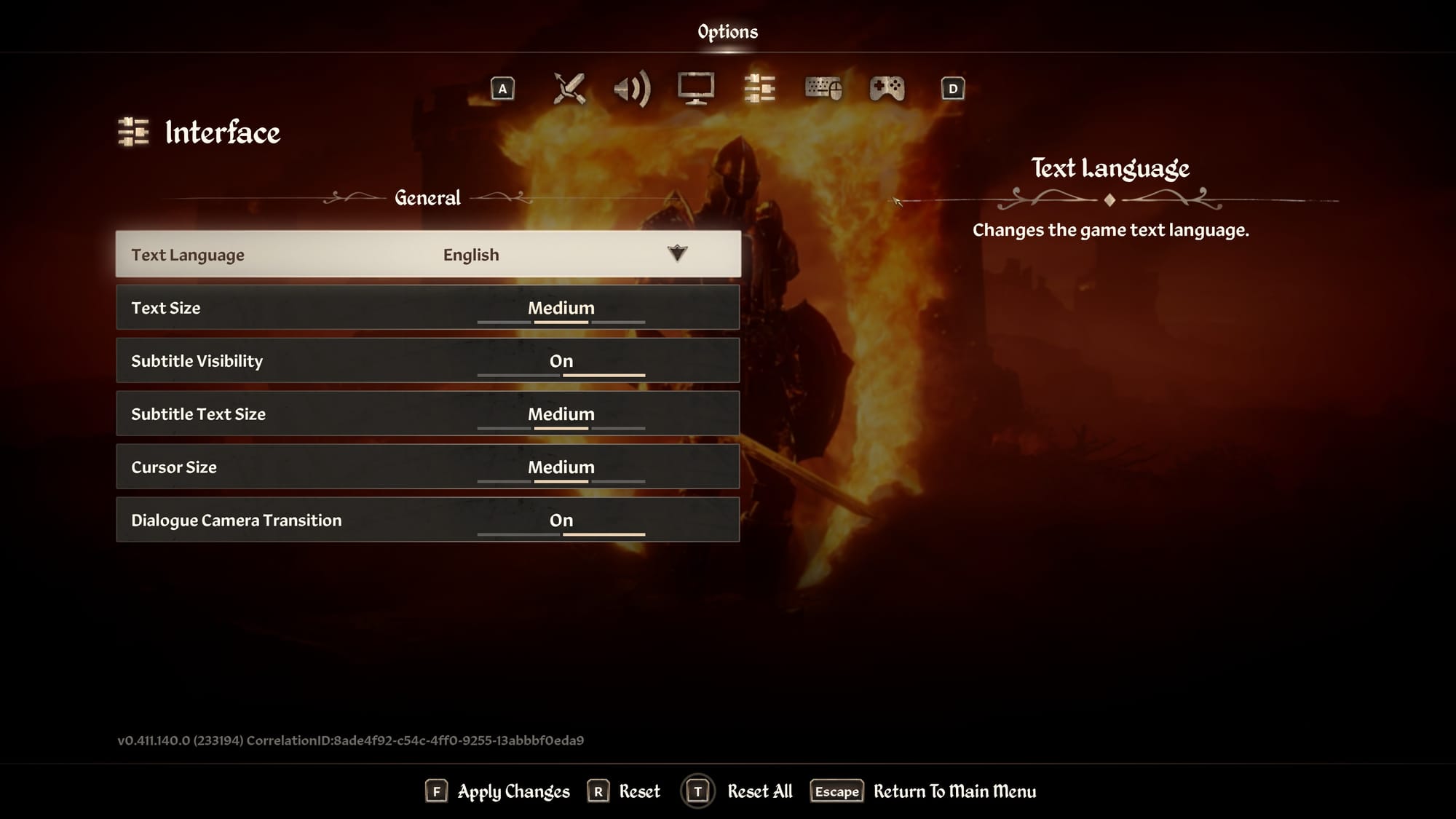
The Elder Scrolls IV: Oblivion Remastered © 2025 ZeniMax
Oblivion Remastered also offers several significant improvements for players with visual accessibility needs. New contrast options allow players to adjust the game's visual presentation to better suit their requirements, and the ability to toggle blood visibility both in the game environment and on the HUD (such as when you get attacked) provides additional helpful options for those who might find such elements distracting, triggering, or difficult to see against certain backgrounds.
Text size options have been expanded, with adjustable settings for both general UI text and subtitles. This is an extremely welcome improvement over the original game, where small text could cause significant strain for many players. The new HUD opacity settings also help ensure important information remains visible regardless of the on-screen action.
The game's upgraded graphics settings include options to disable motion blur, adjust FOV (field of view) for both first-person and third-person perspectives, and modify camera motion. These options can significantly reduce the risk of motion sickness and make the game more comfortable for extended play sessions.
Auditory Improvements
For players with auditory accessibility needs, Oblivion Remastered has made substantial improvements.
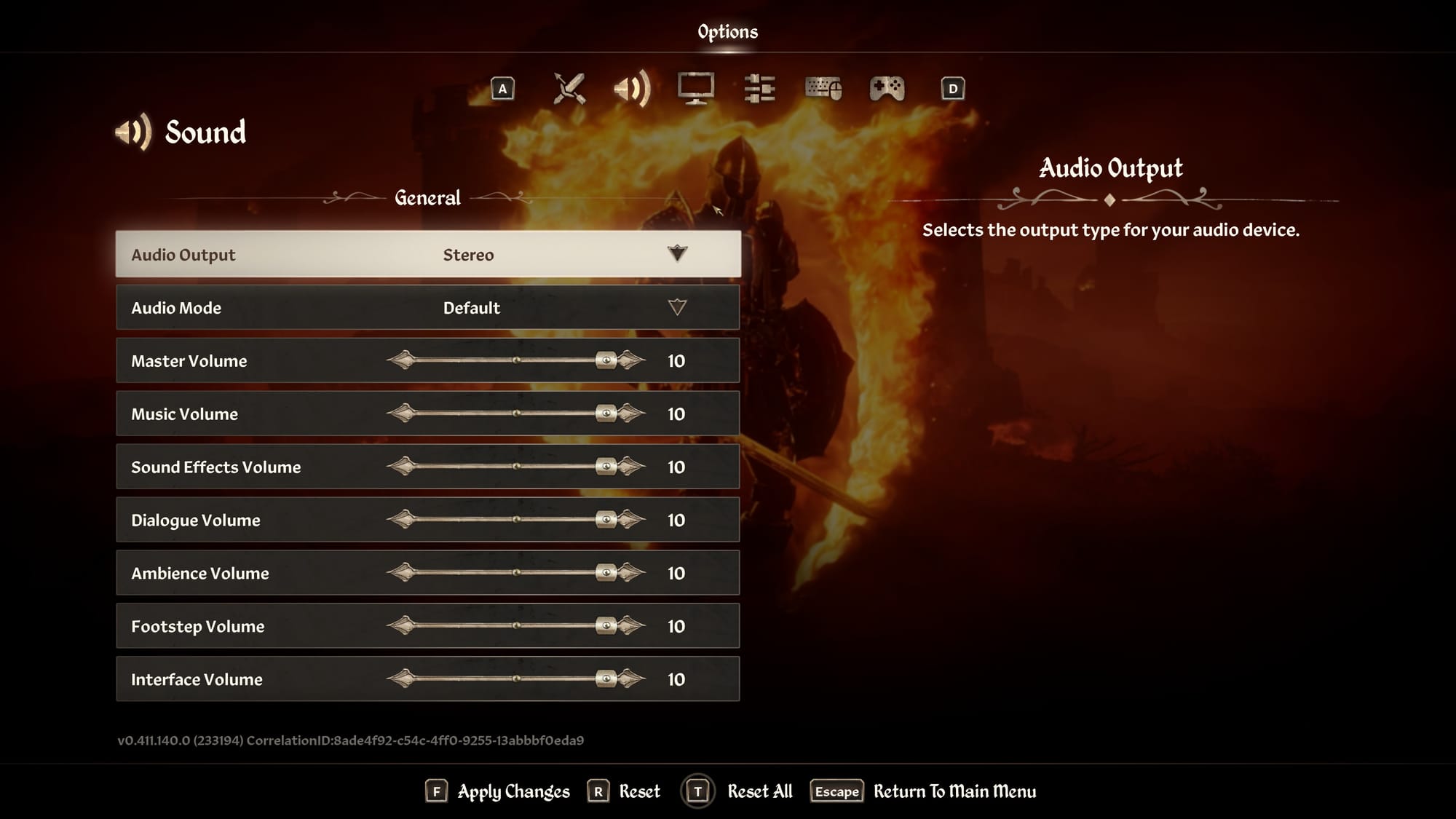
The subtitle system has been enhanced with adjustable text size and togglable visibility settings. While a general improvement over the original, we did feel the subtitles were difficult to see in some lighting conditions – but we expect this to be improved in the future.
The dialogue "camera zoom" transition option can be enabled or disabled based on preference, making it easier to follow conversations without suddenly breaking immersion. Lip sync has also been improved over the original, and all the original dialogue is still present.
The new audio settings provide granular control over different sound types, with independent volume sliders for master volume, music, sound effects, dialogue, ambience, footsteps, and interface sounds. This level of control allows players to create an audio mix that emphasizes the most important audio cues for their needs. In a game where SO much can be happening at once, especially when in the Planes of Oblivion, being able to quickly fine-tune audio levels can mean the difference between life and, well, eternally wandering the Deadlands.
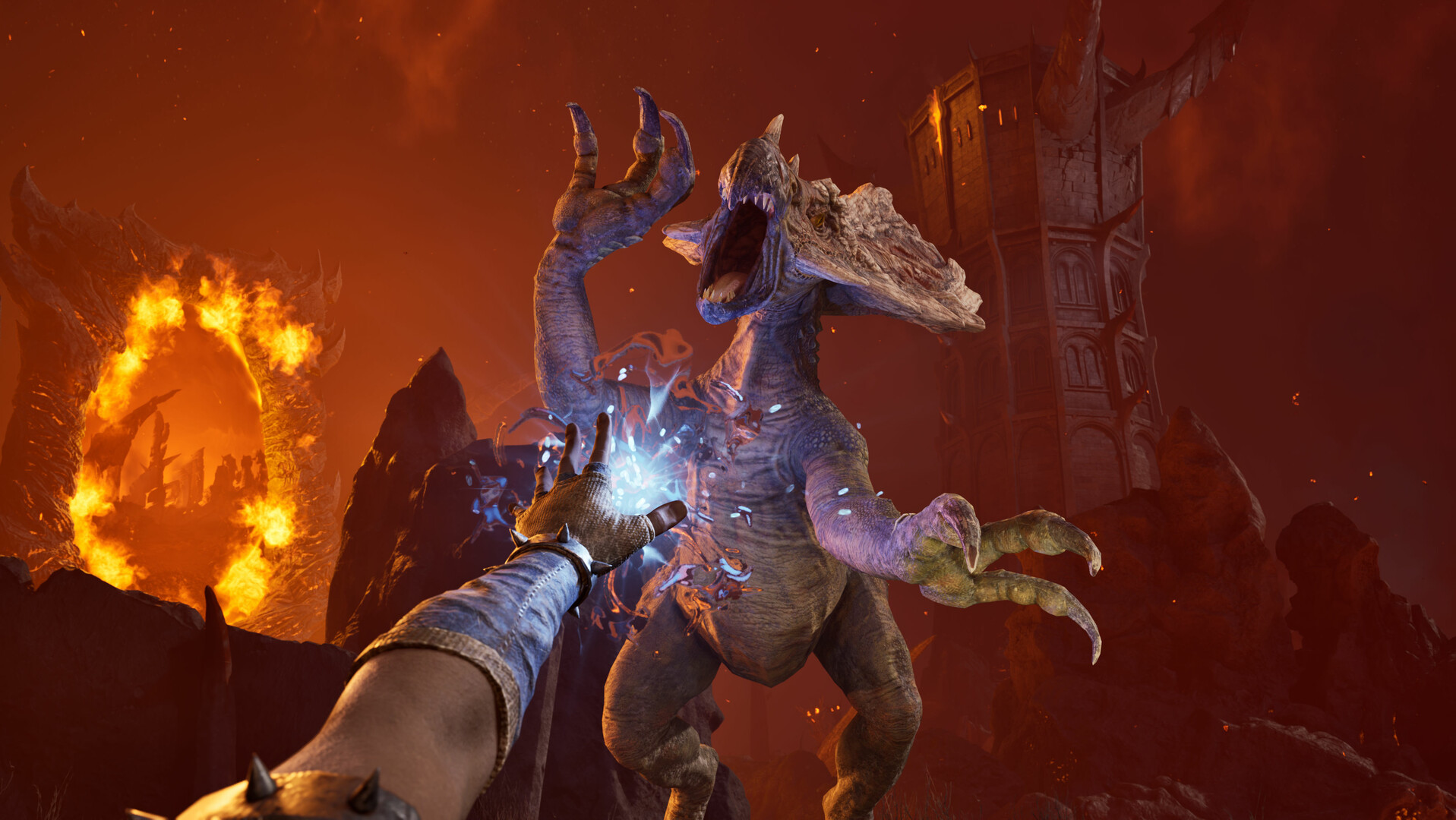
Mobility and Controls Overhaul
Oblivion Remastered has significant improvement in mobility and control options over the original. To start, the game features full remapping capabilities for both keyboard/mouse and controller inputs. This flexibility is a modern mainstay, but the original didn't fully support this across all devices, leaving some players in the dark. We love that the Remaster (at this point, feeling more like a full-on Remake) went the extra mile to support this functionality.
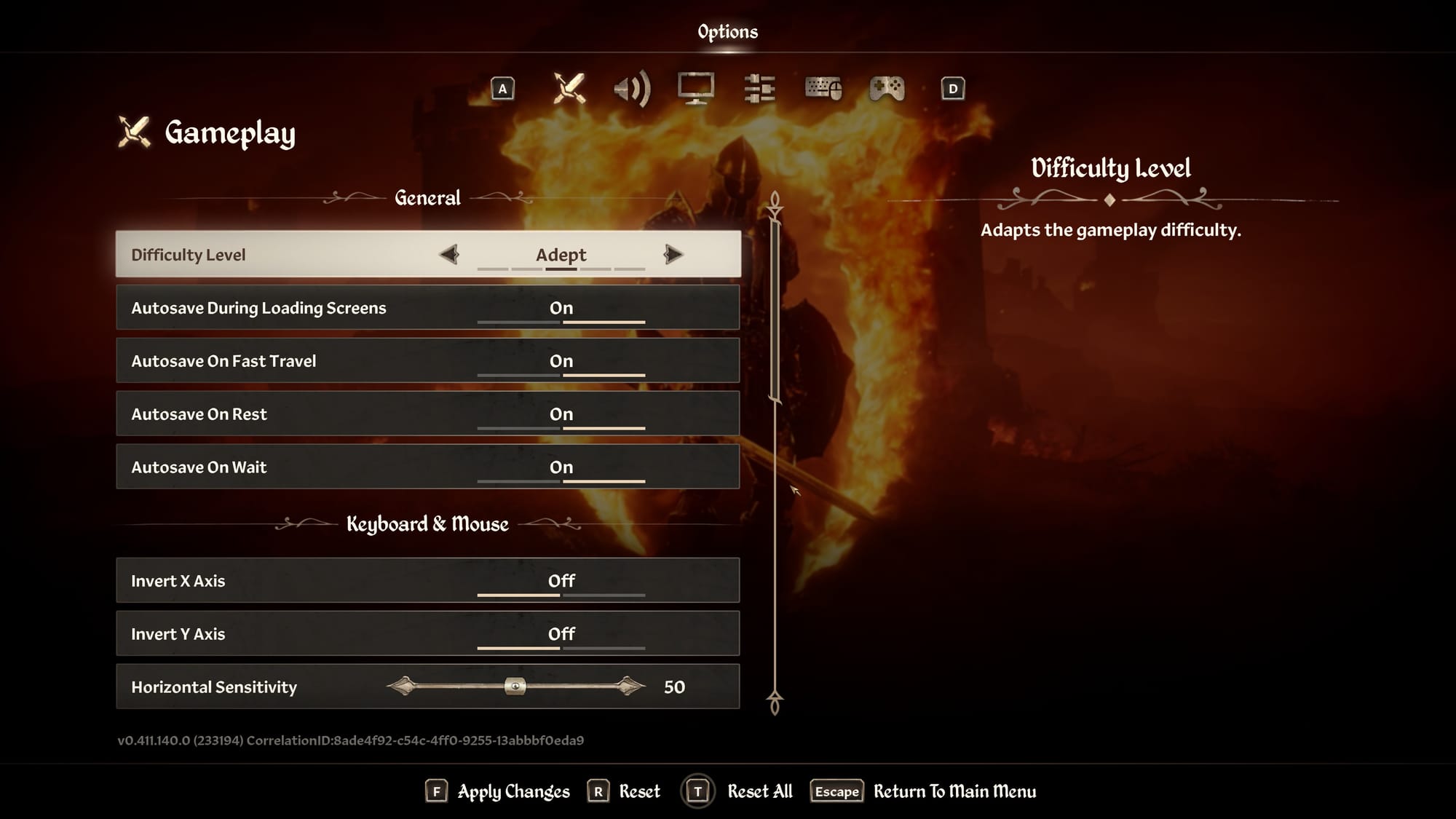
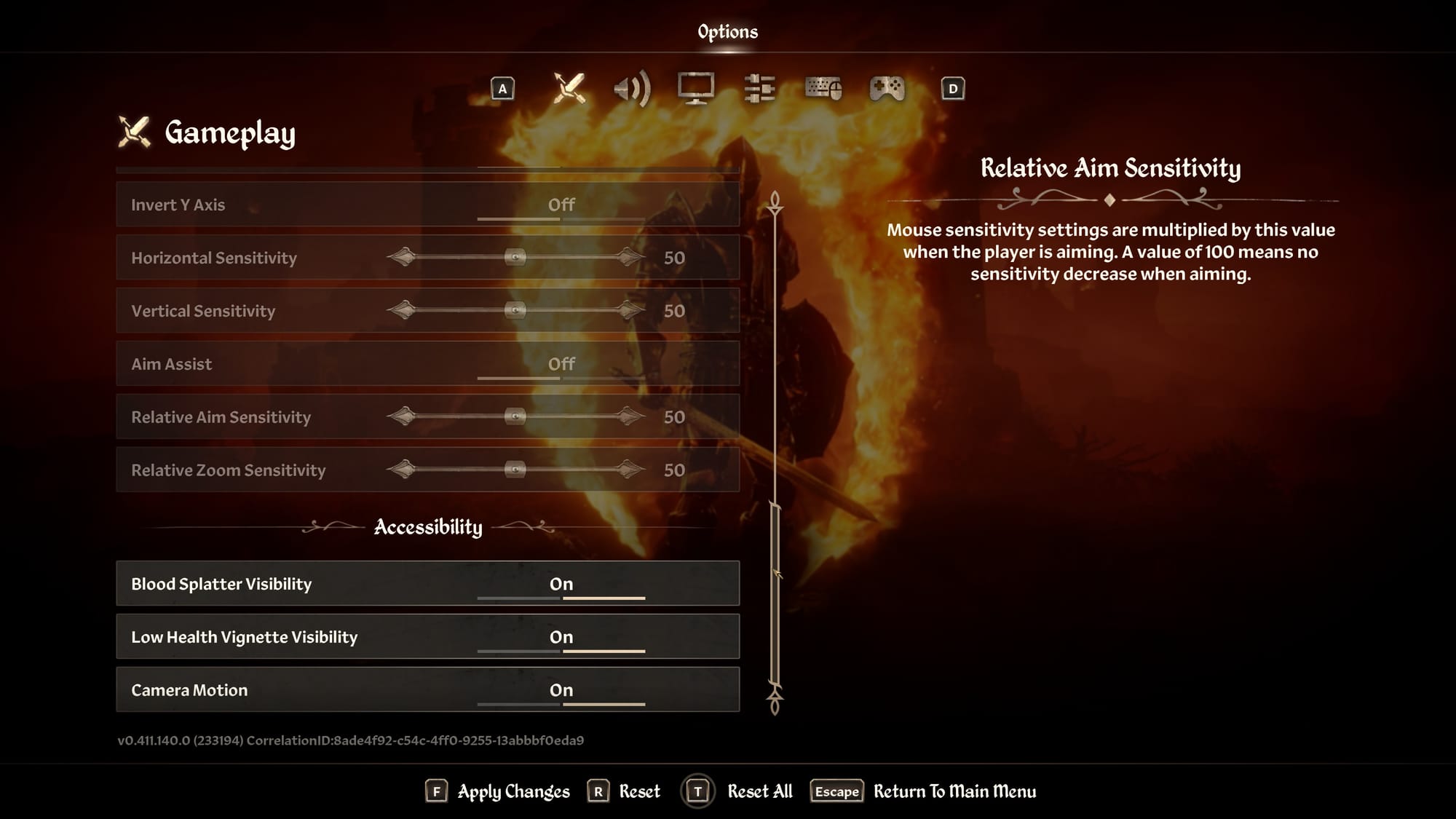
Gameplay and accessibility settings in The Elder Scrolls IV: Oblivion Remastered © 2025 ZeniMax
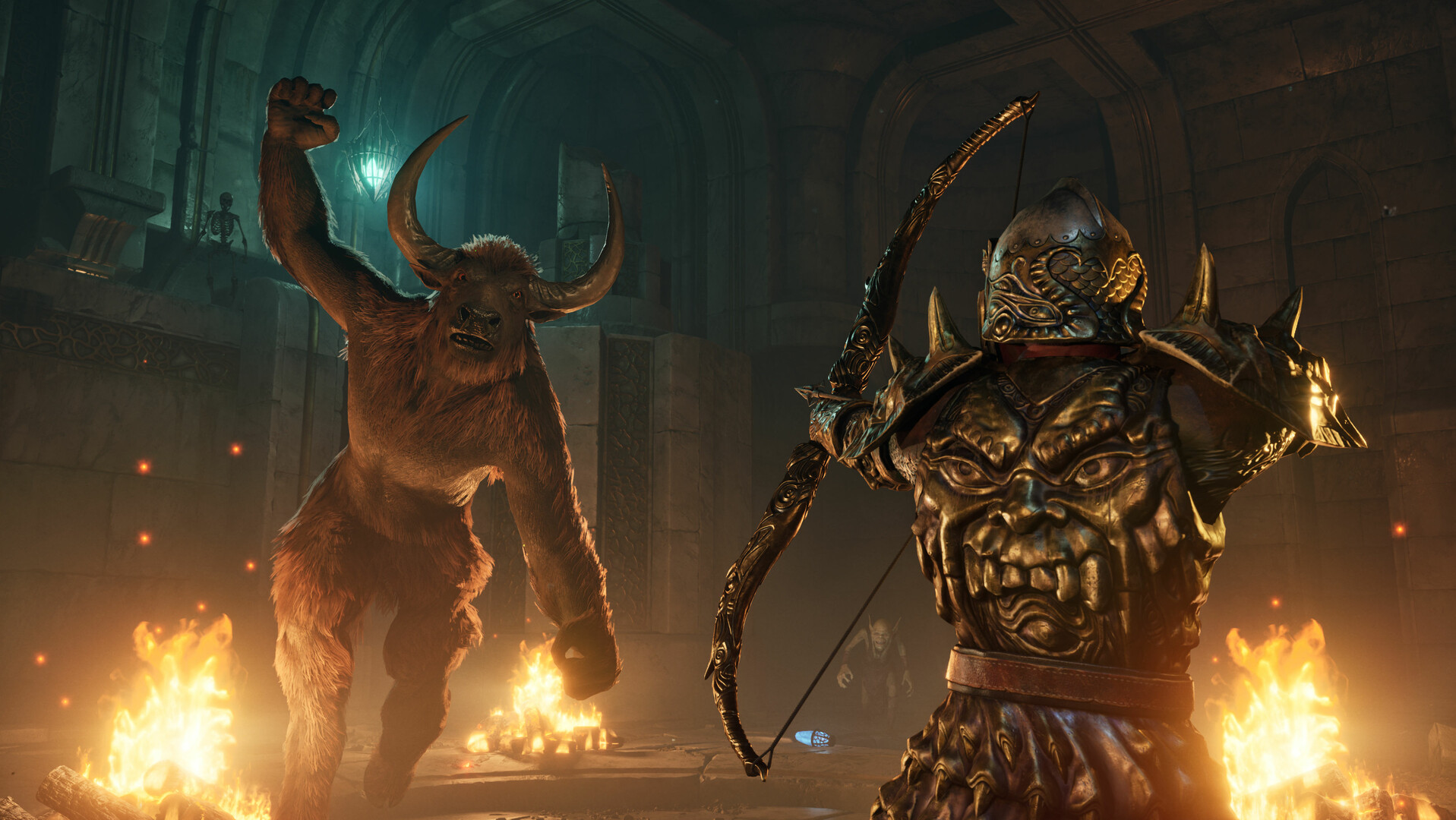
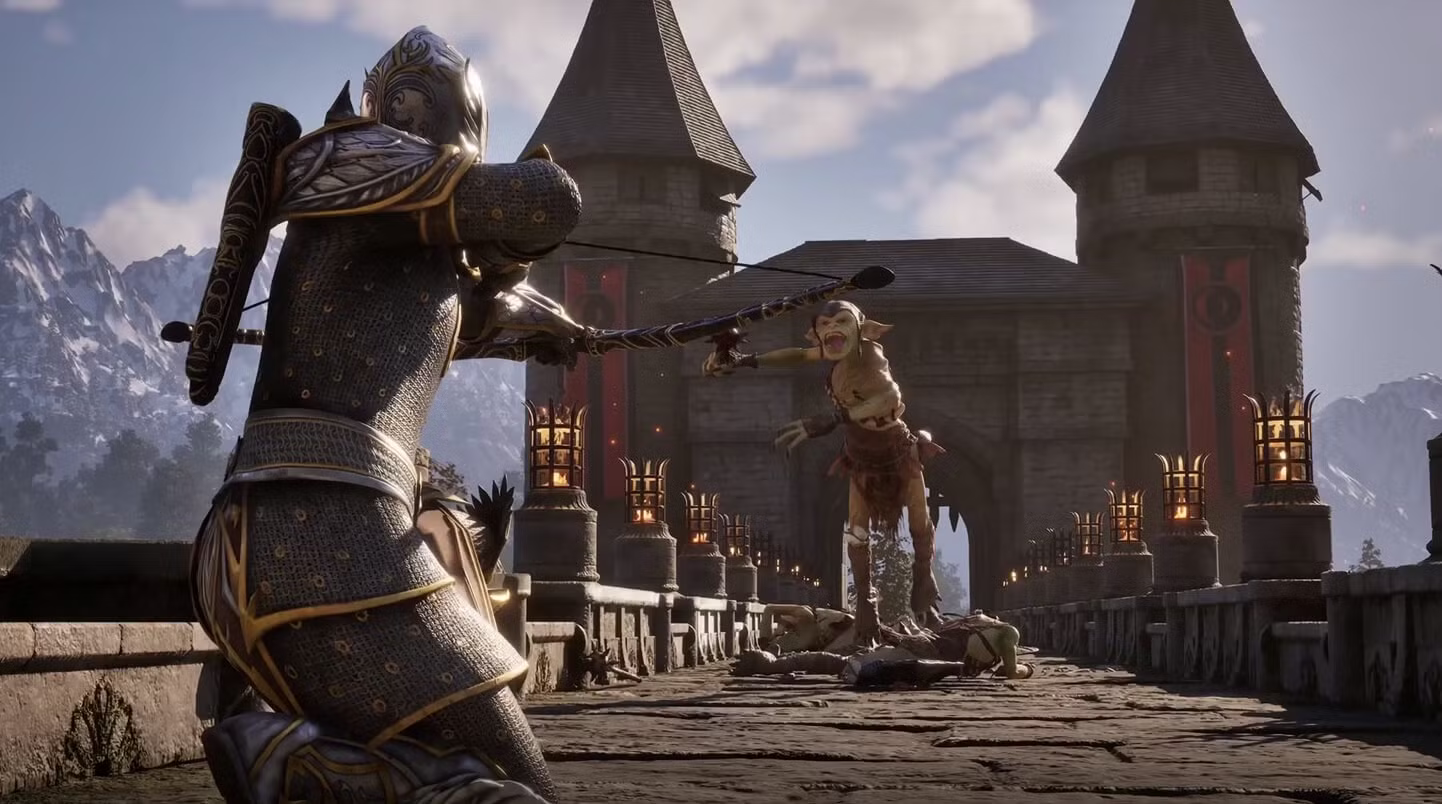
We were also excited to see aim assist added, providing incredibly helpful support for those who might struggle with precision targeting. Multiple sensitivity settings for horizontal, vertical, relative aim, and zoom sensitivity allow for fine-tuning of controls to match player preferences and abilities. Together with aim assist, we felt the game controlled far better than the original, and we were able to dial in the controls to what worked best for us. Now more players than ever can go full stealth archer, especially given how the overhauled lighting and shadow make sneaking around more intuitive and much smoother.
Auto-save options have been expanded, with toggles for saving during loading screens, fast travel, rest periods, and waiting. These features reduce the frustration of lost progress and minimize the need for manual saving, which can be an outright barrier for some players – and a headache for just about anyone. Thankfully, these features worked great in our day-1 test.
Quality of Life Improvements
Beyond specific accessibility features, Oblivion Remastered includes numerous quality of life improvements that benefit literally all players.
The leveling system has been redesigned to be more intuitive and less punishing than the original game's sometimes (ahem, often) confusing approach. The UI has been completely modernized while maintaining the game's distinctive aesthetic, making information clearer and navigation more straightforward. This was a big sticking point for us, as not even the rose-tinted glasses of nostalgia could get us to swap back to the original UI at this point.
The new difficulty system replaces the original's slider with five distinct settings, ranging from very easy to very hard. This transparent approach makes it easier to find a comfortable challenge level without the guesswork of the original's opaque system. Heck, even the loading screens are reduced to a mere moment – while this is still a classic Bethesda game with no seamless transition between interiors and exteriors, the waiting between areas has been far minimized compared to the original.
Still Room To Level Up
While Oblivion Remastered makes impressive strides in accessibility, and definitely sets the foundation for future updates yet to come, there are still areas for potential improvement.
Right off the bat, we'd love to see more options to enhance subtitle visibility. We felt the subtitles were difficult to see in very bright areas, and would've appreciated more in-depth control over background opacity, shadows, and overall screen presence.
The game doesn't feature a dedicated screen reader or comprehensive audio descriptions, which would benefit blind and low-vision players. We'd love to see that support, in conjunction with gameplay audio cues, to provide an overall more accessible experience without relying so heavily on sight. After all, The Vale showed us that a strictly no-visuals action RPG is not only possible, it's an absolute blast to play.
A high contrast mode specifically designed for gameplay elements (beyond the contrast settings currently available) would also be a welcome addition. There's no specific colorblind support beyond the general contrast and HUD customization options, and given the game's vibrant world and some limited color-coded UI elements, dedicated colorblind adjustments would definitely be beneficial as well.
That being said, the remaster is truly a massive technical overhaul, and we expect future updates to make full use of the Unreal Engine 5 foundations it runs on to patch in further support.
A More Accessible Adventure Awaits
The Elder Scrolls IV: Oblivion Remastered represents a significant step forward in accessibility compared to the original 2006 release. The accessible onboarding process, expanded visual and auditory options, flexible controls, and quality of life improvements all ad up to a more inclusive experience that more players than ever can confidently explore.
For players who found the original Oblivion challenging to navigate due to accessibility barriers, this remastered edition offers a great opportunity to experience one of gaming's most beloved RPGs with modern accessibility considerations. And for returning fans, these improvements mean a more comfortable journey through the nostalgic landscapes of Cyrodiil.

Unlock More With Your Personal Score™
Wondering how well The Elder Scrolls IV: Oblivion Remastered might work for your specific accessibility needs? Our team at AbleToPlay has your back!
Create your free account today to get your Personal Score™ for The Elder Scrolls IV: Oblivion Remastered and thousands of other games. AbleToPlay matches you to games based on your unique accessibility needs and preferences, helping you make informed gaming decisions before you buy – for free.
Check out all the accessibility features in The Elder Scrolls IV: Oblivion Remastered and see your Personal Score™ now!