South of Midnight - Accessibility Spotlight
Get swept up in a storm in South of Midnight, a love letter to the American South that’s packed with brilliant accessibility features!

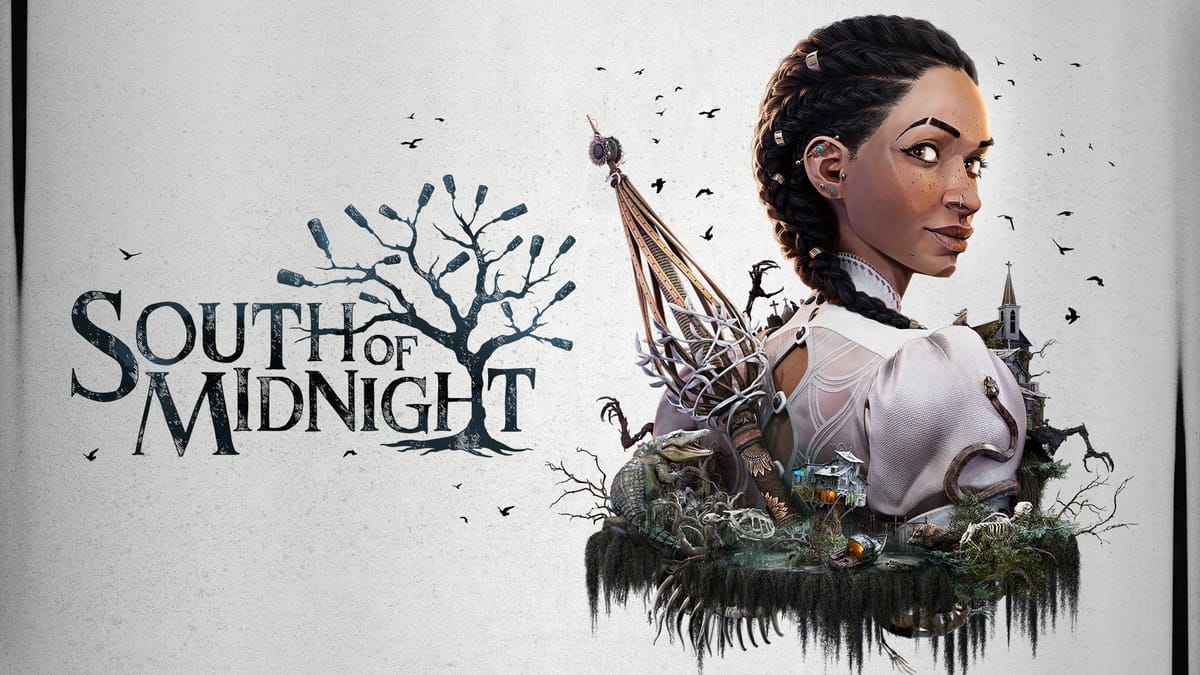
South of Midnight is a love letter to the American South, rife with old world mythology, folklore, and good bayou storytelling that feels like a dream.
The story begins in the wake of a hurricane that devastates the small town of Prospero, home to Hazel, the teenage daughter of Lacey, and a high school track star. As Hazel, you become a Weaver — a spirit mender — like the legends of old, and follow the Strands to unravel your family’s history and dark legacy. South of Midnight promises a rich tapestry of storytelling from start to finish, and it’s accessibility features are beautifully woven right into it!
Opening The Weaver’s Chest - Starting Accessibility
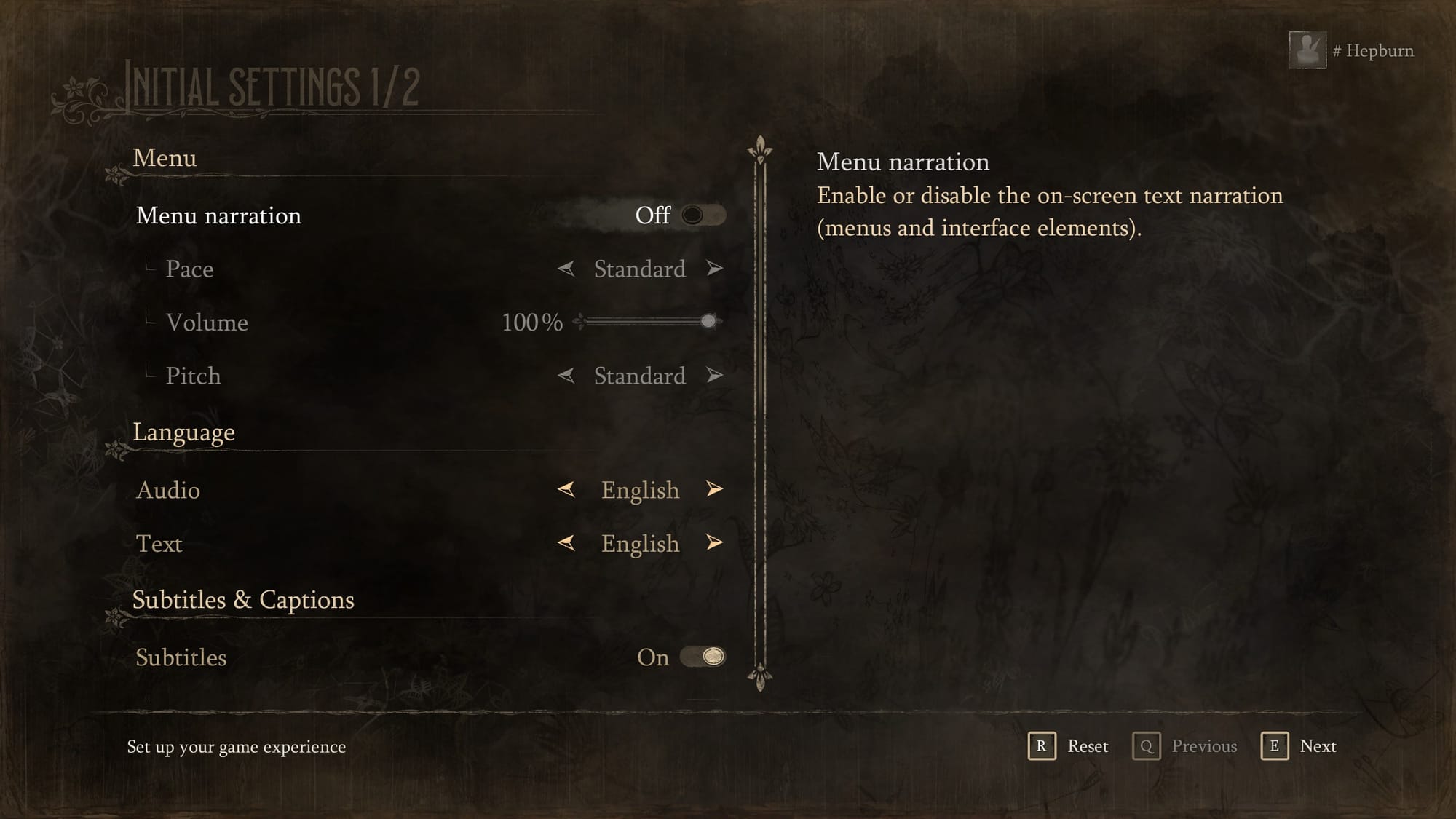
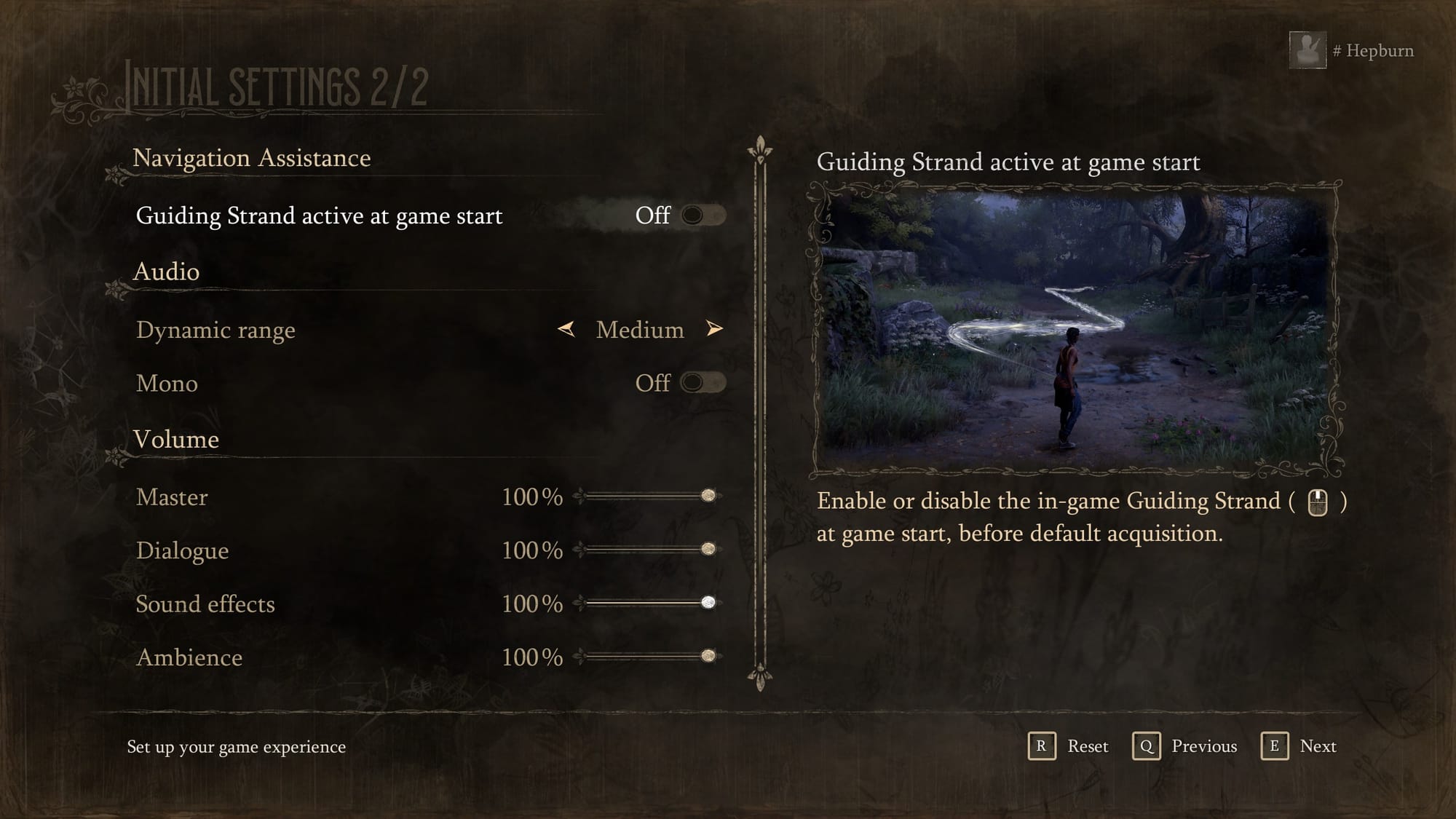
South of Midnight opens with accessible onboarding that allows players to customize settings before any gameplay happens! On the right side of the Settings menu, players can see exactly what enabling or disabling a feature will look like in-game, making it a game changer for both new and experienced players. The demo-style preview eliminates the frustrating trial and error loop and makes onboarding especially friendly for those new to video-games.
South of Midnight © 2025 Compulsion Games
We were especially happy to see an epilepsy warning at the start given the game’s frequent use of flashing lights. Currently there’s no way to disable them, but the content warning still goes a long way in supporting informed play.
Visual Accessibility
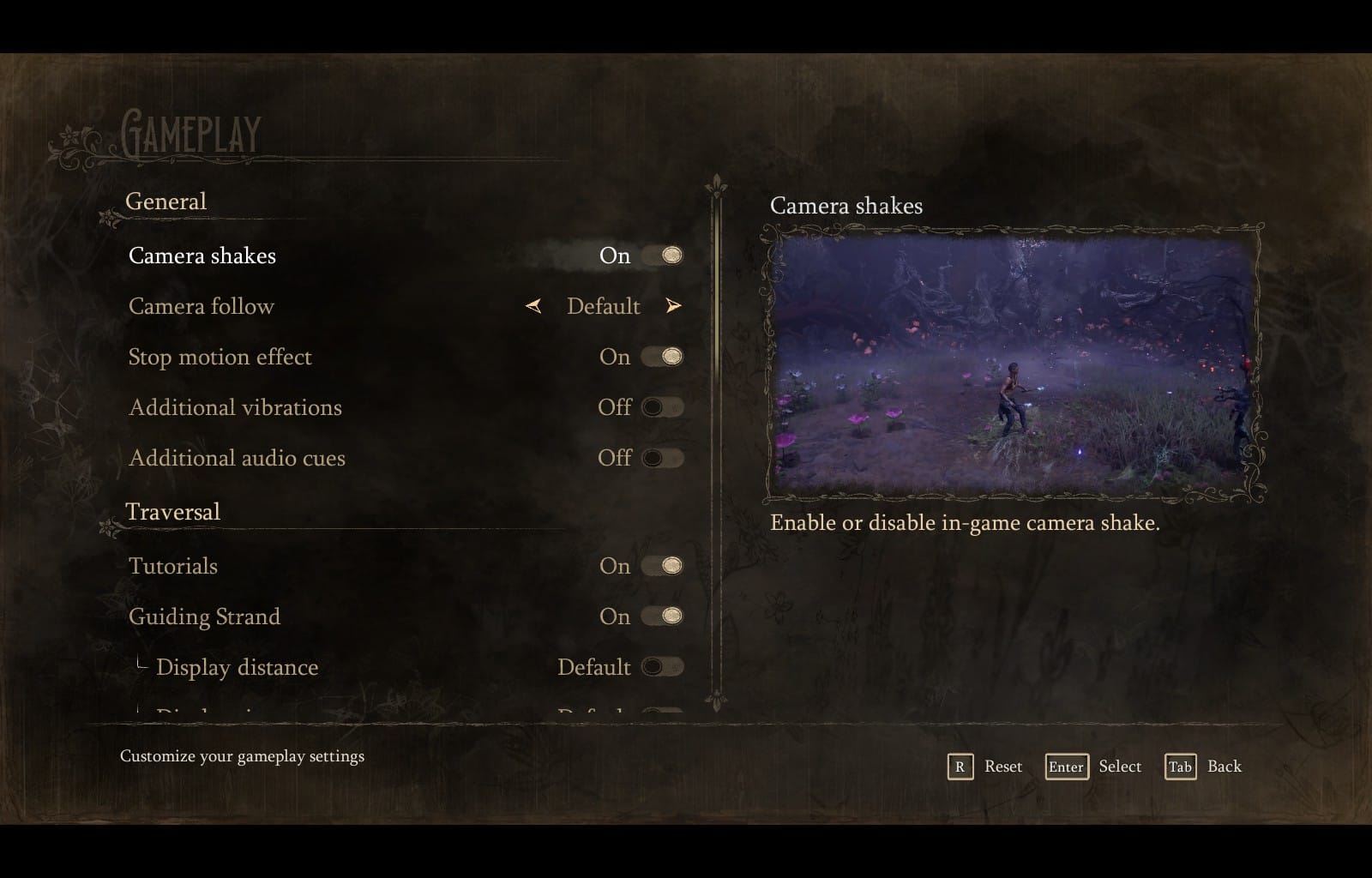
With it’s stunning stop-motion art style and storybook aesthetic, South of Midnight invites players into a visually enchanting world. Thankfully, it also provides a suite of visual accessibility options, including one that disables the stop-motion effect entirely.
We loved the in-game Menu Narration, which offers on-screen text narration, HUG narration, and customizable volume, pace, and pitch. It’s especially awesome that the Menu Narration is the very first setting presented in onboarding and during regular play, giving Blind and low-vision players immediate access.
Other visual wins include HUD configuration, a robust colorblind support with multiple color profiles and adjustable settings, and notification time adjustment — perfect for when you’re caught up admiring cicadas, wiping the muggy swamp air off your face, or even sprinting away from crocodiles!
Mobility Accessibility
Hazel spends a lot of time running from monsters, and luckily, the movement controls are up to the task. South of Midnight supports remapping for both controller and keyboard with options for sensitivity, inverted axis, vibration and more. Movement accessibility includes toggles for Fast Hold (used for aiming with aim assist!) and Glide.
Combat is supported with Target Lock-on, Auto Switch Targets, and button reminders for key actions like weaving spirits from Stigmas and Haints.
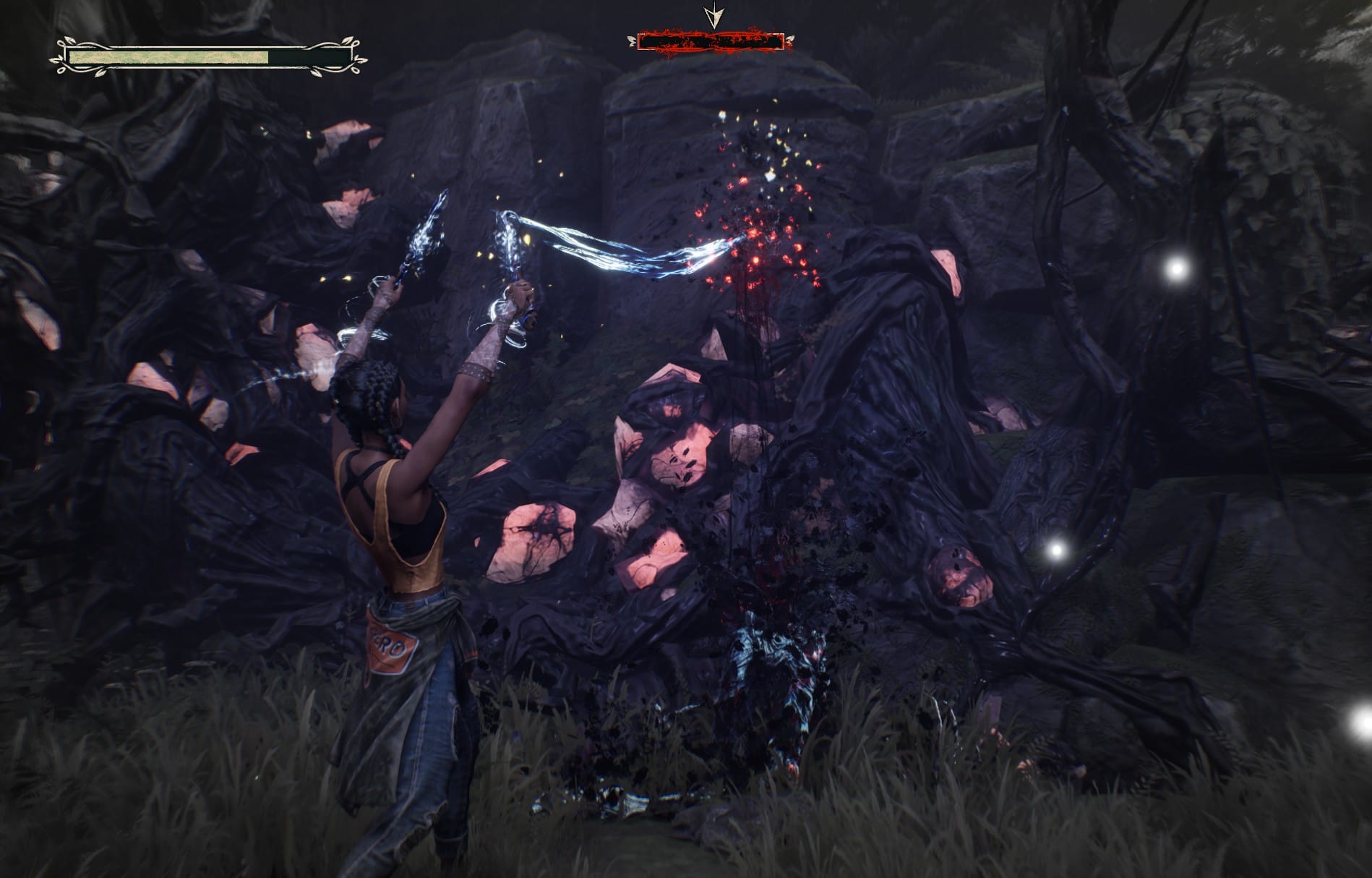
Most notably, South of Midnight includes Combat Skip, Boss Skip, and Chase Sequence Skip options. While this “skipability” is convenient and, in theory, supports accessibility, we believe it’s not the best solution. Instead, gameplay features like like no-damage mode or a slow-time option would preserve the impact of key story beats and intense gameplay sequences while still making them accessible. South of Midnight isn’t a game you want to skip!
Auditory Accessibility
South of Midnight shines with its closed captioning, audio cues, and directional indicators. Players can adjust subtitle background, text size, speaker tags, and font colors, allowing amazing options for Deaf and hard-of-hearing players!
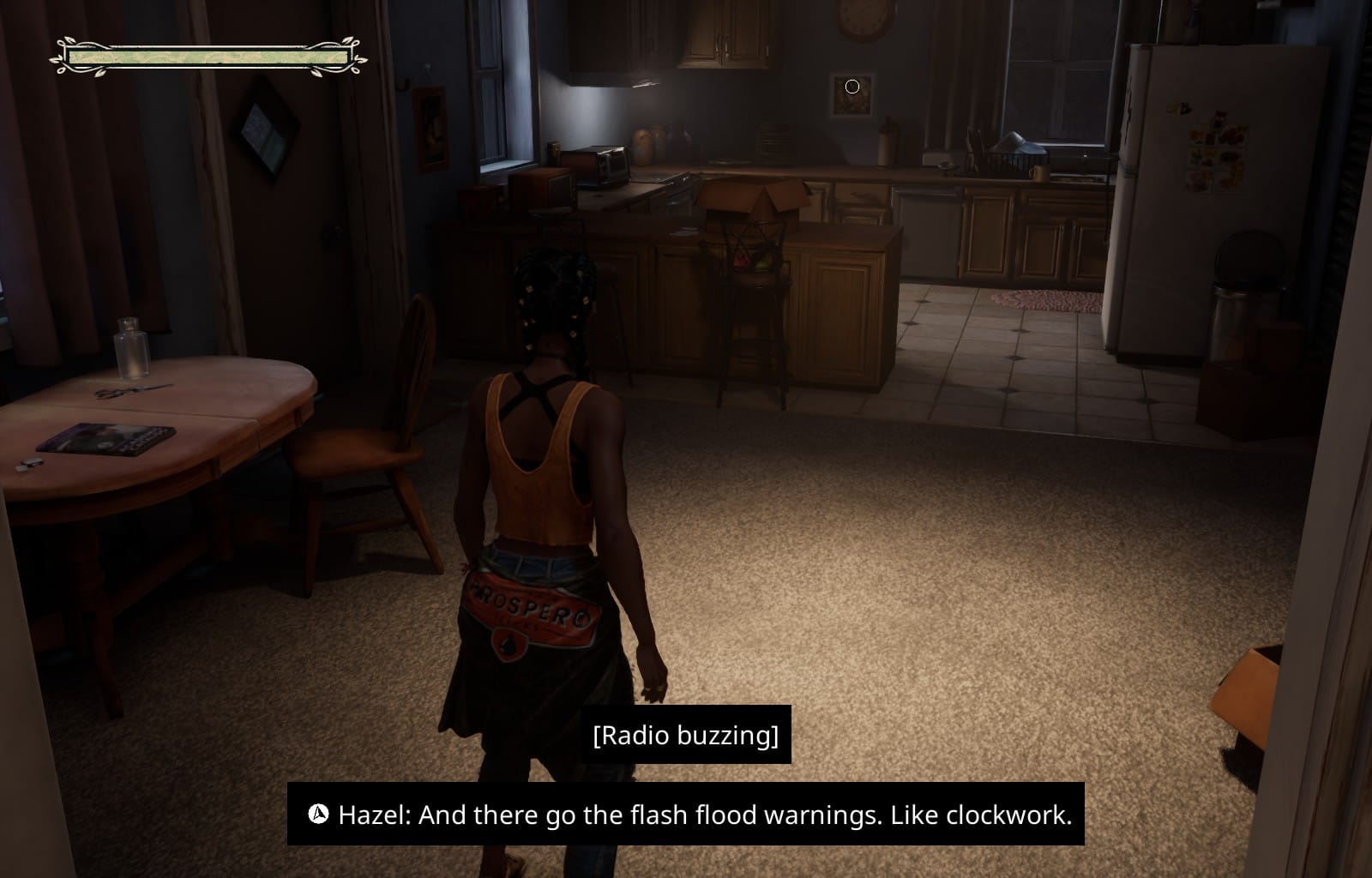
The Guiding Strand doubles as an auditory navigation aid, pointing you towards your objective with a push of the button; however, one shortcoming is the lack of closed captioning for the folk songs that play throughout the chapters. The songs often contain story clues, and captioning them would make the auditory experience nearly perfect.
Cognitive Accessibility
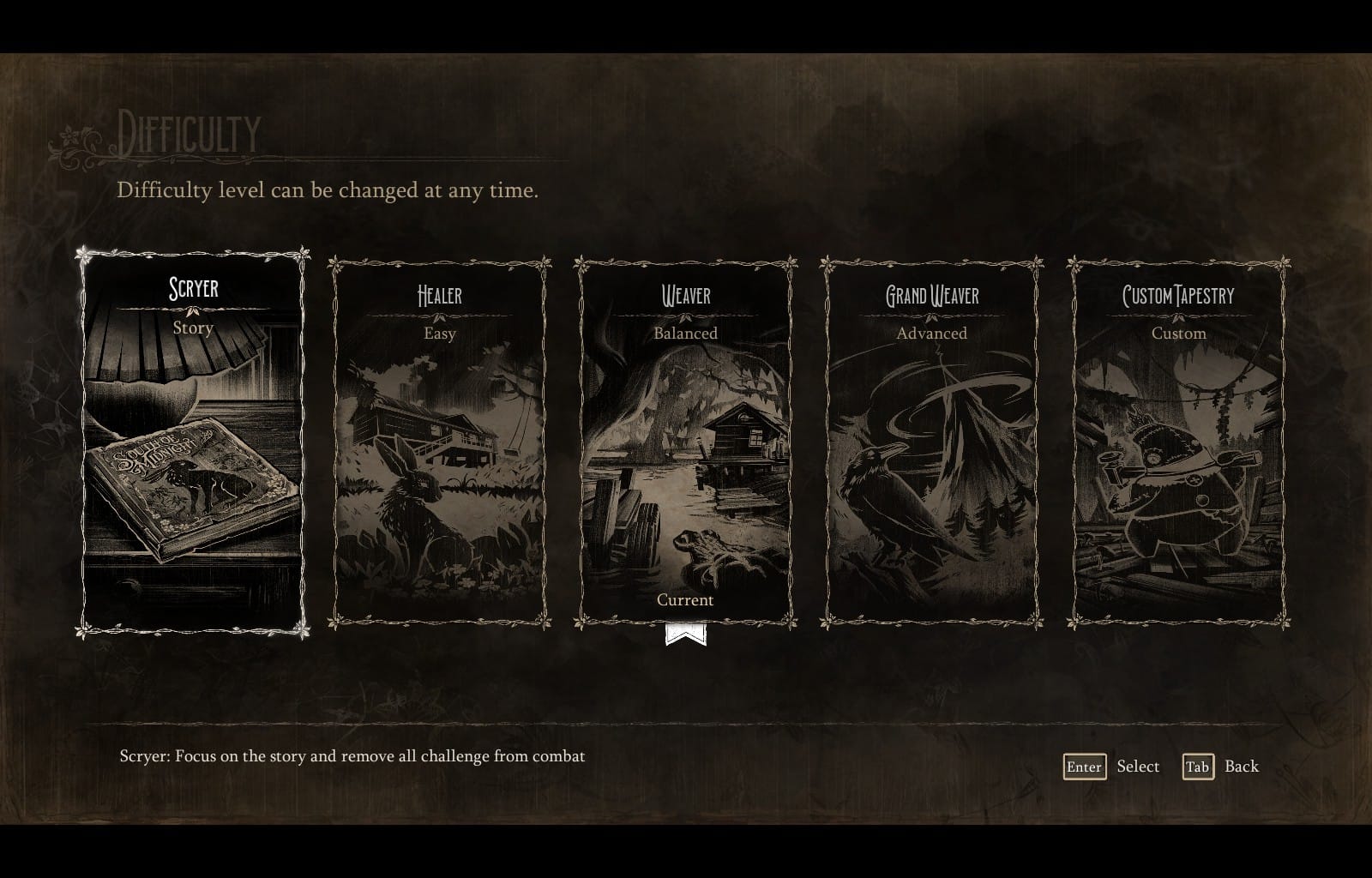
Cognitive accessibility is a standout strength of South of Midnight. Right from the start, players can choose from several difficulty modes or create a custom one:
- Scryer: Focus on the story and remove all challenge from combat.
- Healer: Focus on the story while enjoying accessible combat.
- Weaver: Balanced combat experience.
- Grand Weaver: Harder, more intense combat challenge.
- Custom Tapestry: Custom mode.
Given these customizable options, the inclusion of a Skip feature is a head-scratcher. That said, having options is always better than not.
The Guiding Strand also supports memory recall, which is perfect if you take a long break and return unsure of where you left off. Additional cognitive support comes from a Tutorial and Lore Book, both of which can be accessed any time, and breaks down the game’s characters, creatures, world, and cosmology in plain language with key points highlighted.
A Timeless Weave
South of Midnight is a rare gem: Southern gothic, heartfelt, and deeply immersive. With sub-stories threaded into its Grand Tapestry, it’s a tale of love, legacy, and magic of the unseen. Its accessibility features are equally powerful, inviting players of all kinds to take part, whether you’re a crocodile, a catfish, or a mother mending spirits.
Our verdict: a must-play with fantastic accessibility. Other studios should take a page from this storybook!
Unlock More With Your Personal Score™
Wondering how well South of Midnight might work for your specific accessibility needs? The AbleToPlay team has your back!
Create your free account today to get your Personal Score™ for South of Midnight and thousands of other games. AbleToPlay matches you to games based on your unique accessibility needs and preferences, helping you make informed gaming decisions before you play – for free.
Check out all the accessibility features in South of Midnight and see your Personal Score™ now!