Our Favorite Accessible Games (Vol.1)
Volume 1 of Our Favorite Accessible Games - A wide-ranging look at some incredible games with great accessibility.

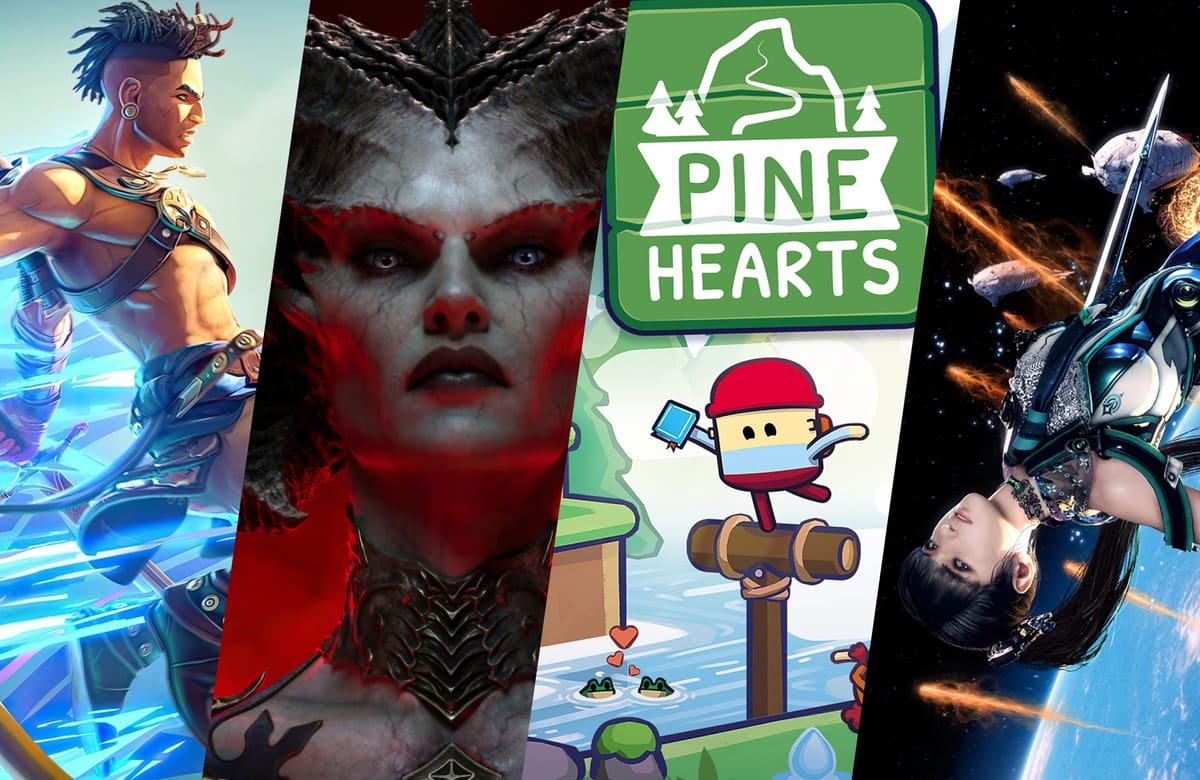
The last few years have been big for accessible games! In this first volume of our "Favorite Accessible Games" series, we're spotlighting four standout titles that have impressed us with their thoughtful accessibility features and inclusive design.
From meticulously designed high contrast modes to customizable controls, these games demonstrate how accessibility can be seamlessly integrated into amazing gaming experiences. Let's dive into some incredible titles that are setting new standards for inclusive gaming.
Prince of Persia: The Lost Crown
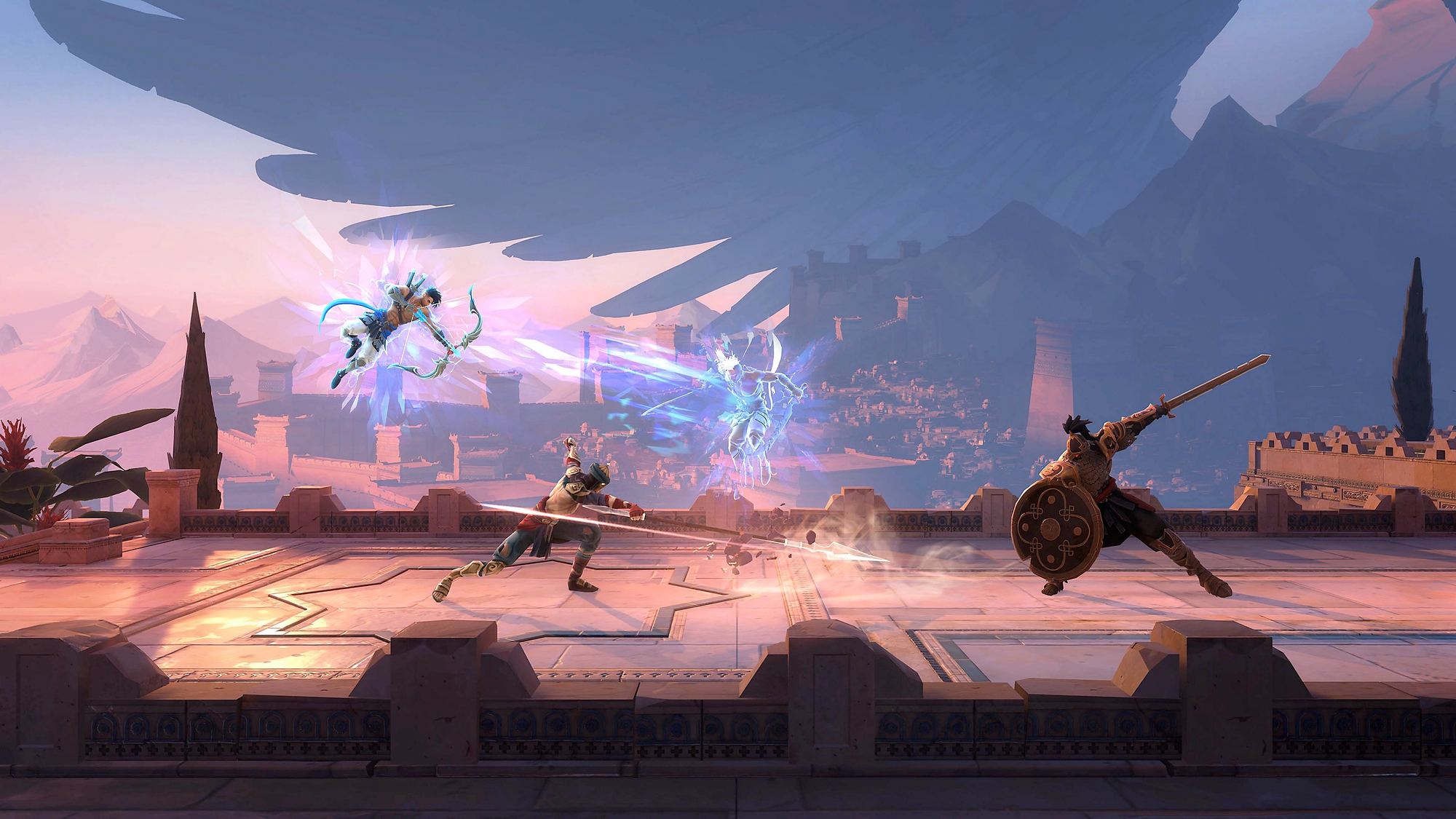
Aside from just being an incredibly polished game and iconic setting, Ubisoft's side-scrolling action-adventure represents a significant leap forward for accessibility in Metroidvania games. This reimagining of the Prince of Persia franchise was built with "accessibility by design" as a core philosophy from the very beginning of development. The game follows Sargon, a member of an elite guard, as he traverses the mysterious Mount Qaf to rescue Prince Ghassan, all while discovering time-bending abilities and uncovering a conspiracy.
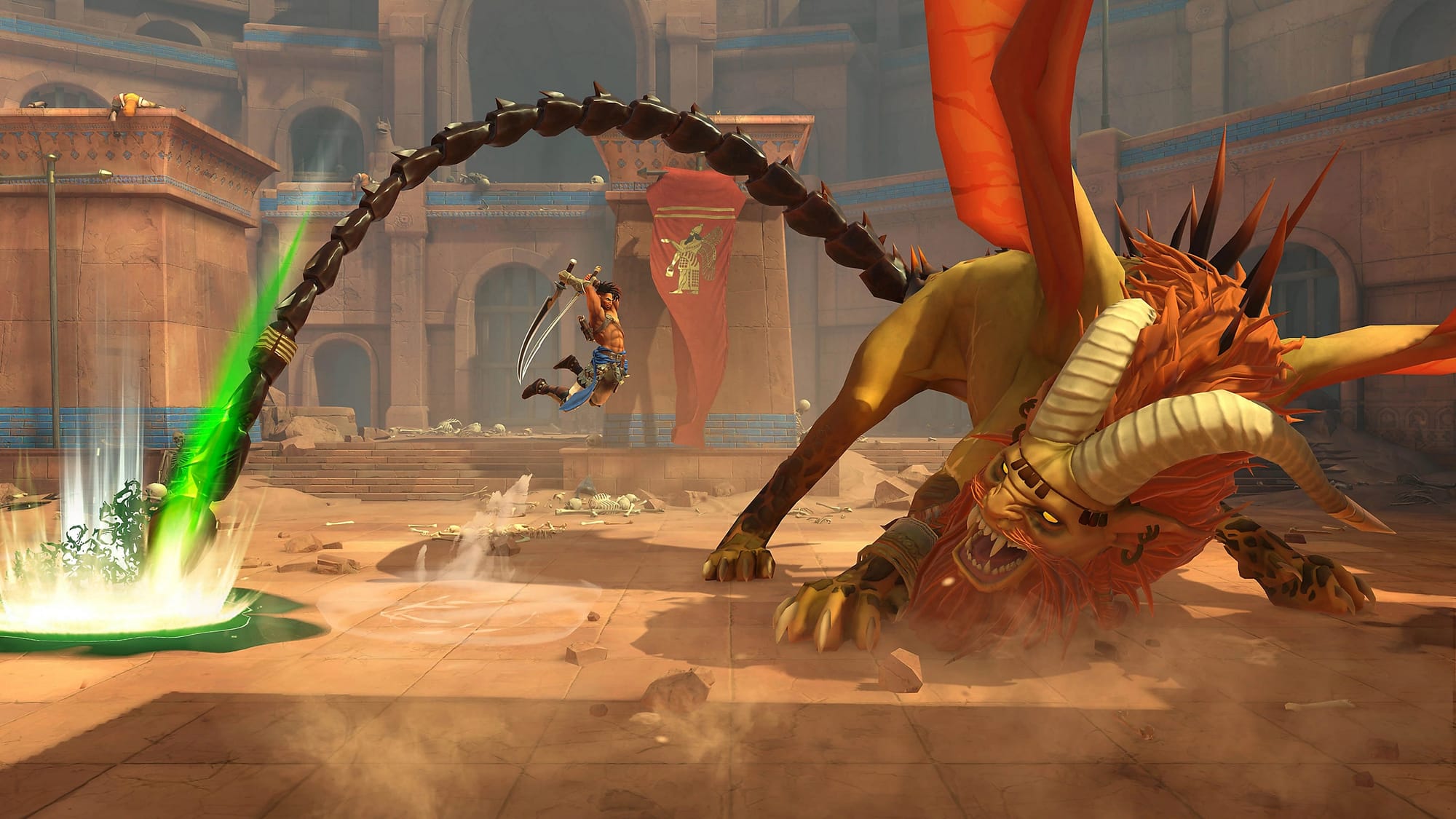
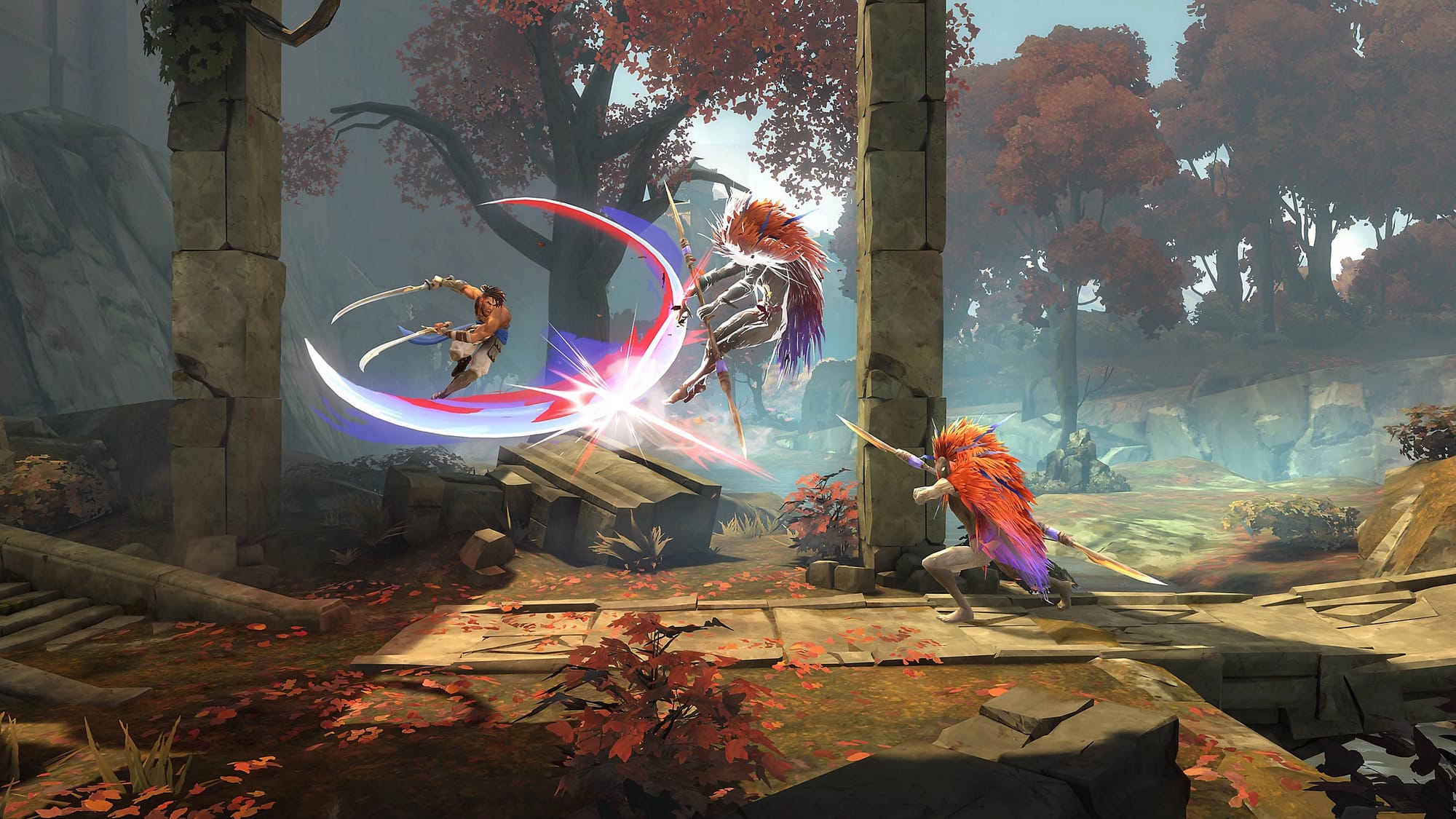
Prince of Persia: The Lost Crown © 2023 Ubisoft Entertainment
The standout accessibility innovation has to be the Memory Shard feature, which allows players to take screenshots and pin them to their in-game map. This brilliantly addresses one of the biggest accessibility barriers in Metroidvania games: remembering where to return to when you gain new abilities.
Other impressive features include customizable high contrast settings with multiple presets, a guided mode that shows players where to go next, simplified controls that replace button holds with single presses, and platforming assist for challenging sections. We were particularly impressed with how the developers at Ubisoft Montpellier ensured the high contrast mode wouldn't spoil story surprises by making thoughtful design choices about when and how enemies are highlighted during cutscenes. Post-launch updates even added omnidirectional parrying, making combat more accessible for players with motor limitations. We put dozens of hours into the game and loved every bit of it.
Diablo 4
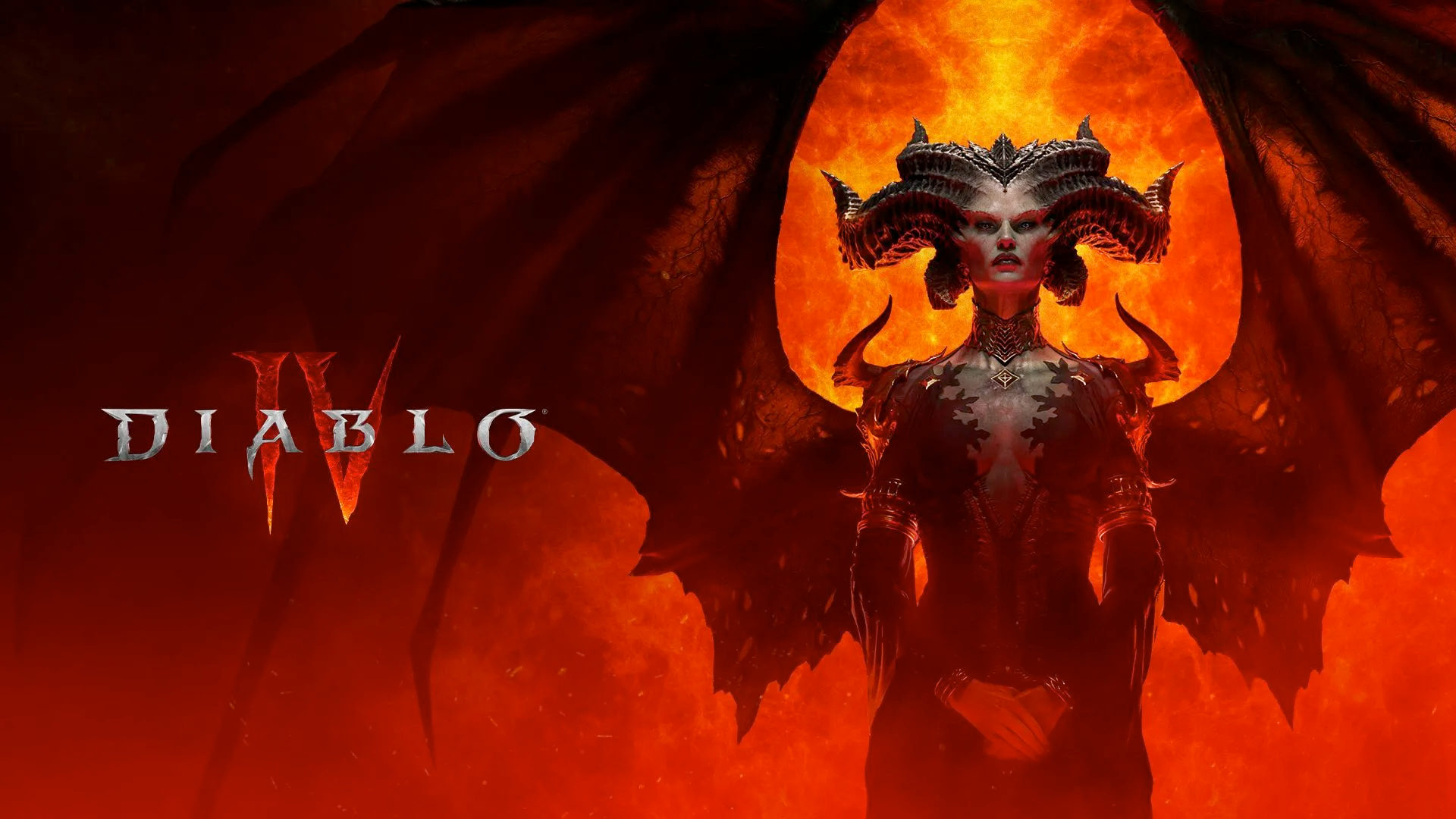
Blizzard's iconic dark fantasy action RPG launched with an impressive suite of accessibility features that make demon-slaying adventures accessible to more players than ever before. Set in a world where the demonic daughter of hatred, Lilith, has returned to the mortal realm of Sanctuary, players battle through hordes of monsters while exploring a vast open world filled with dungeons, traps, and challenging boss fights, all while picking up unfathomable quantities of loot.
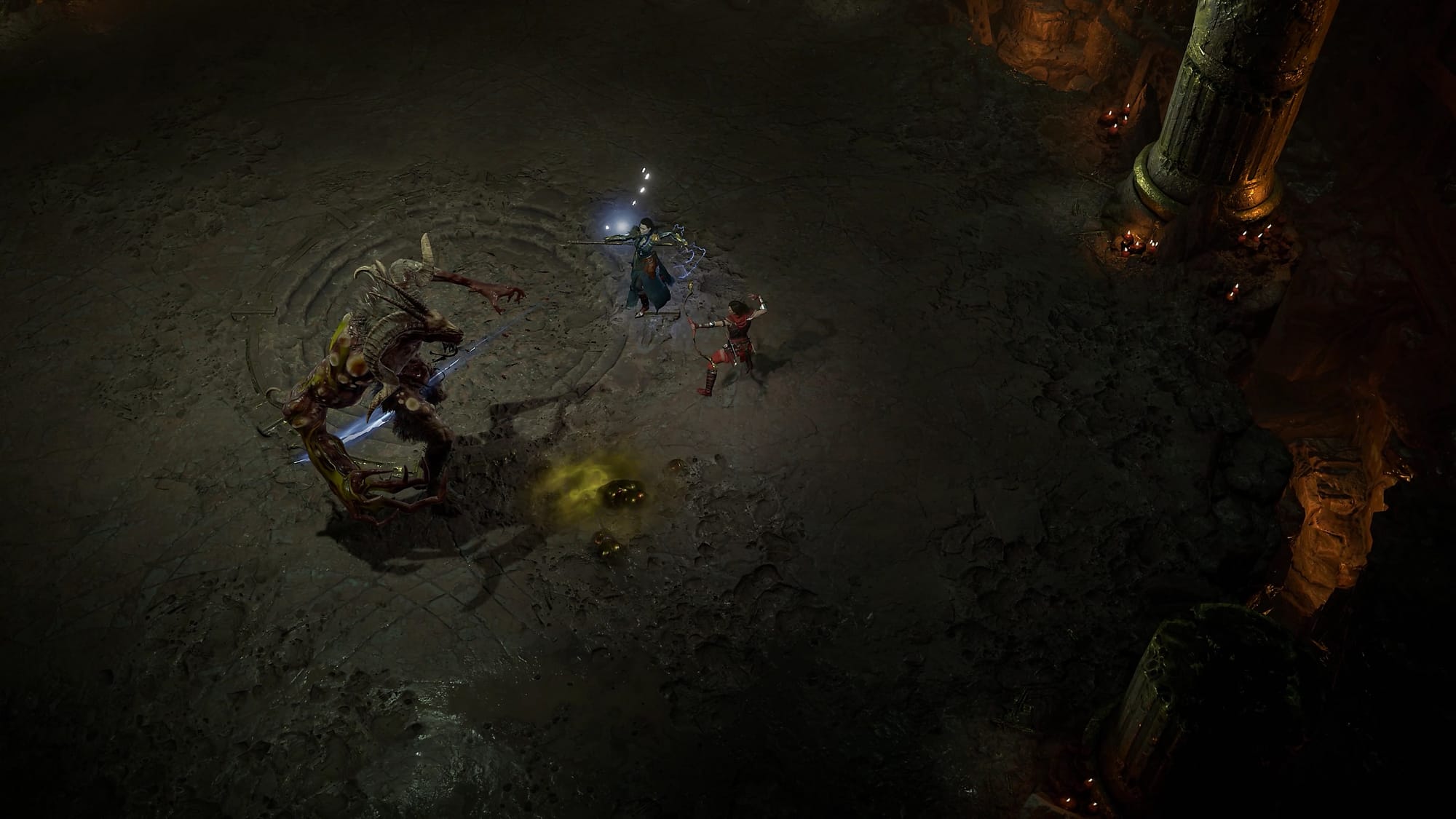
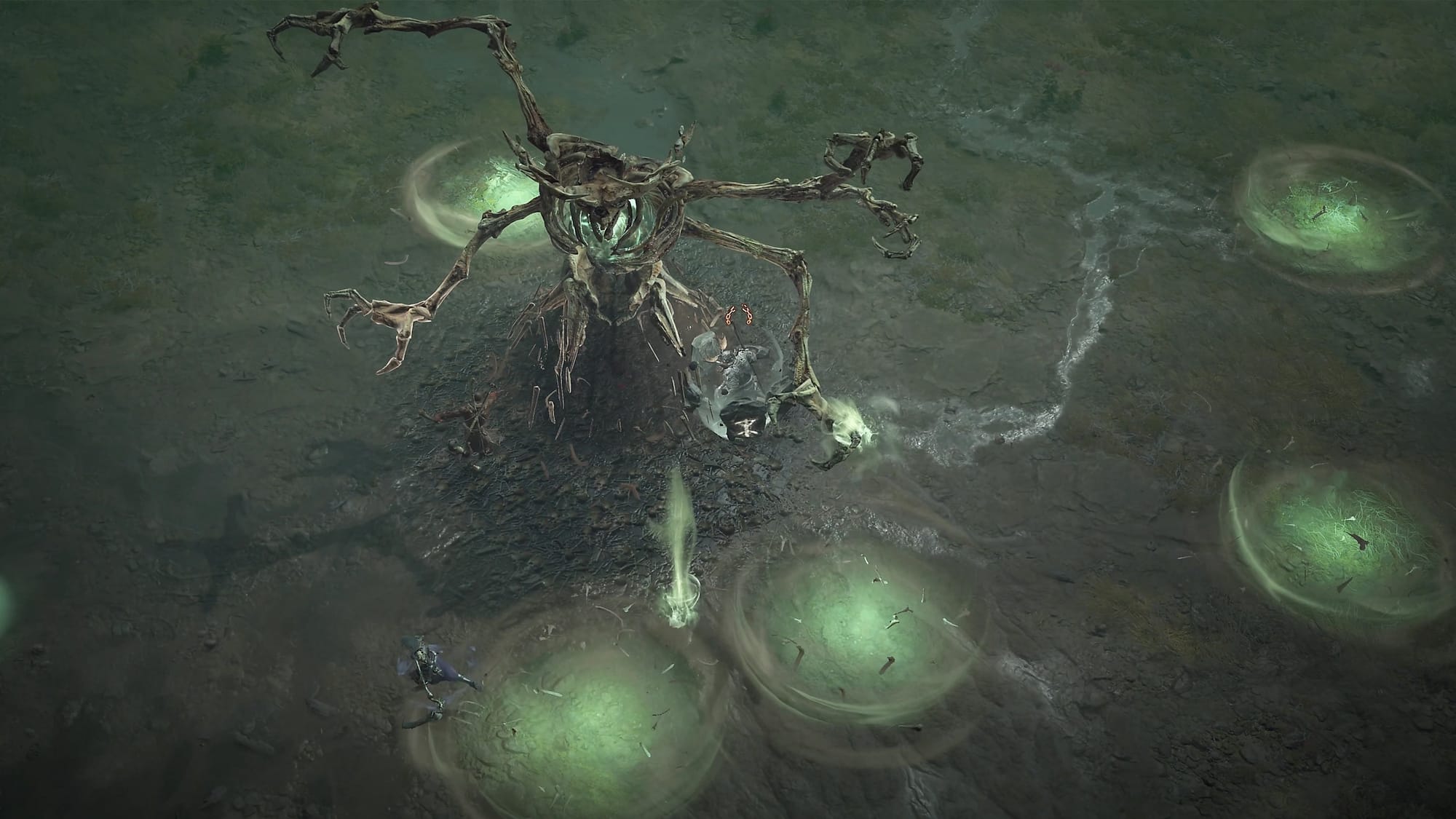
Diablo 4 © 2024 Blizzard Entertainment, Inc.
Diablo 4 shines with its well-rounded support for blind and low-vision players, with helpful gameplay audio cues to help players navigate through Sanctuary, identify items, and understand situational gameplay context. The game also supports incredibly customizable screen reader functionality which can read menu text, item descriptions, and dialogue. The screen reader supports various voice types, speeds, and volumes, and works with third-party screen reading software like JAWS and NVDA. Visual accessibility is well-served with customizable UI scaling, cursor size options, and colorblindness support for protanopia, deuteranopia, and tritanopia.
Furthermore, players can customize what colors are used for highlighting for characters, enemies, and interactive objects. For those with motor limitations, button remapping, toggle options for skills (swapping for button presses instead of holds), persistent target locking, and speech-to-text for chat messages make gameplay more approachable. The post-launch Vessel of Hatred expansion further improved these features with enhanced audio navigation assistance designed specifically for blind and low vision players.
Pine Hearts
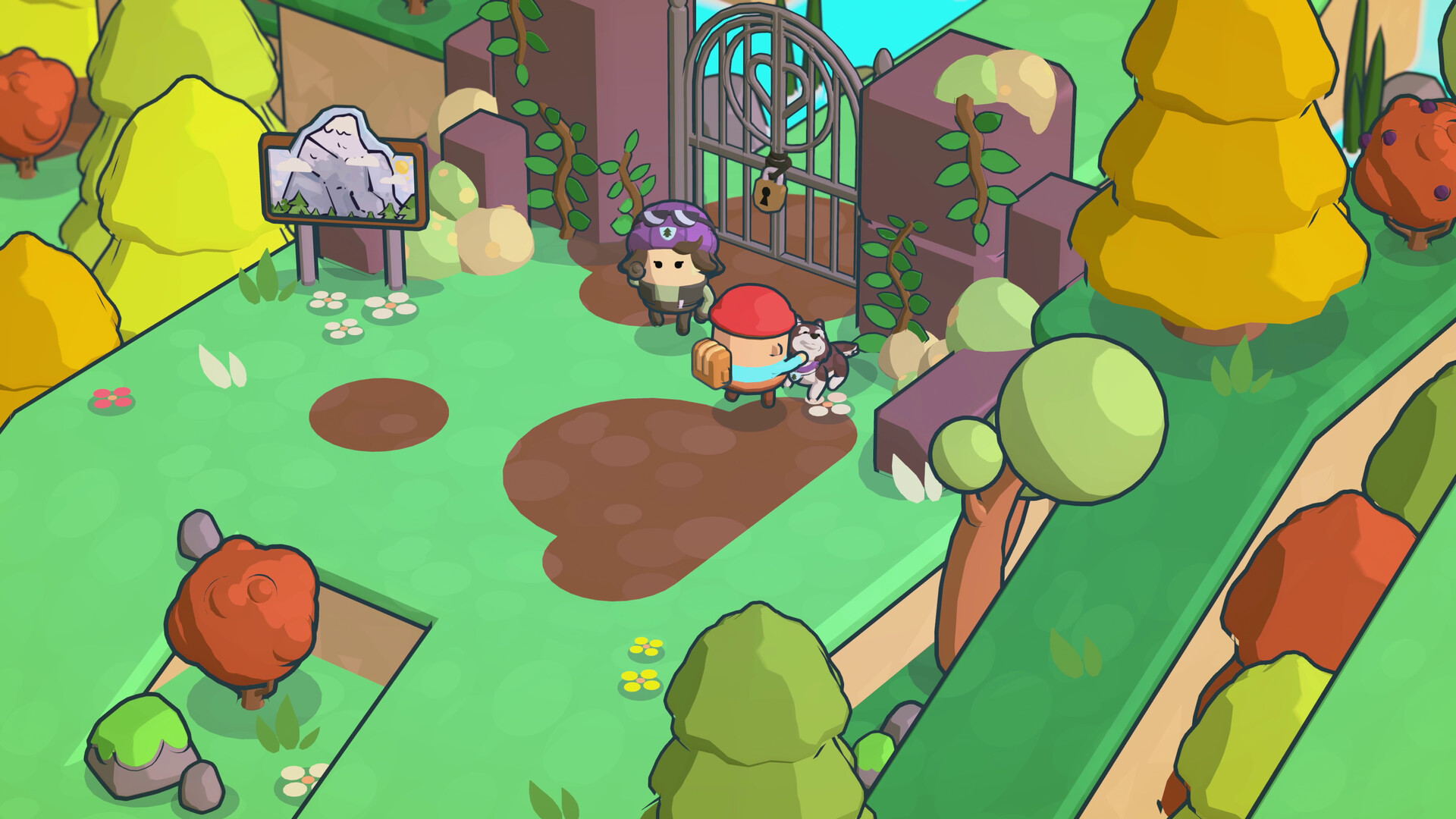
This super cozy, very approachable, and genuinely charming narrative adventure from Hyper Luminal Games demonstrates how indie developers can prioritize accessibility from the ground up. Released in 2024, Pine Hearts follows a young character named Tyke as they revisit a cherished caravan park from their childhood, exploring memories and processing grief through a heartwarming, expressive, and overall very thoughtfully-paced journey. The game blends gentle exploration with puzzle-solving in a colorful, low-poly art style that feels lighthearted, fun, really low-stress, and super toy-like.
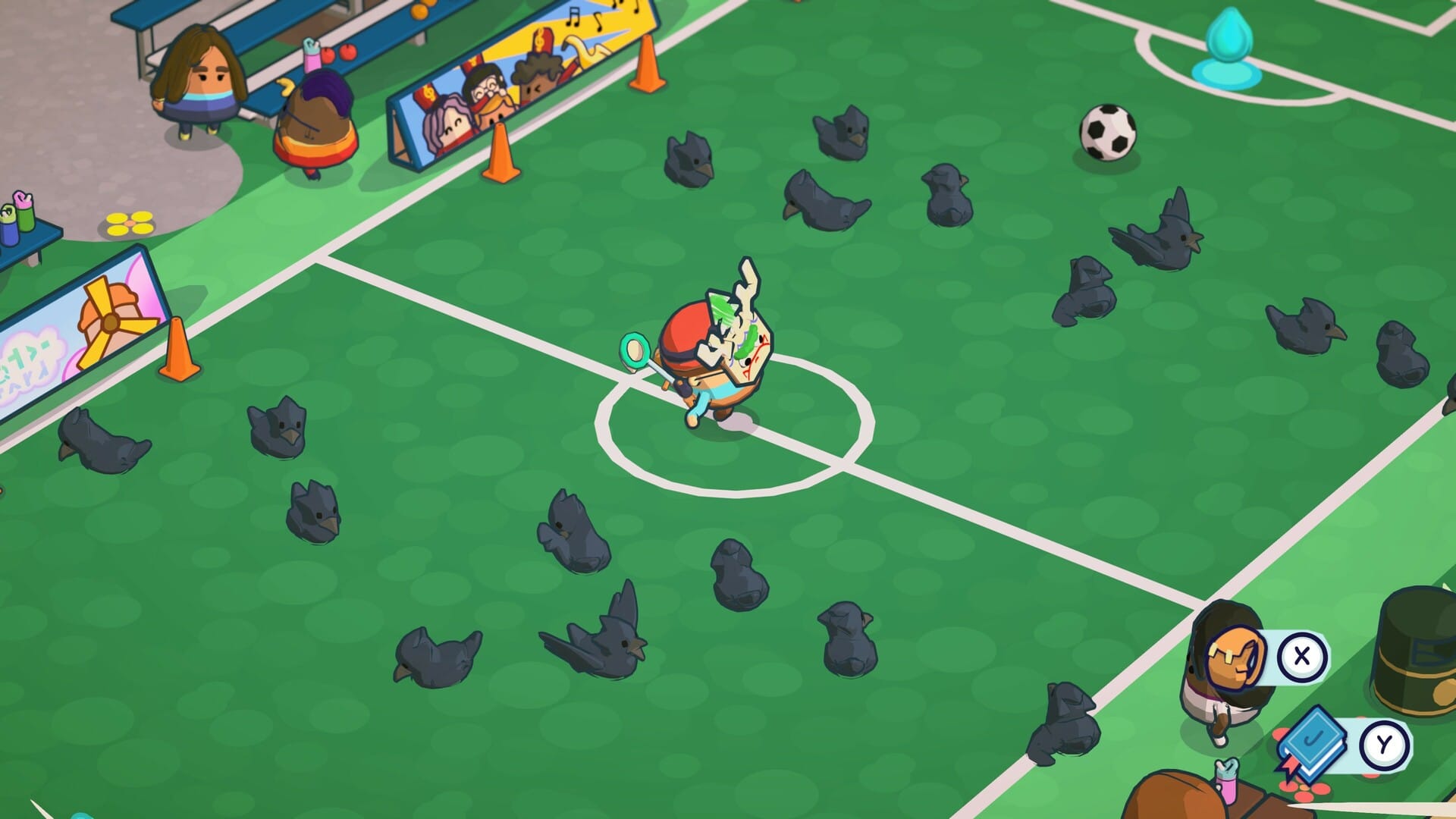
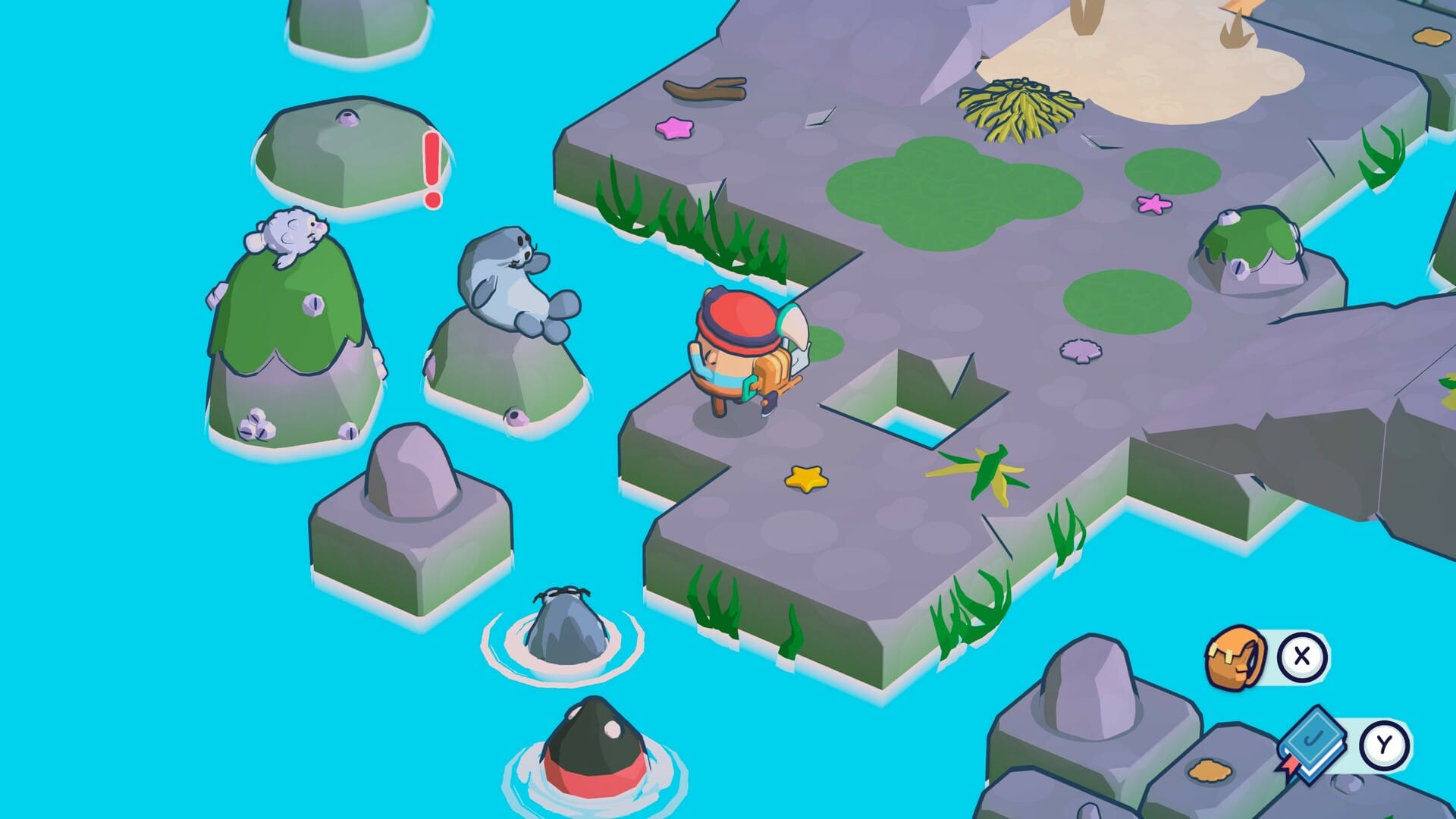
Pine Hearts © 2024 Hyper Luminal Games Ltd®
What really caught our attention was the unique "color blocking mode" – a special accessibility feature that adjusts the background saturation while color-coding important elements like the player, interactive objects and items, and quest objectives. We were surprised to see this level of support in an indie game, as we've mostly observed AAA titles going the length to implement it. There's even multiple different color grading presets to accommodate various forms of color blindness, visual FX toggles, and (thankfully) full remapping of controllers and keyboard-and-mouse inputs. What a labor of love.
The developers also collaborated with Special Effect, an incredible UK-based charity focused on helping those with physical disabilities access games, and included simplified controls that eliminate the need for timed button presses or long holds. The game's accessible onboarding is welcoming and immediately helpful, presenting key accessibility options before players even start the game, ensuring the entire experience is accessible from the first moment.
There's also a black and white mode for players who might experience eye strain with the game's colorful visuals, and options to turn off screen-shake (which, let's be real, every game with screen-shake should provide).
Overall, bravo, Hyper Luminal Games. Pine Hearts was a joy to check out.
Stellar Blade
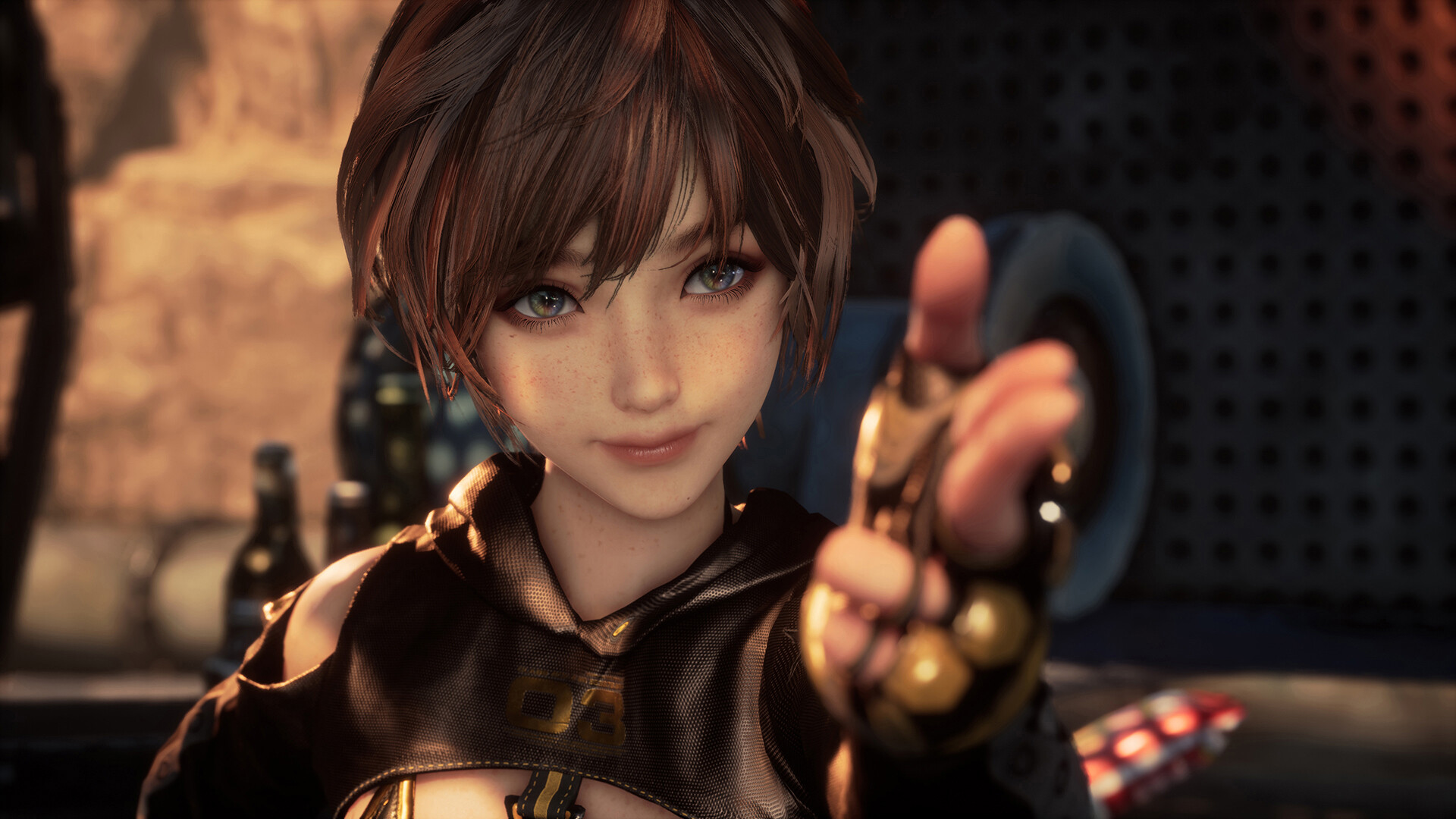
Jump into this hyper-cinematic adventure as Eve – a brave warrior sent from a colony among the stars to reclaim Earth from the mysterious Naytiba – creatures that look like a mix of deep-ocean aliens and mutated cyborgs. They're pretty intense, so be warned before you go looking for screenshots of them, as we're not including them here.
The game combines exciting fast-paced combat reminiscent of titles like NieR: Automata with exploration across various devastated environments. There's an "over the top" cinematic quality to the game's visuals, but how does the accessibility fare?
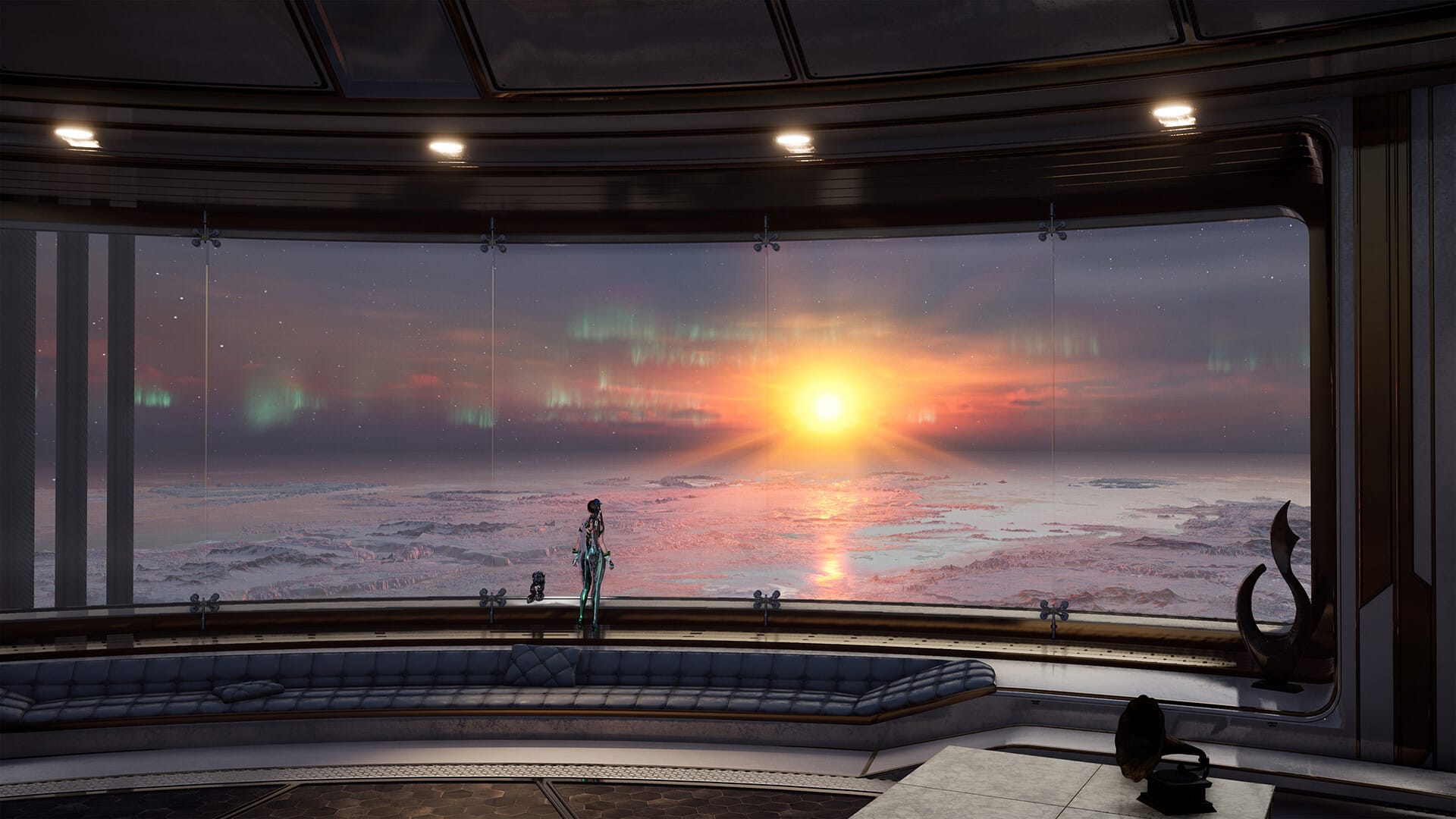

Stellar Blade © 2025 SHIFT UP Corporation.
Before we jump into the genuinely impressive visual accessibility features, one thing should be transparently clarified: the movement and combat systems do require a degree of precision and some reflexes. We're firm believers that any progress towards making games more inclusive is good and worth commending, so while Stellar Blade isn't as comprehensive as it could be, it does shine in many regards, making this entry a shining example of accessibility progress in the genre.
That being said, Stellar Blade does some great, innovative accessibility things really well. There's helpful functionality to slow time during combat, which can help a lot as combat does get fairly intense, and there's options to auto-succeed many QTEs (which you'll frequently encounter), but it's juuuust shy of what we'd consider comprehensive support.
What Stellar Blade really does do well is visual accessibility. The high contrast mode is really well-implemented, offering three differently colored presets that highlight the player character, enemies, collectibles, and even traversal points like climbable ledge edges. The game includes options to help with motion sickness, customizable subtitles with speaker names and background opacity, options to increase HUD size, colorblindness filters, camera auto-rotation, and aim correction for ranged attacks.
We feel it's important to not just highlight games with comprehensive accessibility, but to also showcase games that shine in specific categories – to inform gamers, one way or another, before they decide to play.
Unlock More With Your Personal Score™ Today
Wondering how well these games might work for your specific accessibility needs? Our team at AbleToPlay has your back!
Create your free account today to get your Personal Score™ for thousands of games. AbleToPlay matches you to games based on your unique accessibility needs and preferences, helping you make informed gaming decisions before you play – for free.
Check out all the accessibility features in these games and see your Personal Score™ now!