Knights in Tight Spaces - Accessibility Spotlight
Gorgeous art style meets deep roguelike strategy in Knights in Tight Spaces! We dove in deep and were delighted with what we found.

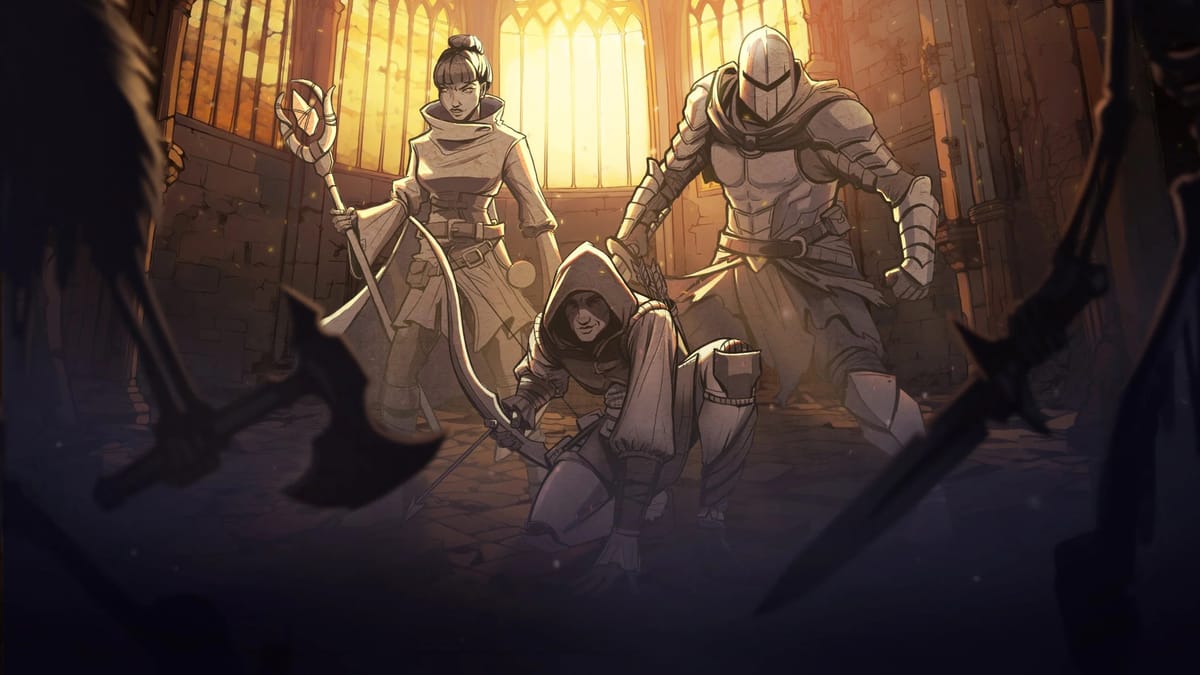
It’s not often you come across a title that stops you in your tracks, but Knights in Tight Spaces nailed it! Developed by Ground Shatter, the same team behind Fights in Tight Spaces, the game continues their trend of eye-catching names that spark curiosity and demand a closer look. So naturally, we had to get the game and find out what battling in a tight space is all about!
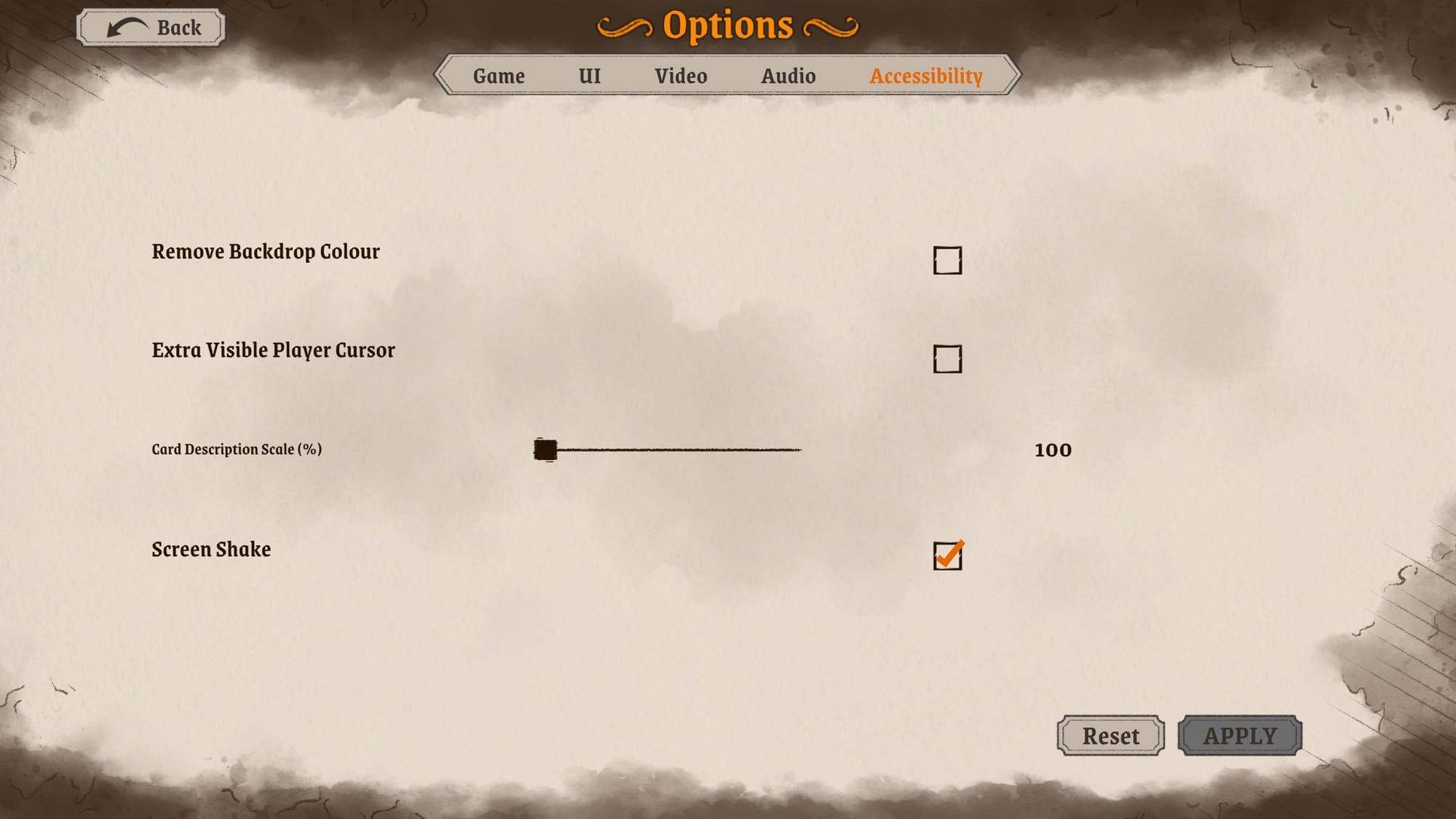
Knights in Tight Spaces (2025) developed by Ground Shatter, published by Raw Fury
Tight Accessibility
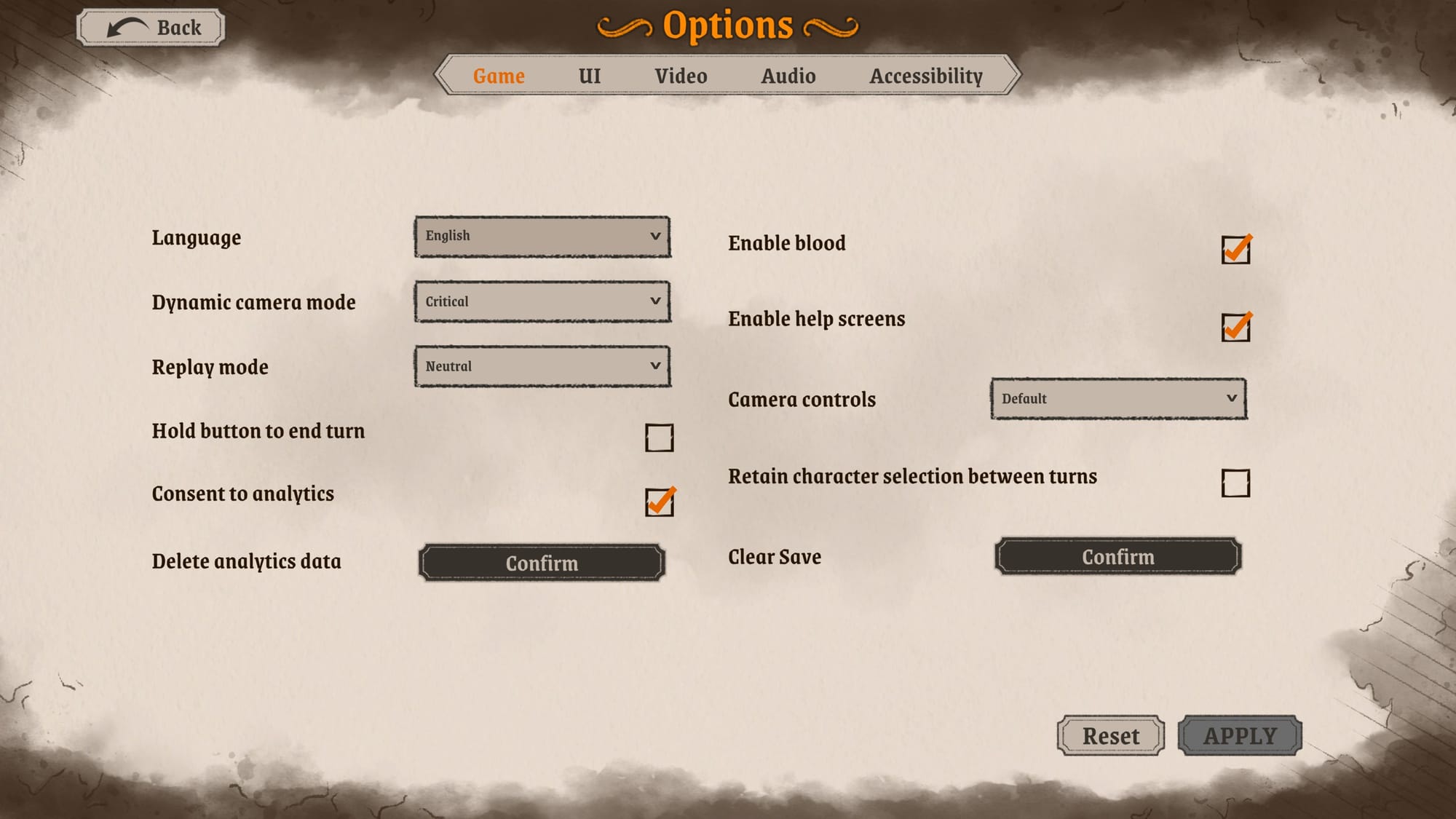
If you were worried the Options menu might be as cramped as the game title suggests—worry not! There’s plenty of room to navigate with your mouse or controller.
The Options menu is divided into Game, UI, Video, Audio, and Accessibility sections with both standard gameplay settings and options unique to Knights in Tight Spaces, such as Dynamic Camera Mode, Replay Mode, Enable Blood, and the Hold Button To End Turn toggle, which is helpful for players who experience button fatigue.
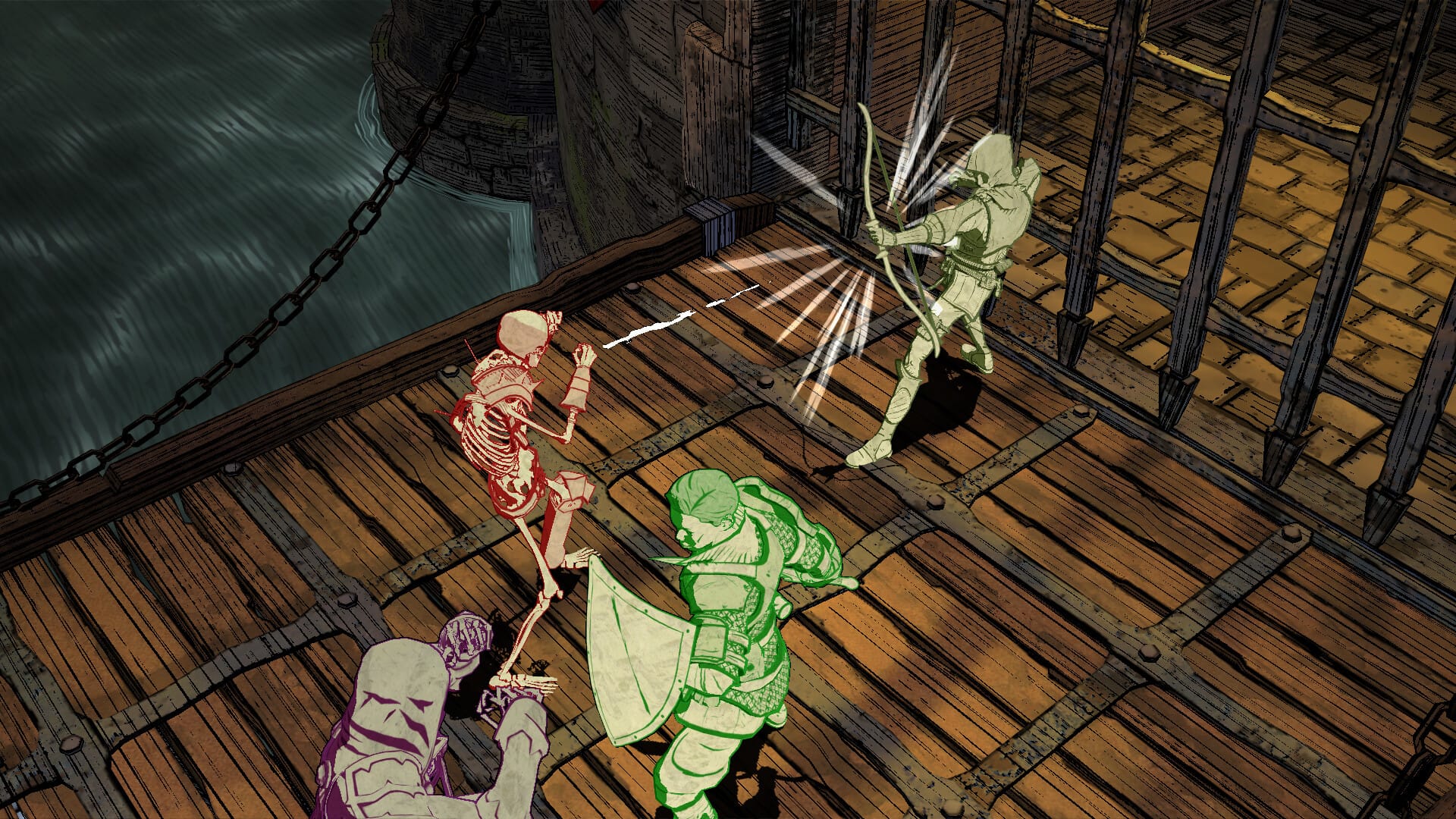
Under the Accessibility menu, we especially liked the ability to Remove Backdrop Color—or “Colour”, as our British friends spell it—and the Card Description Scale (though ironically, this setting’s text is smaller than the rest.) Overall, the accessibility features are solid and support players with visual, auditory, and mobility needs; however, we noticed the lack of a control remapping, which could be a barrier for players who rely on assistive technology.
Need A Refresher?
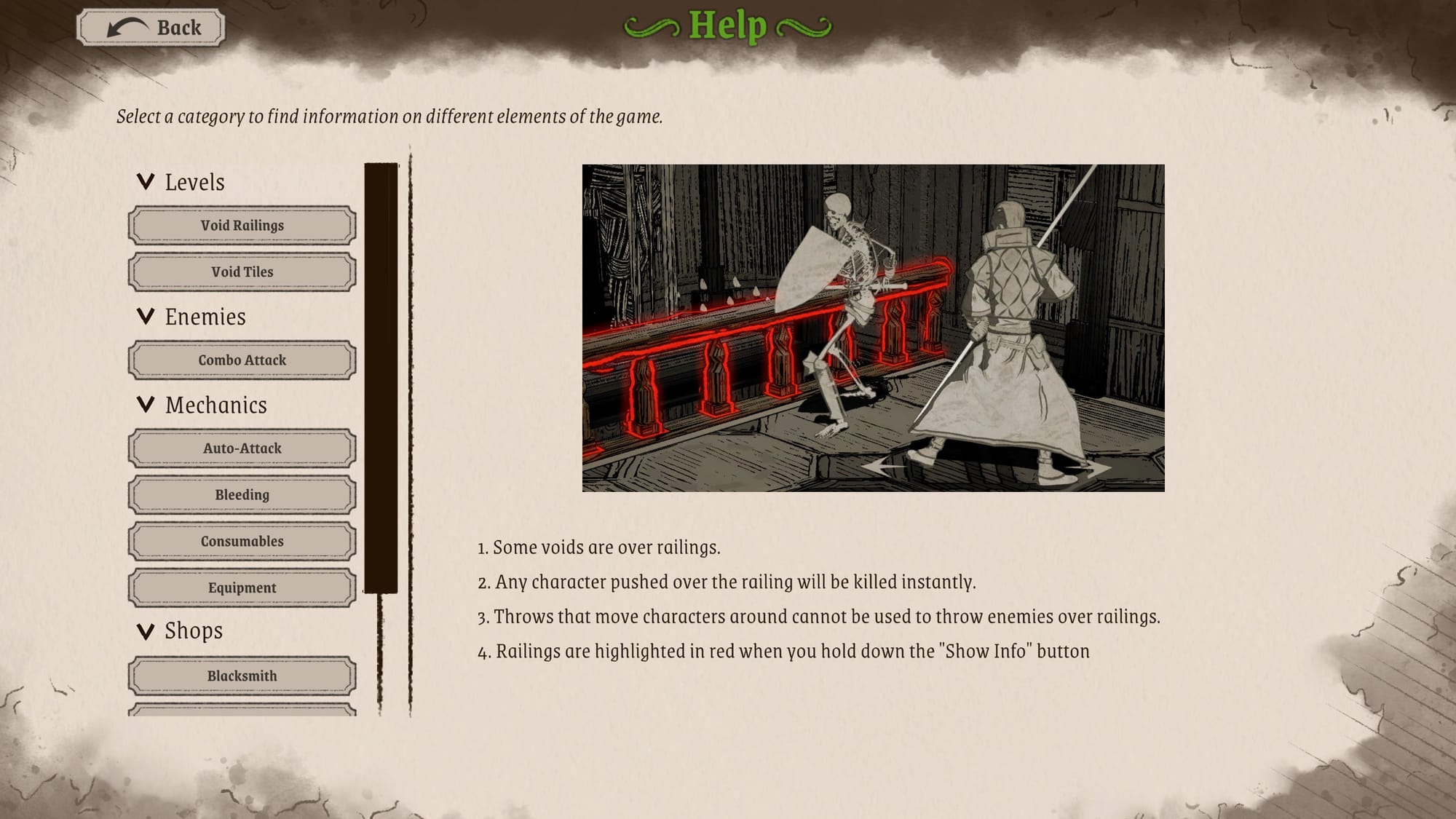
Knights in Tight Spaces includes a handy glossary (found under “Help” in the main menu) that players can access at any time to look up in-game definitions and mechanics. It’s perfect if you’ve stepped away from the game for awhile, or need a quick refresher on a specific element—scroll straight to what you need! Additionally, there’s a Compendium (also available from the main menu) that lets players review all the cards they’ve collected so far. Both features are fantastic quality-of-life additions that support memory recall and cognitive accessibility!
Getting Ready For A Fight
We squeezed into a tight space to see what the gameplay is like, and Knights in Tight Spaces does not disappoint! The game offers a wide range of modes, difficulty levels, and character archetypes to suit different play styles and player fantasies.
- Story: Includes two versions: standard Story Mode and Tight Mode, a condensed version of Story Mode with shorter runs for players looking to squeeze in and out quickly!
- Daily Play: A rotating challenge akin to a daily puzzle, featuring a fresh, tactical space to fight your way through.
- Endless: For knights hungry for a challenge to see how long they’d last!
Each mode includes multiple difficulty settings with a clear description of what to expect: Honorable (the easiest) gives you the most optimized deck each round, and allows retries after failed fights. Noble, Brave, Hardy, and Heroic progressively ramp up the challenge. There’s also a Custom mode which lets players tweak difficulty settings and modifiers to their preferences—an excellent accessibility feature that we are thrilled to see!
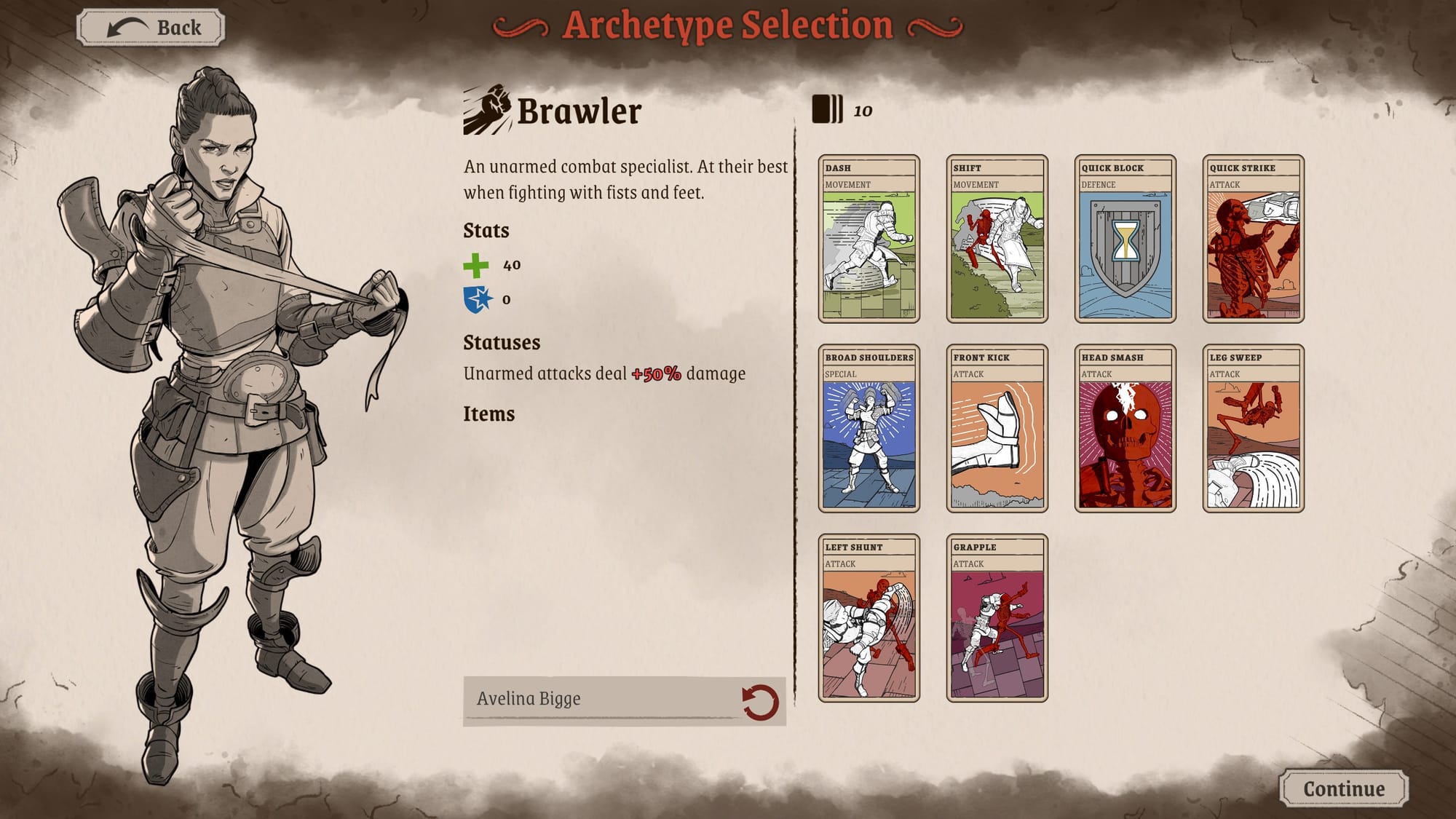
Lastly, there’s the Archetype Selection menu where you can choose your class. You start with three options: Brawler, Fighter, and Rogue.
Additional classes can be unlocked through gameplay (pssst… spoilers ahead: the hidden classes are Swordsman, Sorcerer, Hunter, Warlock, and Cleric—a nod to Dungeons & Dragons.) Each class comes with a unique deck and play style, and yes, you can name them, too! So, don’t worry about chasing the meta; pick what you like best and play your way!
Conquering Your Surroundings
Knights in Tight Spaces is, at its core, a roguelike deckbuilder, but it also comes with a narrative layer with dialogue choices before each battle. Characters like The Spymaster initiate conversations and present you with options, such as acquiring a new card, upgrading an existing one, or receiving a consumable like a health potion. These choices let you adapt your strategy based on your current deck and party composition, adding a unique layer of decision-making before each encounter.
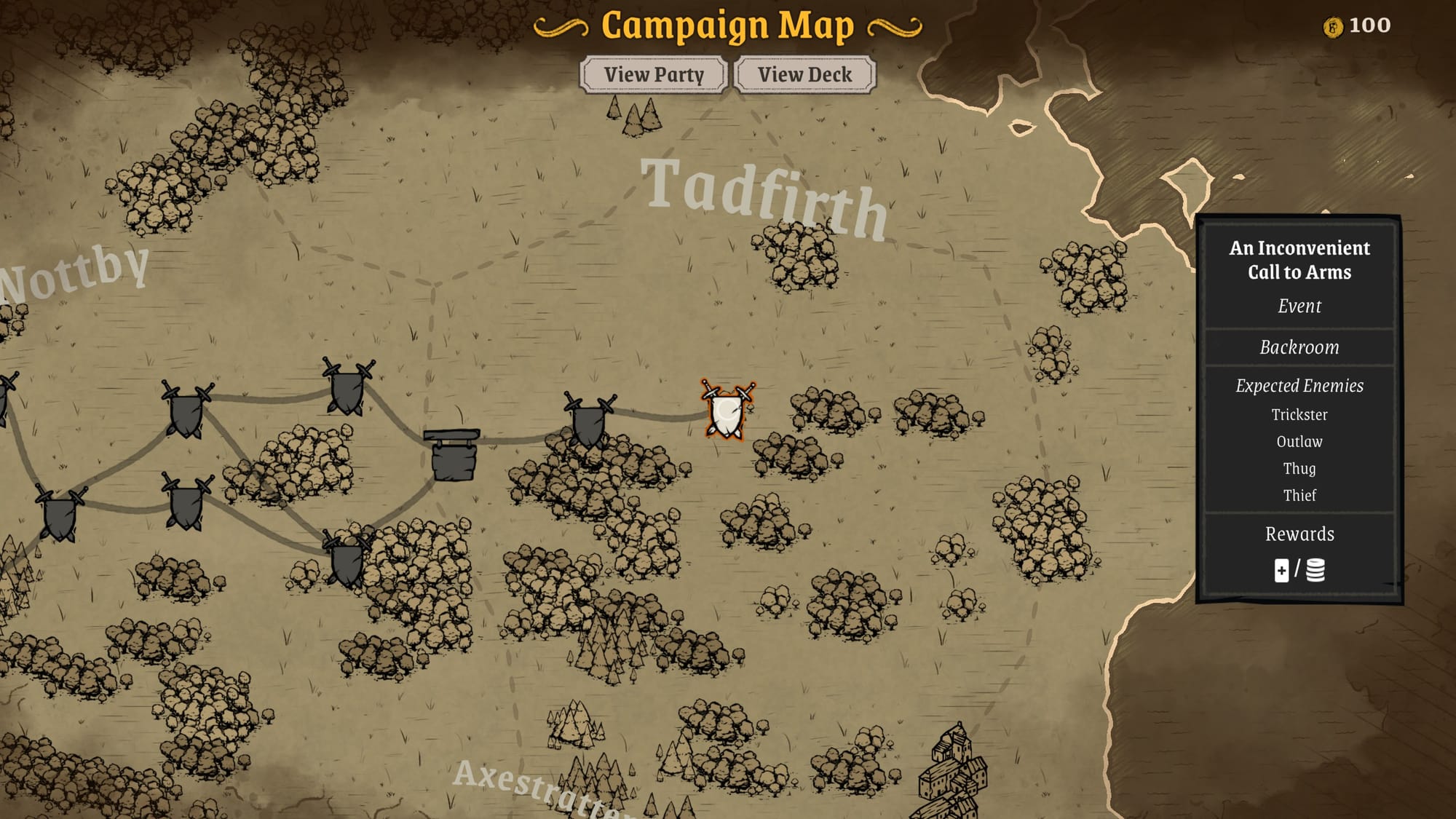
After making your selection, you’ll be shown the world map where you can guide your party along different routes. The map features shops, side quests, and more, allowing you to plan your route to the boss. To help navigate these options, Knights in Tight Spaces helpfully shows what each path will lead to, including which enemies you’ll encounter and what rewards to expect upon victory. And in true roguelike fashion, if things go awry—no worries! You can retry the encounter without penalty.
Now we enter the tight space…
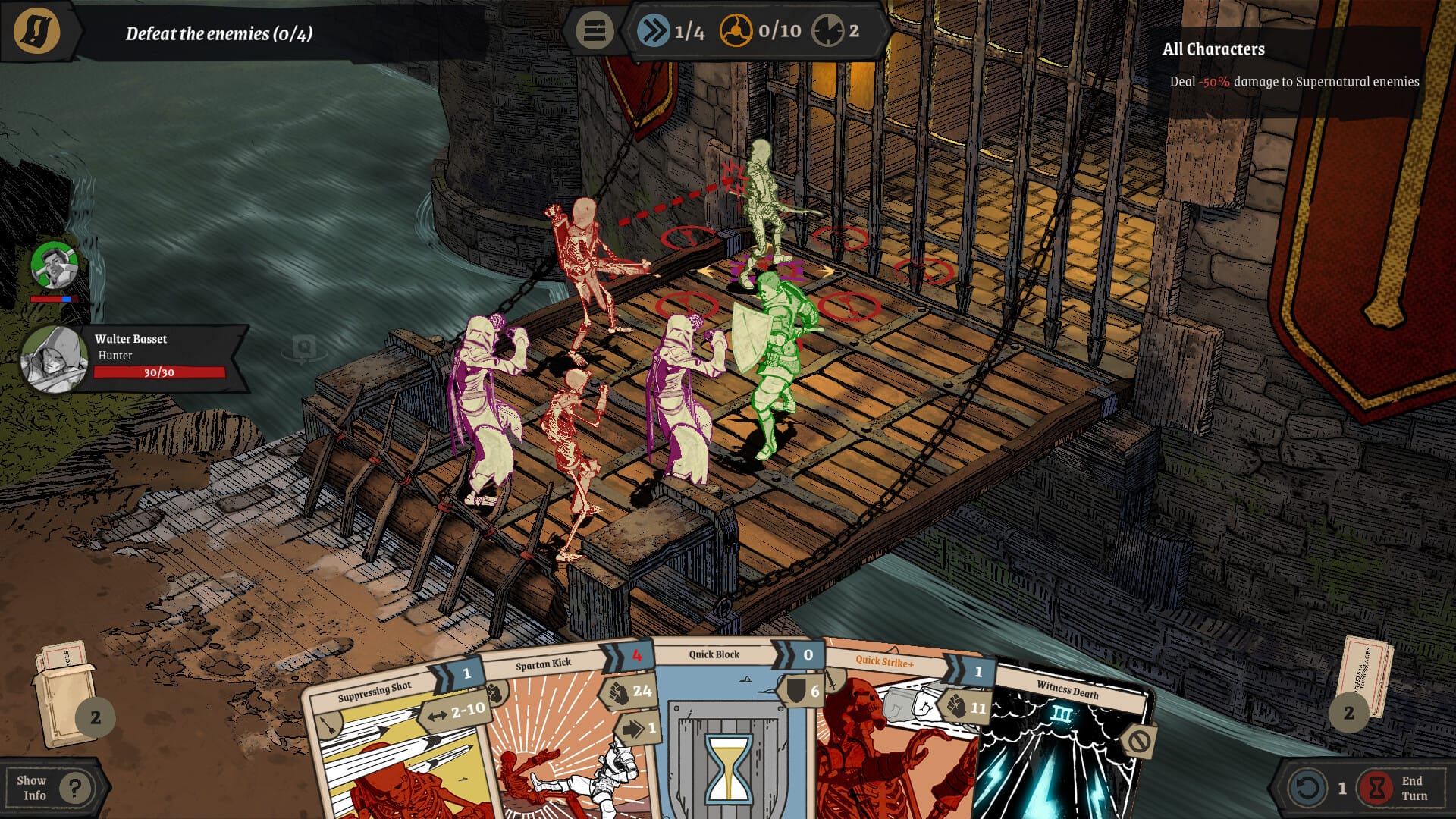
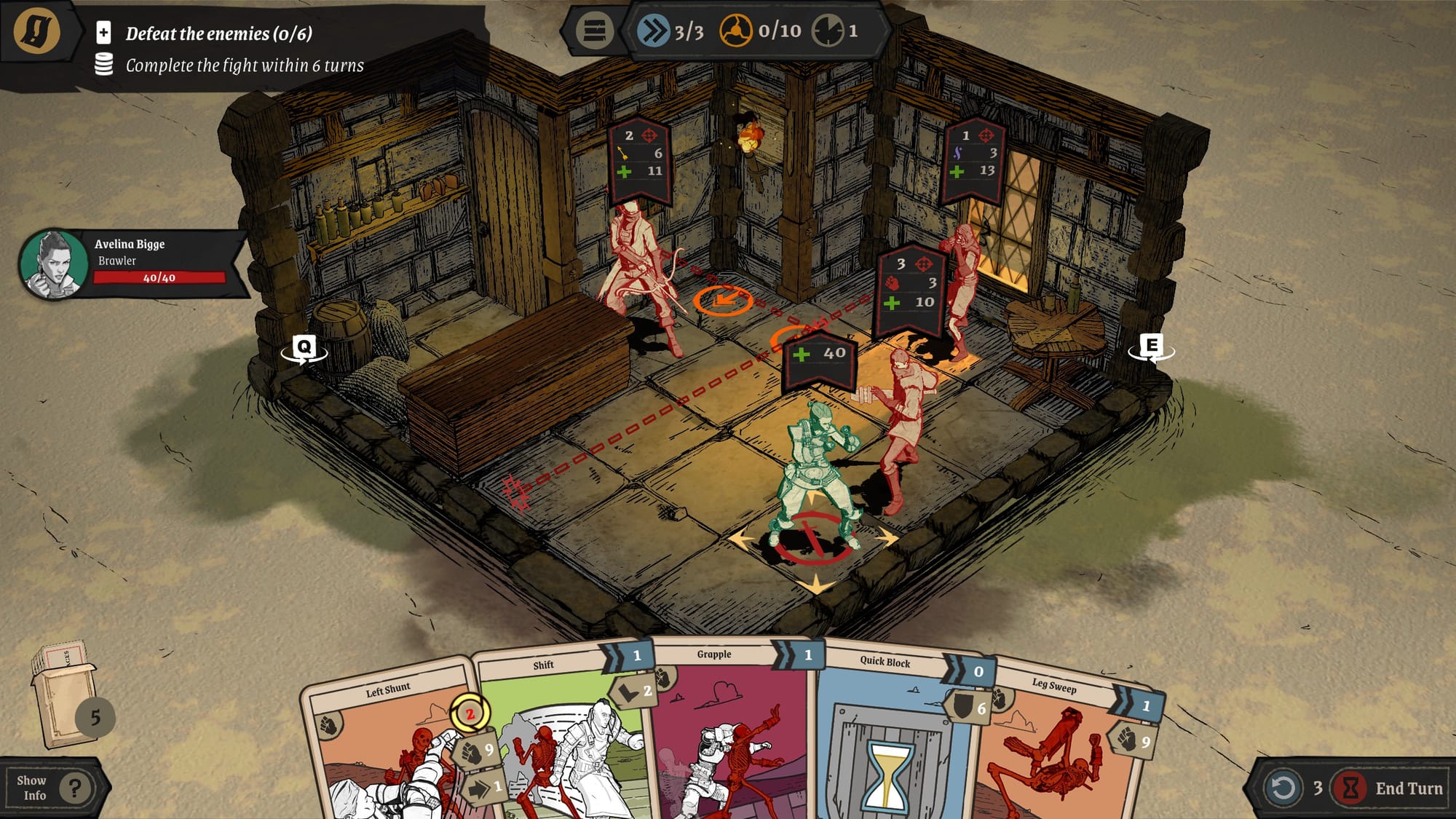
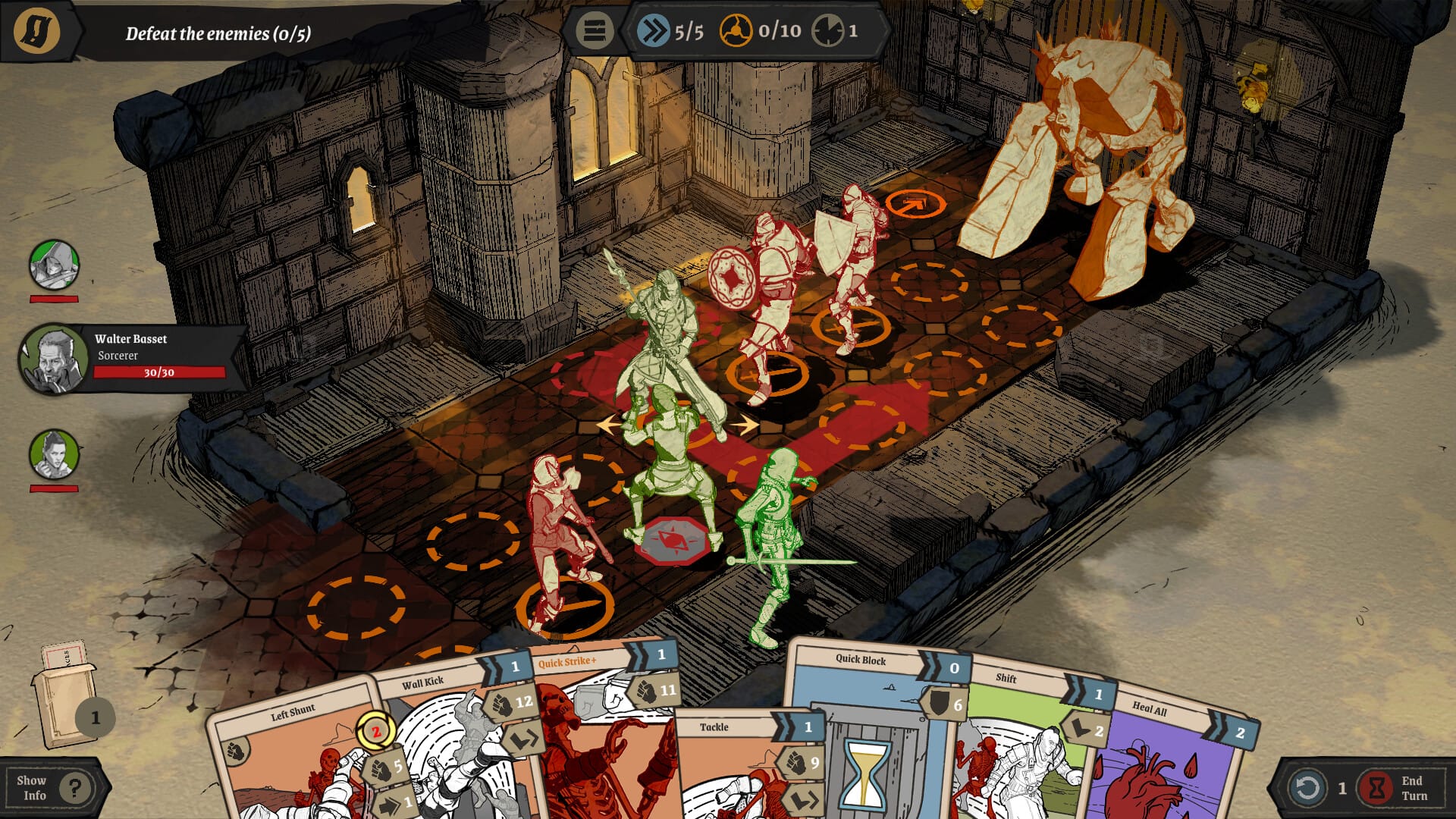
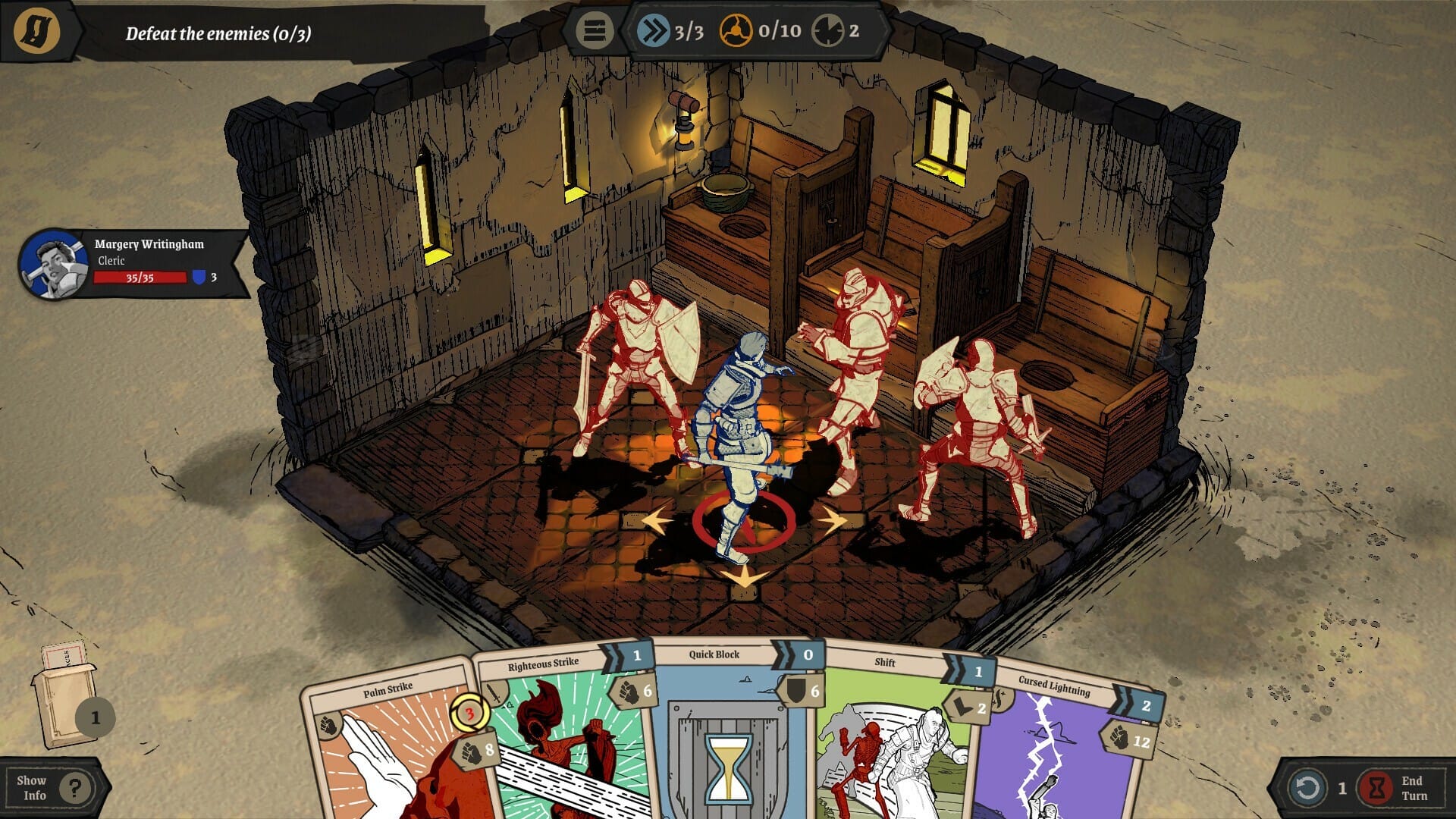
Objectives are clearly displayed in the top left corner. Enemies are colored in red and bosses in purple. The camera is adjustable, and the screen includes a variety of icons that indicate your position and enemy actions, even in the most cramped rooms. This layered visual feedback is especially helpful for colorblind players. While color is used to distinguish between the player and enemy, the game incorporates icons, numbers, and text, ensuring the color is never the sole means of conveying information.
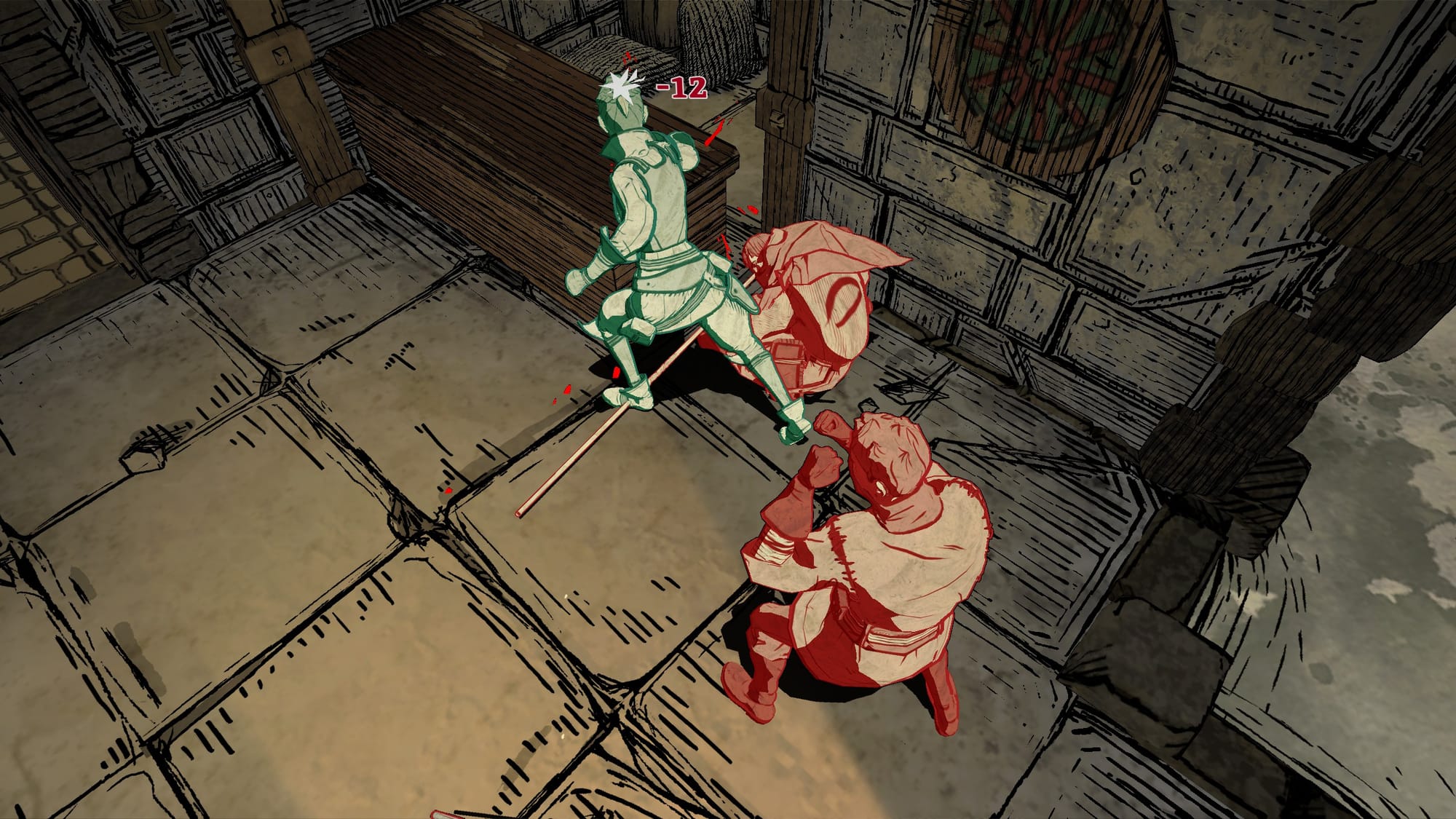
The gameplay feels sharp and strategic, and the knockout animations are genuinely satisfying to watch, and if it gets too gory for your liking, the “Disable Blood” toggle in the Options menu exists! It all adds to the punchy, stylish power fantasy that Knights in Tight Spaces delivers so well.
Master of The Environment
While Knights in Tight Spaces may not be ideal for players with claustrophobia, it still delivers a highly creative experience packed with hundreds of gameplay options! Party builds, story elements, and tight, action-filled encounters, it feels like a love letter to Dungeons & Dragons in a roguelike form.
And if you’re not sure if it’s for you? There’s a free demo available on Steam!
Best of all, the team at Ground Shatter isn’t done yet. They’ve promised ongoing accessibility updates and UI improvements, and they’re committed to listening to community feedback. It’s exciting to see their dedication to ensuring disabled players can enjoy and master a tight environment!
Unlock More With Your Personal Score™
Wondering how well Knights in Tight Spaces might work for your specific accessibility needs? The AbleToPlay team has your back!
Create your free account today to get your Personal Score™ for Knights in Tight Spaces and thousands of other games. AbleToPlay matches you to games based on your unique accessibility needs and preferences, helping you make informed gaming decisions before you play – for free.
Check out all the accessibility features in Knights in Tight Spaces and see your Personal Score™ now!