God of War Ragnarök - Accessibility Spotlight
We picked up our Leviathan Axes and set out to explore how Santa Monica Studio has made their action-packed adventure more accessible to players of all abilities.
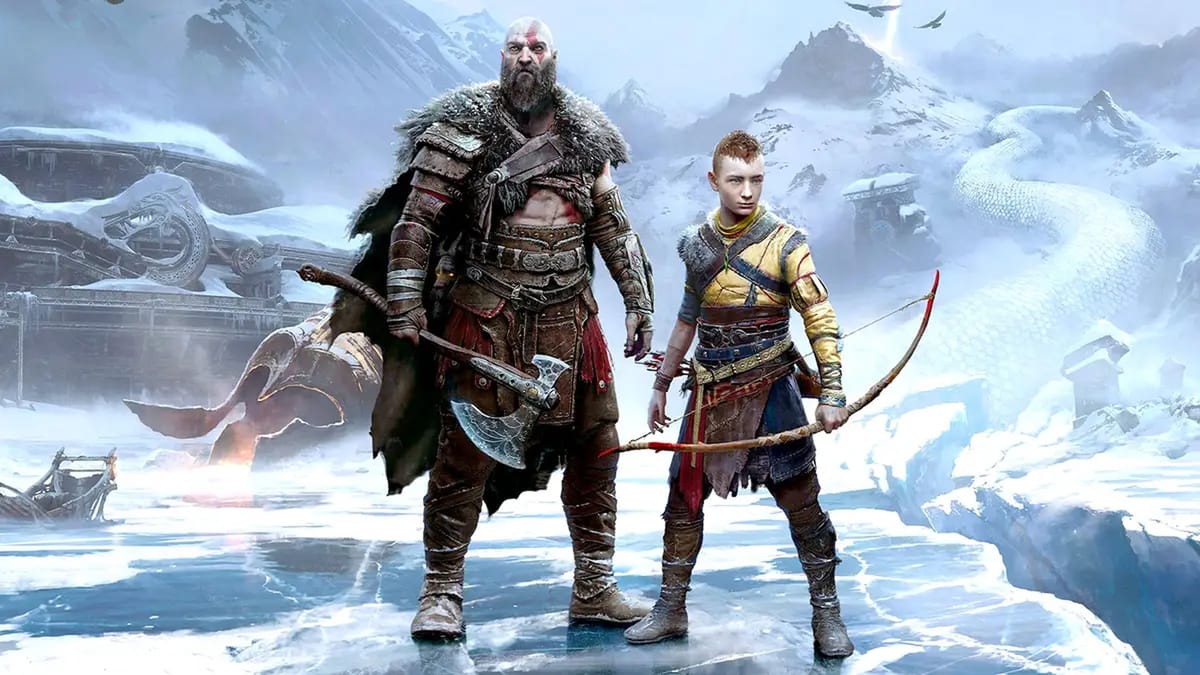
God of War Ragnarök delivers a truly epic continuation of Kratos and Atreus's journey through Norse mythology — and it brings some absolutely legendary accessibility support along for the journey. The team here at AbleToPlay picked up our Leviathan Axes and set out to explore how Santa Monica Studio made their action-packed adventure entire leagues more accessible than ever before.
Spoiler alert: it's absolutely amazing.
A Commitment to Accessibility From the Start
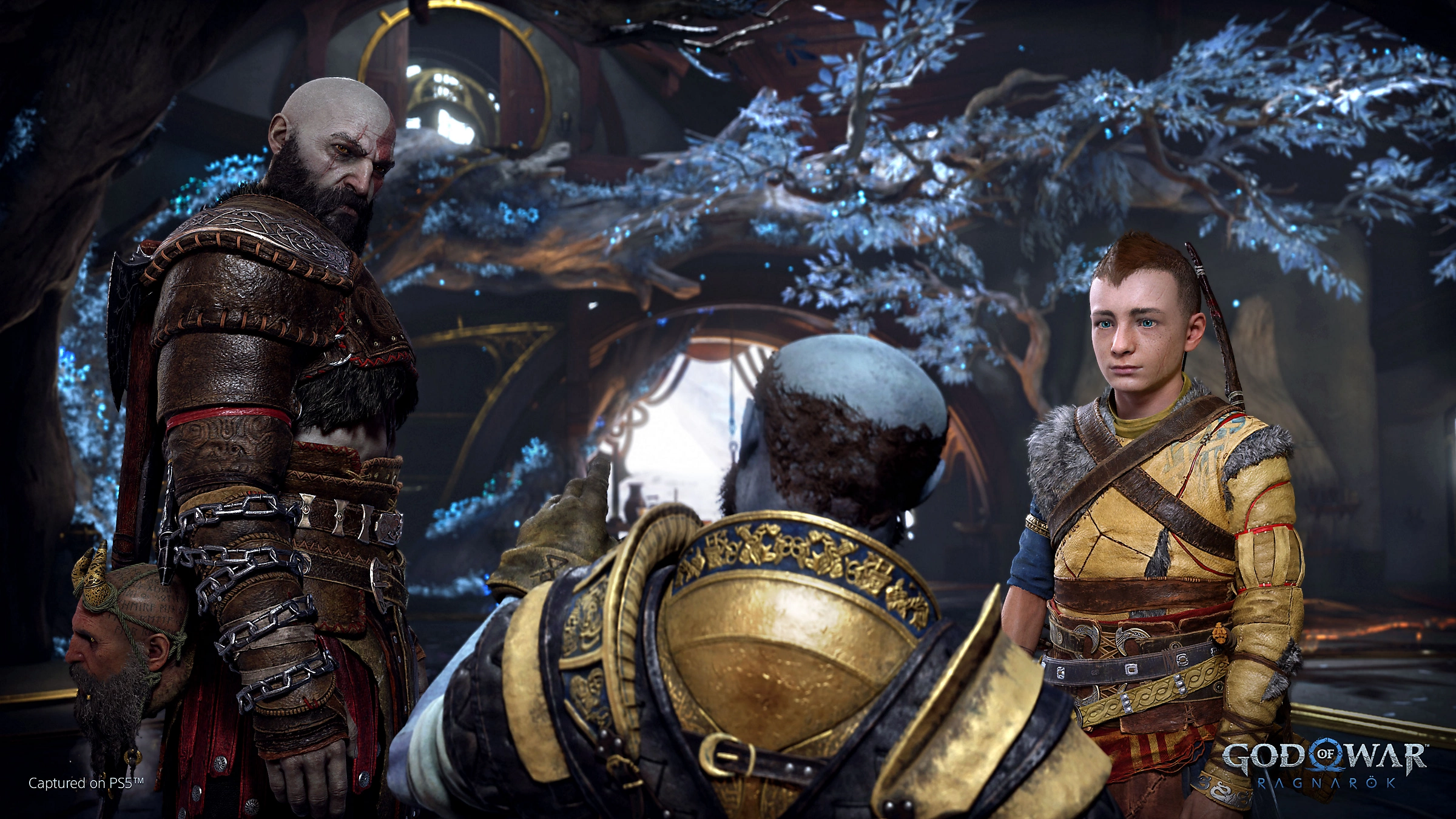
What immediately impressed us about God of War Ragnarök is the prominence of accessibility in the overall experience. Rather than treating these features as an afterthought, Santa Monica Studio collaborated directly with the disability community from the early stages of development, and it shows. The team focused on four key areas: vision, hearing, mobility, and cognitive support, and consulted with players with various disabilities and accessibility needs to ensure these features were implemented effectively.
Fun fact: AbleToPlay operates on the same four key areas! We also track Mental Health and Quality of Life support as well.
Speaking to Game Informer, Lead UX Designer Mila Pavlin emphasized that the team's goal was to ensure everyone could experience the rich storytelling and world of God of War Ragnarök regardless of their background or abilities. As she put it, "This is a fantasy epic. This is about a father and son. This is about fate and the Nine Realms. And the ability to go into that, regardless of your background, and be able to experience all this rich detail and history and story? That drives me every day."
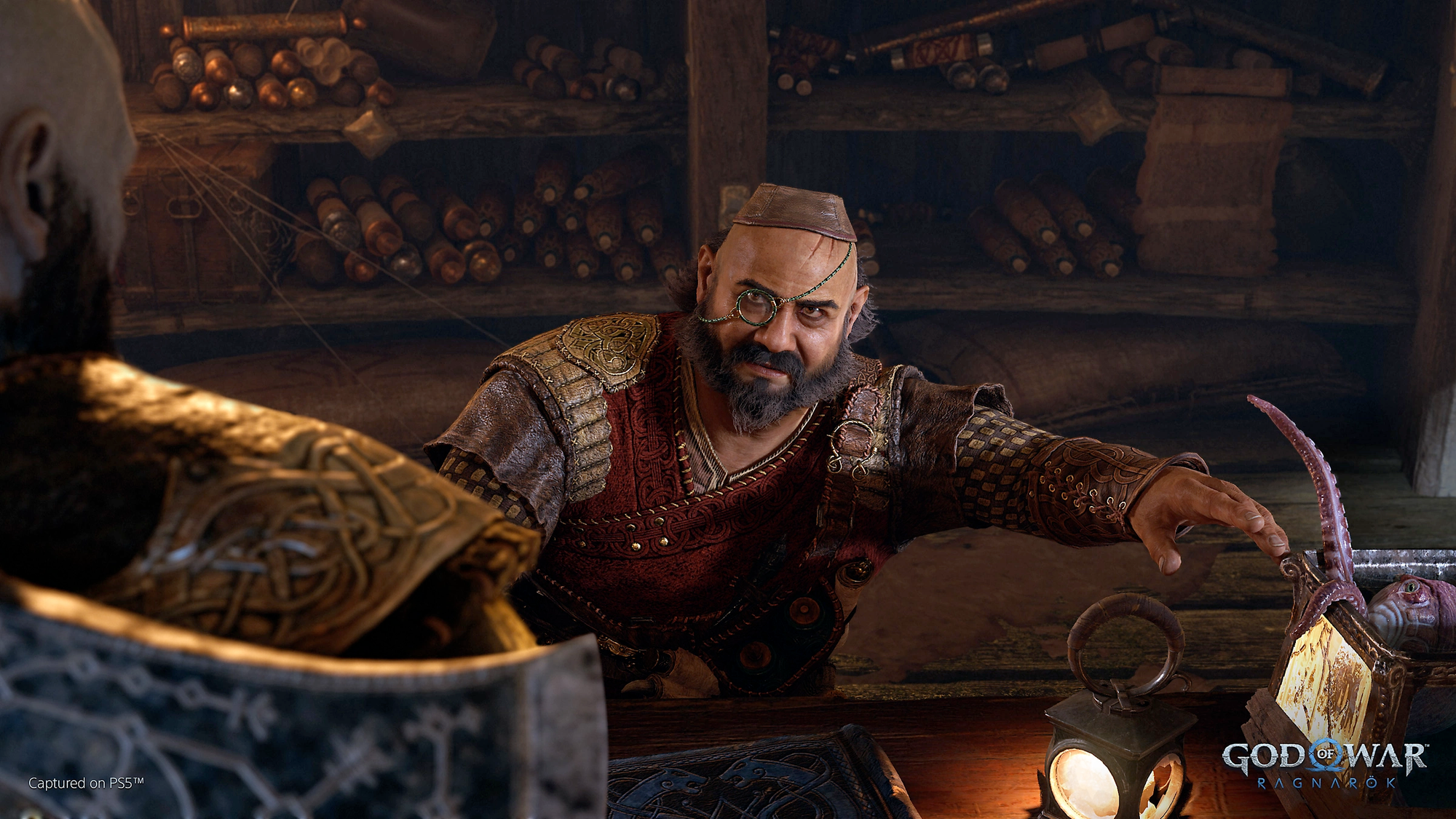
Thoughtfully Implemented Visual Accessibility
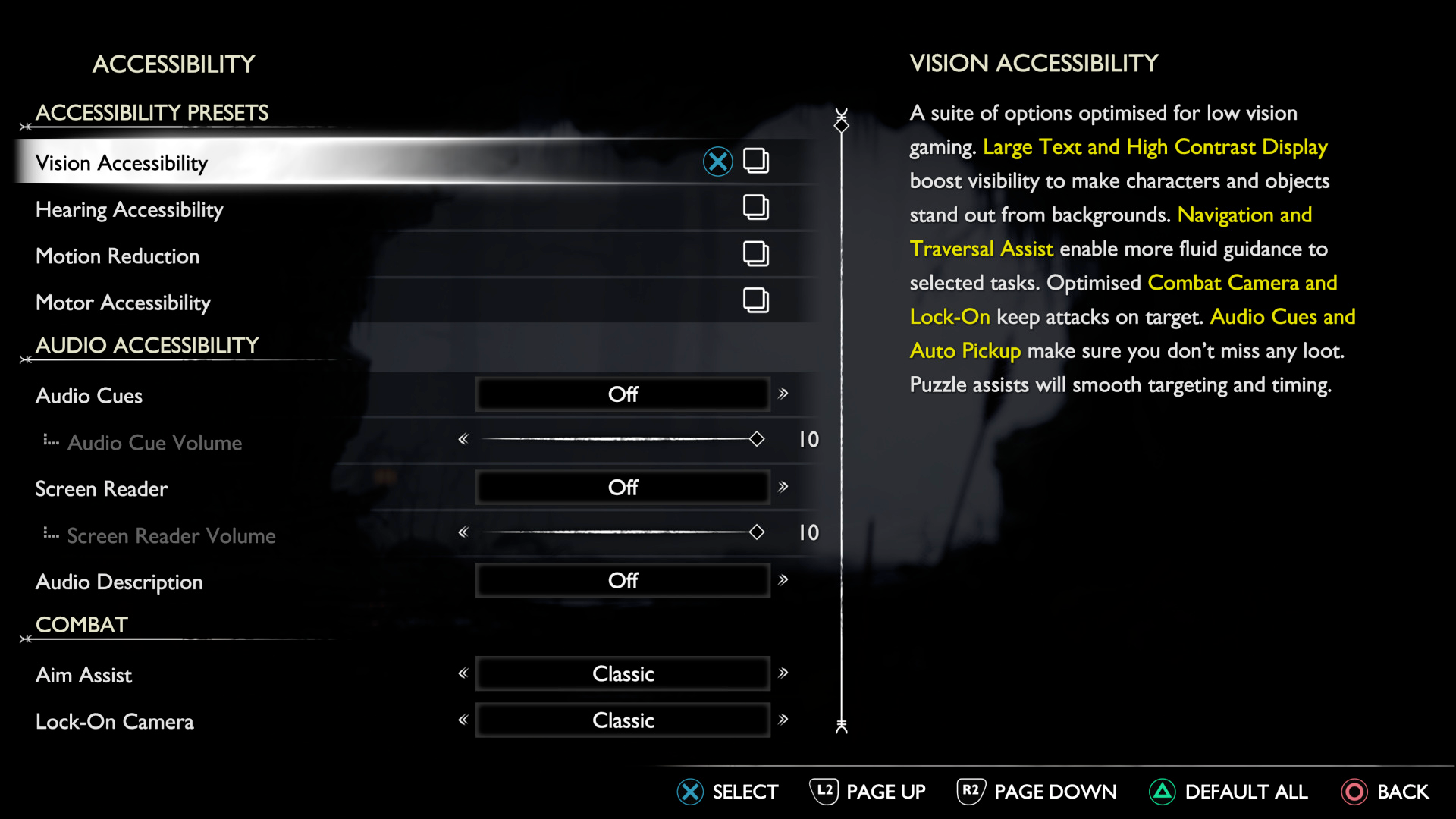
One of the standout accessibility features in God of War Ragnarök is its impressive High Contrast Mode, similar to what's found in The Last of Us Part II. This allows players to apply specific colors to different game elements — including characters, enemies, interactive objects, and backgrounds — making them easier to distinguish while reducing screen clutter. While a huge benefit for visual accessibility, it's also a major benefit to cognitive accessibility as well, as it can aid in split-second decisions that can mean the difference between victory and defeat.
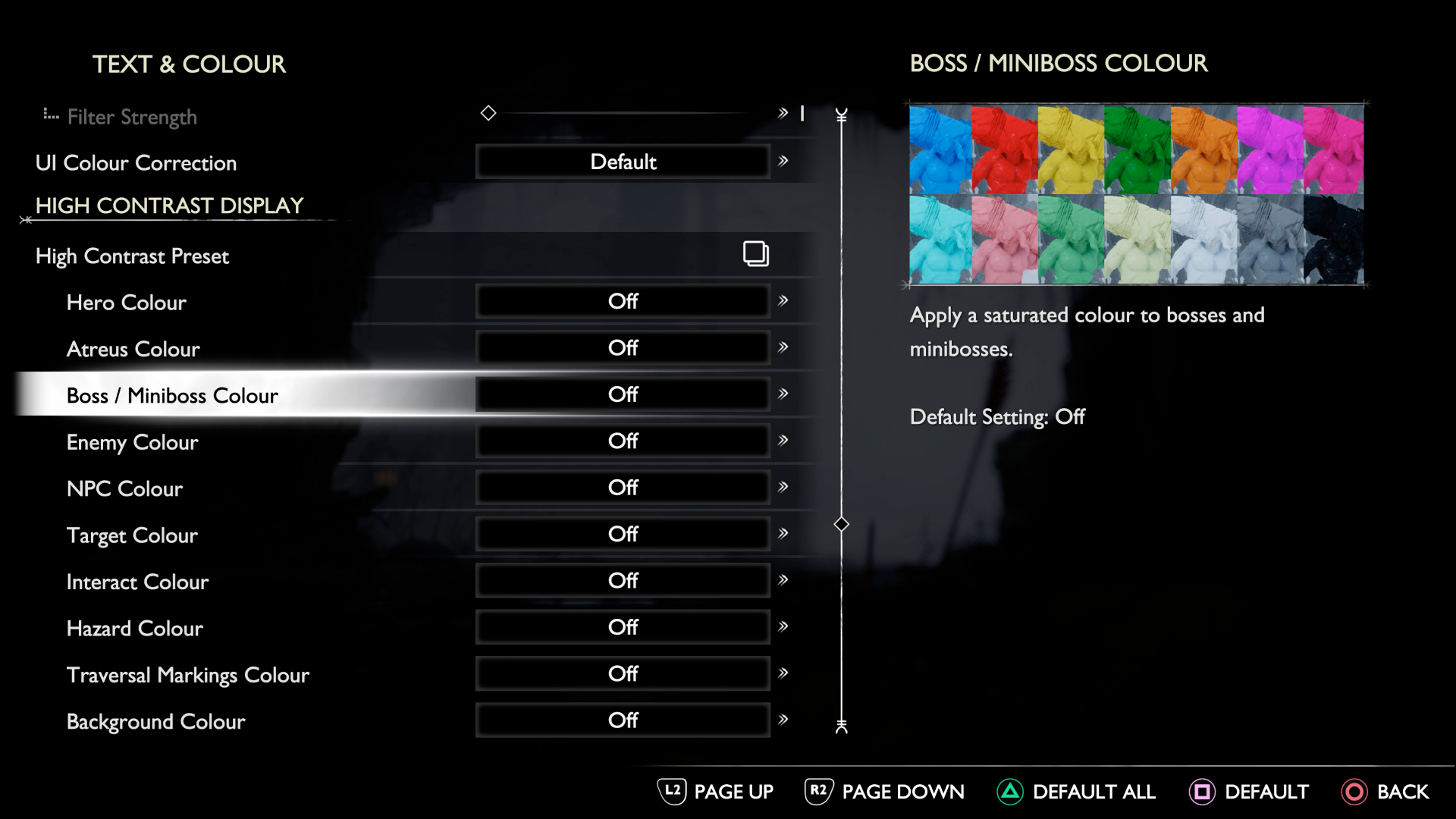
The game offers really adaptive text customization options as well. Players can adjust the minimum text size and even enable extra-large text for subtitles and UI elements.
The game sports an impressive roster of over 70 (!!!) accessibility features, but one unassuming feature that also sets a new standard benefiting both visual and cognitive accessibility took us by surprise: settings clearly indicate when they've been changed from default values. This seemingly minor feature helps immensely when scanning menus, and makes fine-tuning your experience leagues easier as you can clearly and quickly see what options have been changed from their defaults. It's one of those features that as soon as we used it, we wished every game implemented it.
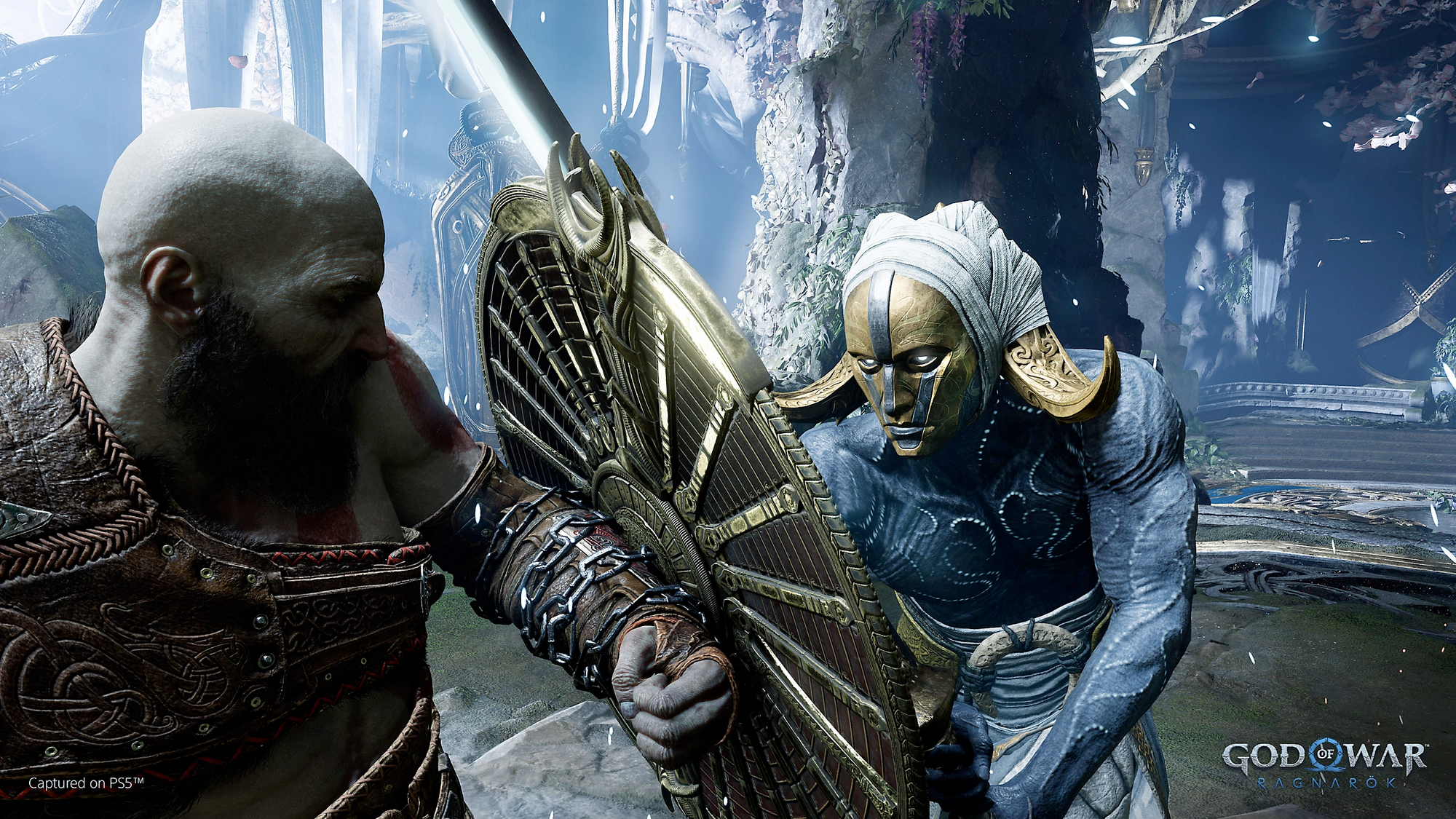
Wide Ranging Auditory Support
For players with hearing loss, God of War Ragnarök offers an impressive array of audio accessibility features. The game includes extensive subtitle options with speaker labels and customizable text sizes, making cutscenes and one-off dialogue while exploring easy to enjoy.
The subtitle system is incredibly flexible, with multiple different color options to choose from and adjustable background opacity. These thoughtful implementations ensure that important information remains legible throughout the action-packed adventure.
Audio cues are paired with visual indicators throughout the game, ensuring that important gameplay information is conveyed through multiple senses. These cues are linked to various on-screen prompts and interactive objects, helping players identify when they're near something of interest or when a specific action is required.
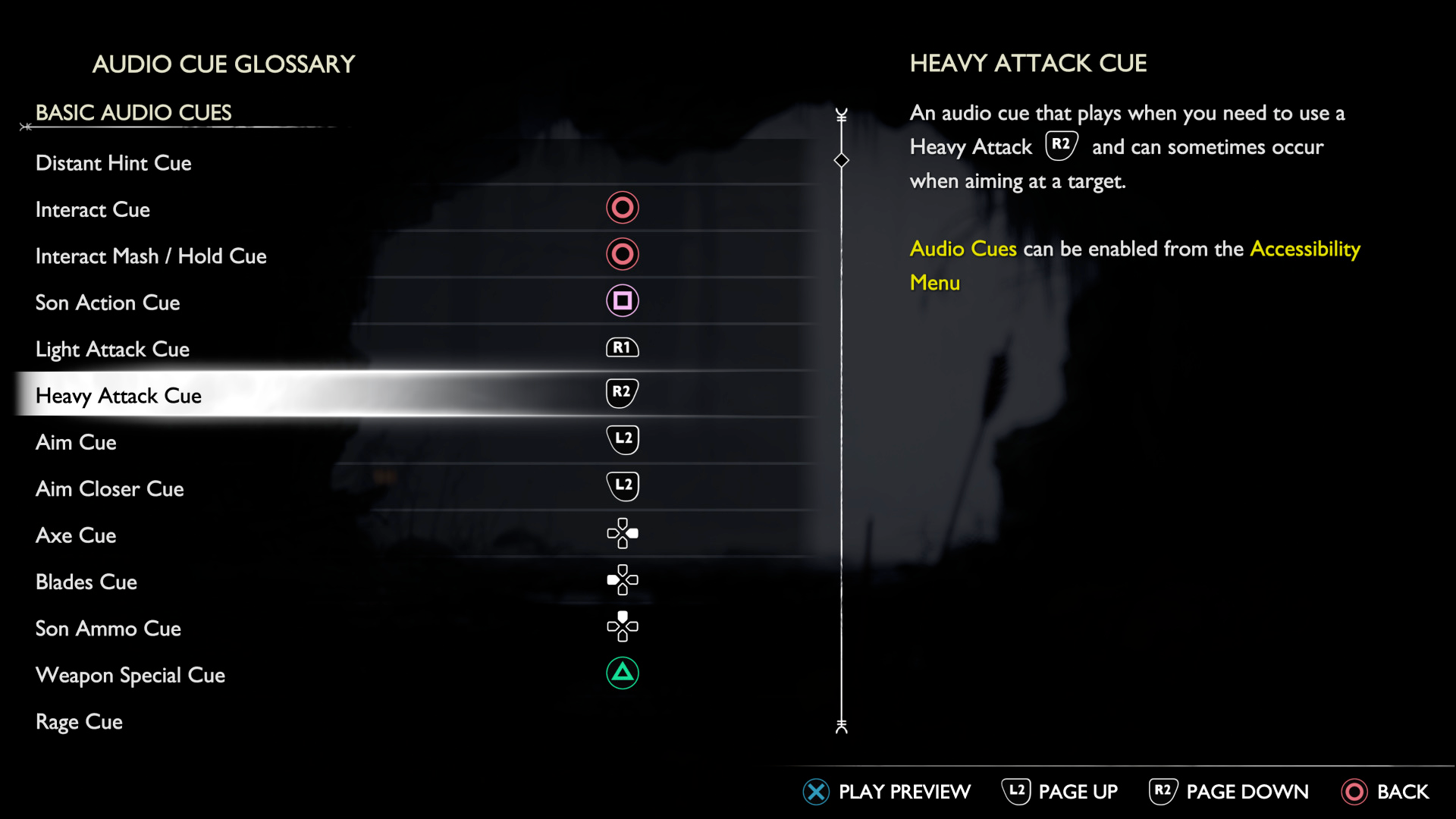
The game also includes an audio cue glossary, which helps players become familiar with the audio cues used throughout the game. You can essentially preview different audio cues, to learn them ahead of needing to know them. This incredibly thoughtful addition makes it easier for players to recognize and understand these sounds.
We especially loved the robust and instructive descriptions for every audio cue, explaining how, when, and why the cue would be triggered. For us, this took the feature from great to outstanding. Again – a feature that as soon as we used it, we wished more games would implement similar support.
Well-Rounded Mobility Support
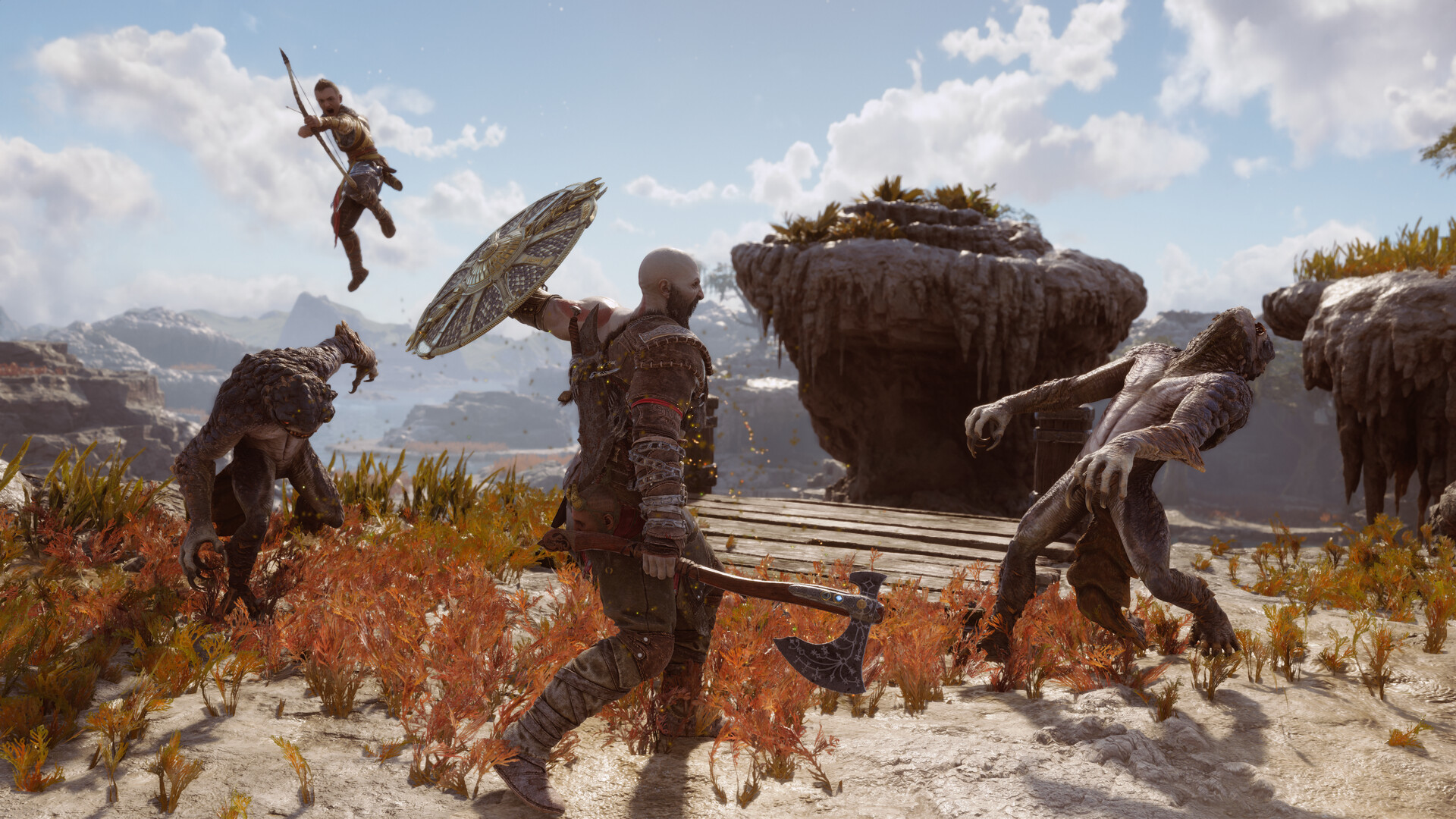
Santa Monica Studio has made great strides in making God of War Ragnarök more accessible for players with mobility limitations. The game offers completely remappable controls, allowing players to customize their control scheme to suit their individual needs and preferences with more than a dozen options.
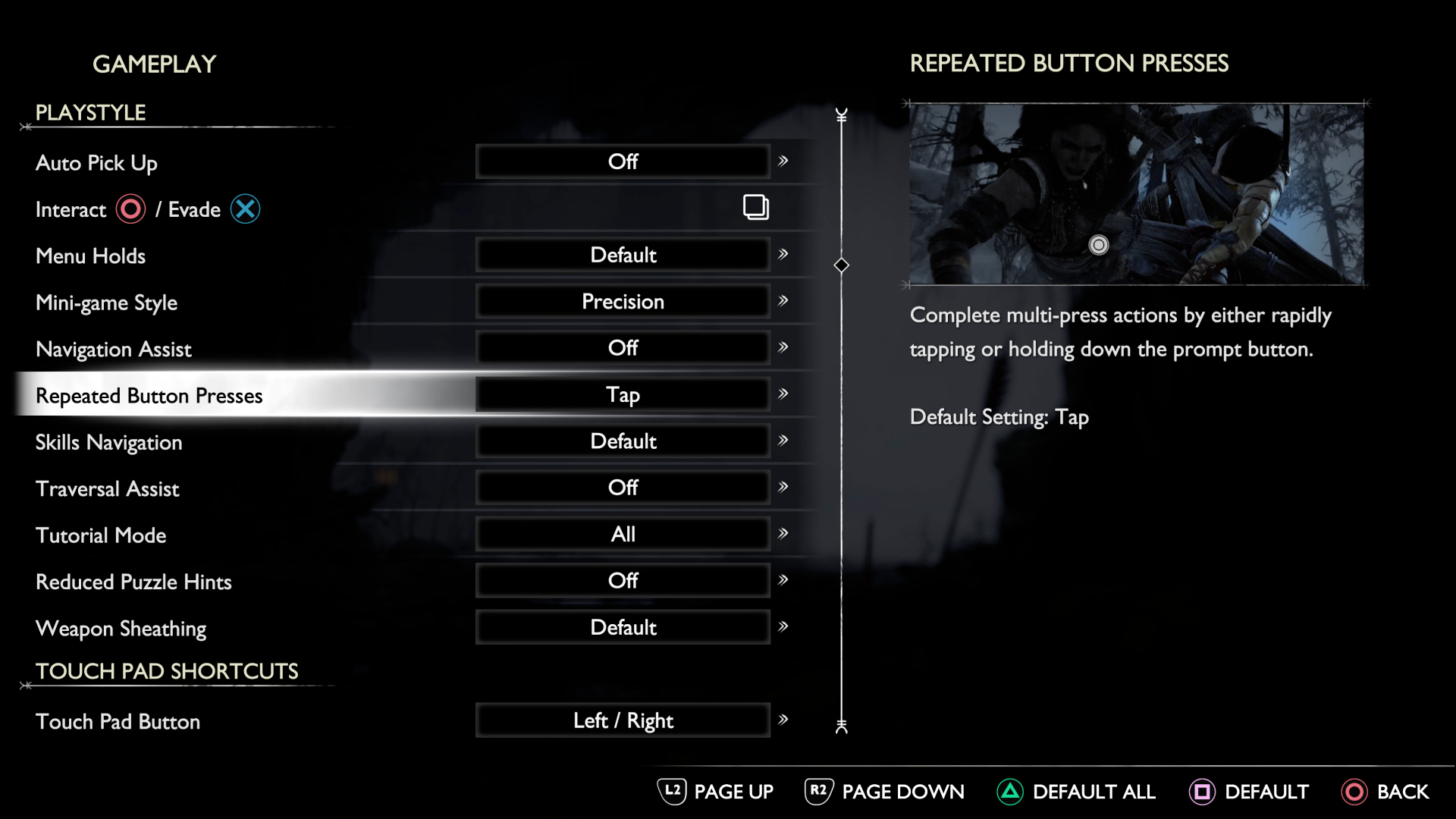
The game includes several preset control layouts, including options for left-handed and right-handed players. For those who struggle with sustained button presses, there are options to change hold actions to toggles, reducing the physical strain of gameplay.
Some of the most impressive motor accessibility features include an always-help auto-sprint function, traversal assistance that helps with gap jumping and vaulting, adaptive targeting that helps reduce the need for precise aiming, optionally automated item pickups, and more.
Again, like almost all settings in the game, gorgeous examples and well-written descriptions accompany all of these options, explaining what each setting does, how it's triggered, how it appears, and when it gets used.
Great Cognitive Accessibility
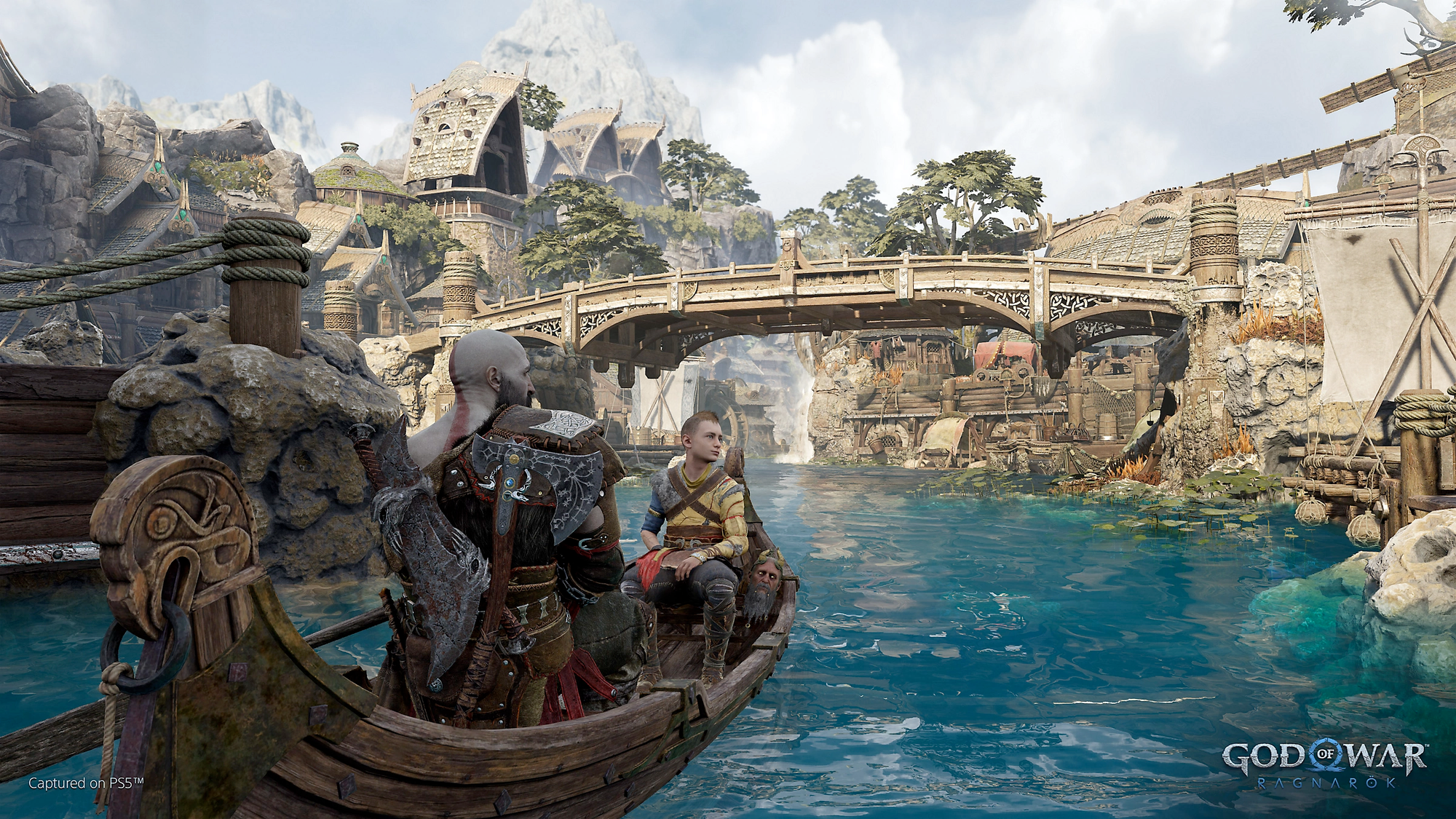
God of War Ragnarök also includes several features to aid cognitive accessibility. The navigation assist feature points the camera in the direction of your story or compass objective when not in combat, making it easier to find your way through the game's diverse, gorgeously detailed realms.
One of the most thoughtful implementations is how companion characters will offer hints if you spend too much time struggling with a puzzle. For example, if you're unsure what to do next, companions might suggest, "Maybe you should try your axe." This subtle guidance helps prevent frustration without diminishing the satisfaction of solving the puzzle. We think these in-character, lore-appropriate barks do a great job while not breaking immersion.
The game also includes options to customize the HUD, allowing players to choose between having it always on, appearing only when needed (immersive), or hidden entirely. This helps reduce on-screen clutter and allows players to tailor the visual information to their individual needs. We really felt the more immersive mode offered a super cinematic experience, but we appreciated the option to pick and choose what works best for our personal play-style.
An Iconic (and Accessible) Masterpiece
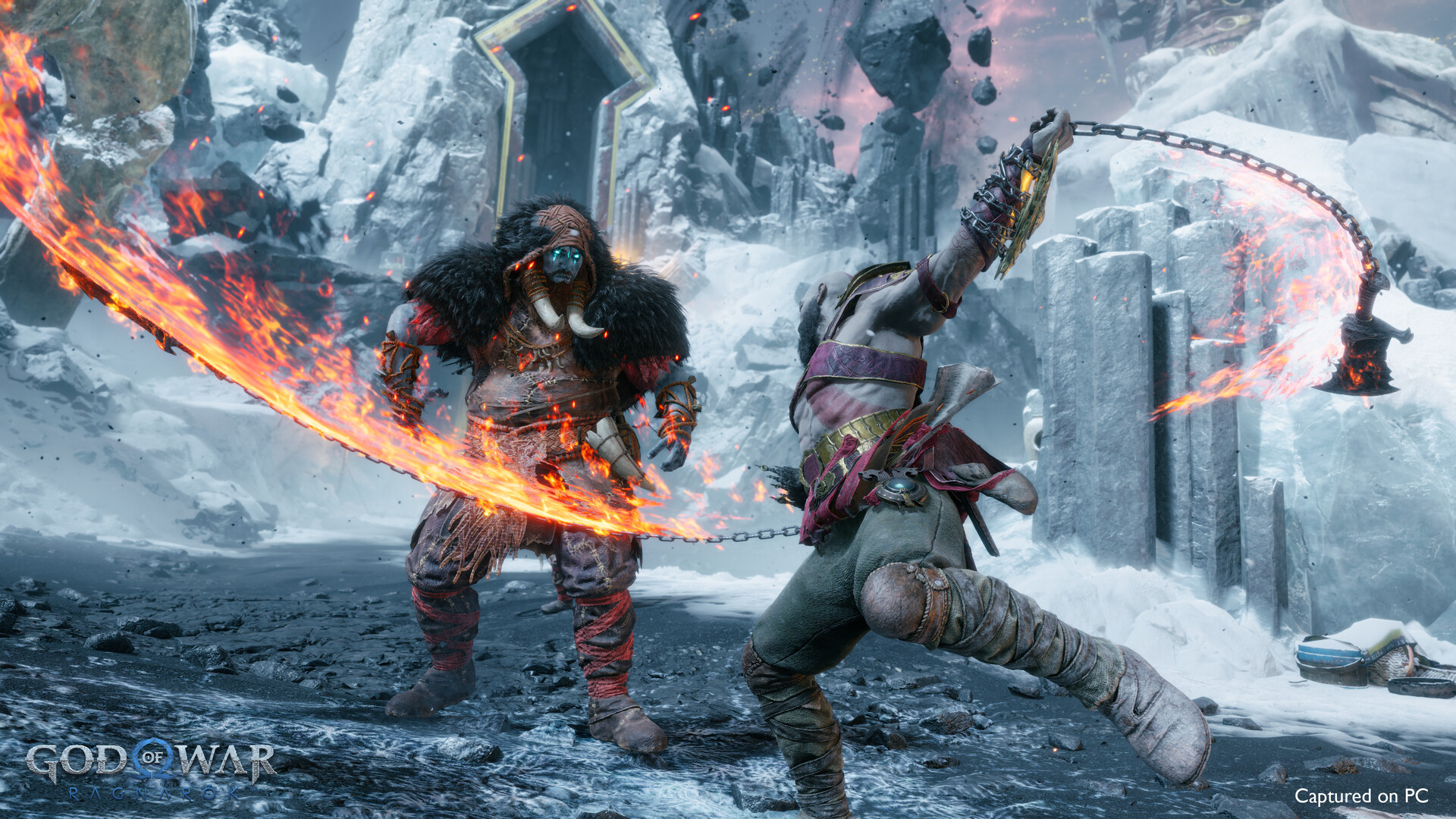
What makes God of War Ragnarök's accessibility approach so impressive isn't just the sheer number of options available — over 70 accessibility features in total! — but how they're implemented. These thoughtfully designed systems preserve the core God of War experience while opening it up to more players than ever before.
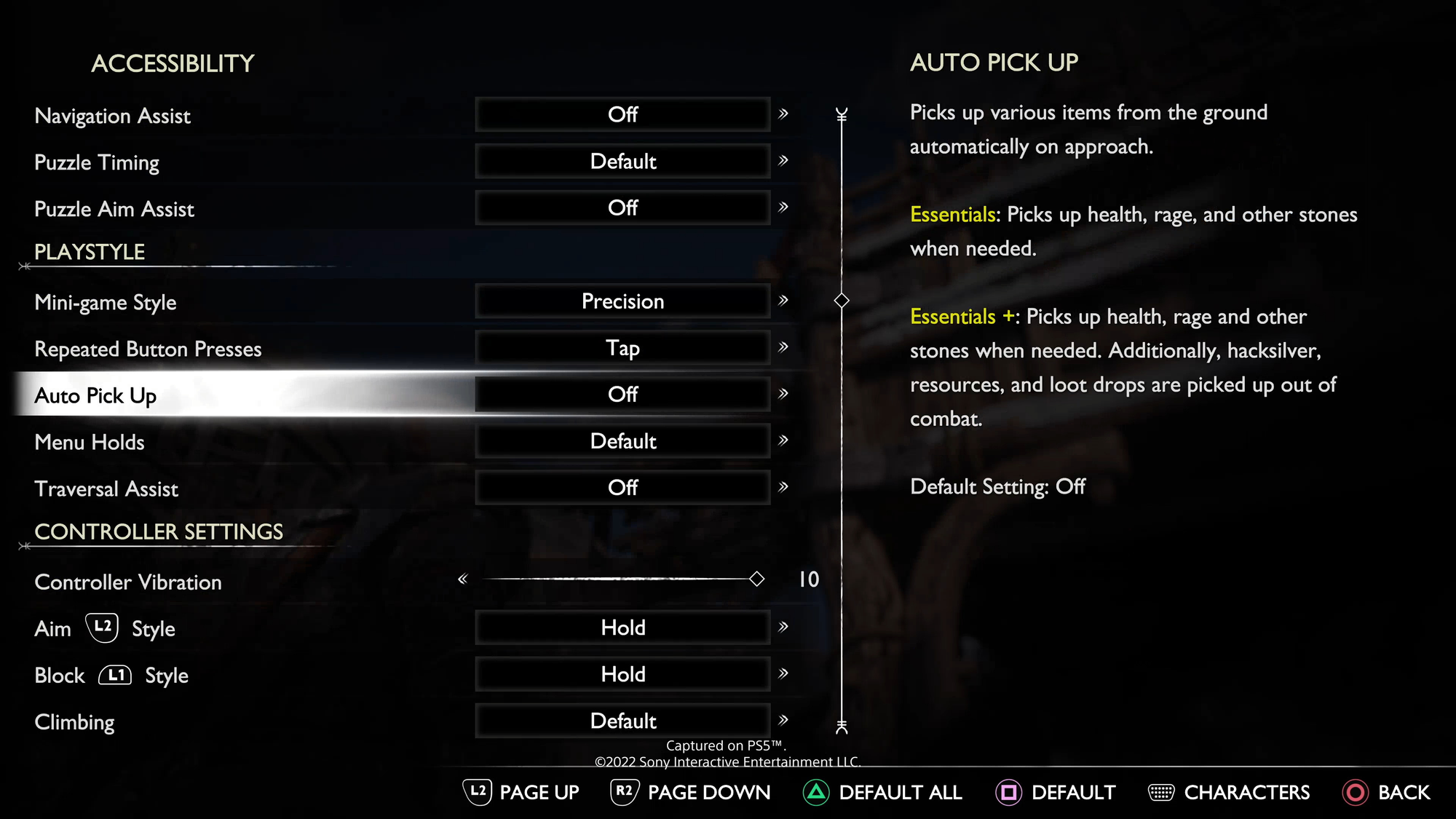
We particularly appreciate that many of these accessibility features aren't just beneficial for players with disabilities — they can enhance the gameplay experience for everyone. Features like auto-pickup, traversal assistance, and customizable HUD elements are quality-of-life improvements that many players will appreciate, regardless of ability.
The game demonstrates that accessibility and intense, action-packed gameplay aren't mutually exclusive. By reducing barriers without compromising the experience, God of War Ragnarök sets a new standard not just for the franchise, but for action games as an entire genre.
Discover More With Your Personal Score™
Wondering how well God of War Ragnarök might work for your specific accessibility needs? Our team at AbleToPlay has your back!
Create your free account today to get your Personal Score™ for God of War Ragnarök and thousands of other games. AbleToPlay matches you to games based on your unique accessibility needs and preferences, helping you make informed gaming decisions before you buy – for free.
Check out all the accessibility features in God of War Ragnarök and see your Personal Score™ now!